Omnia Setup with Wizard - Import Configuration Configuring Omnia PCB
MDE-5369G FlexPay™ IV (with Omnia V04.07) Programming and Service Manual · March 2021 Page 5-51
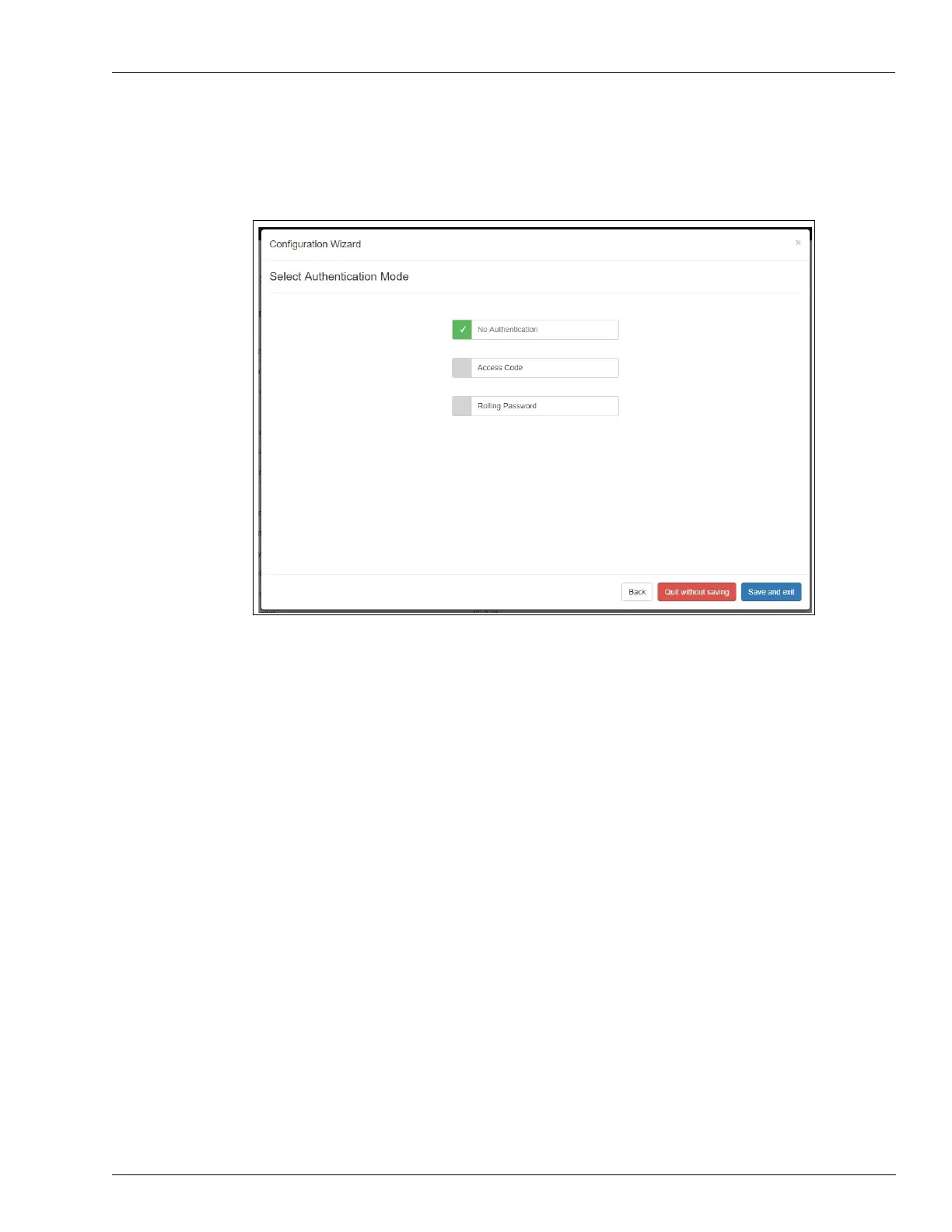
8 Click Next. The Select Authentication Mode page opens if Omnia is running version 03.02 or
higher.
Figure 5-73: Authentication Mode Page
9 Select No Authentication unless the customer requests a different mode. In the latter case,
refer to “Advanced Settings” on page 5-22.
10 Click Save and Exit.
Importing configuration is now complet
e.



 To Next Page