GKB 4CH/8CH VFire Server
115
H.264 to AVI/MP4 Conversion Utility
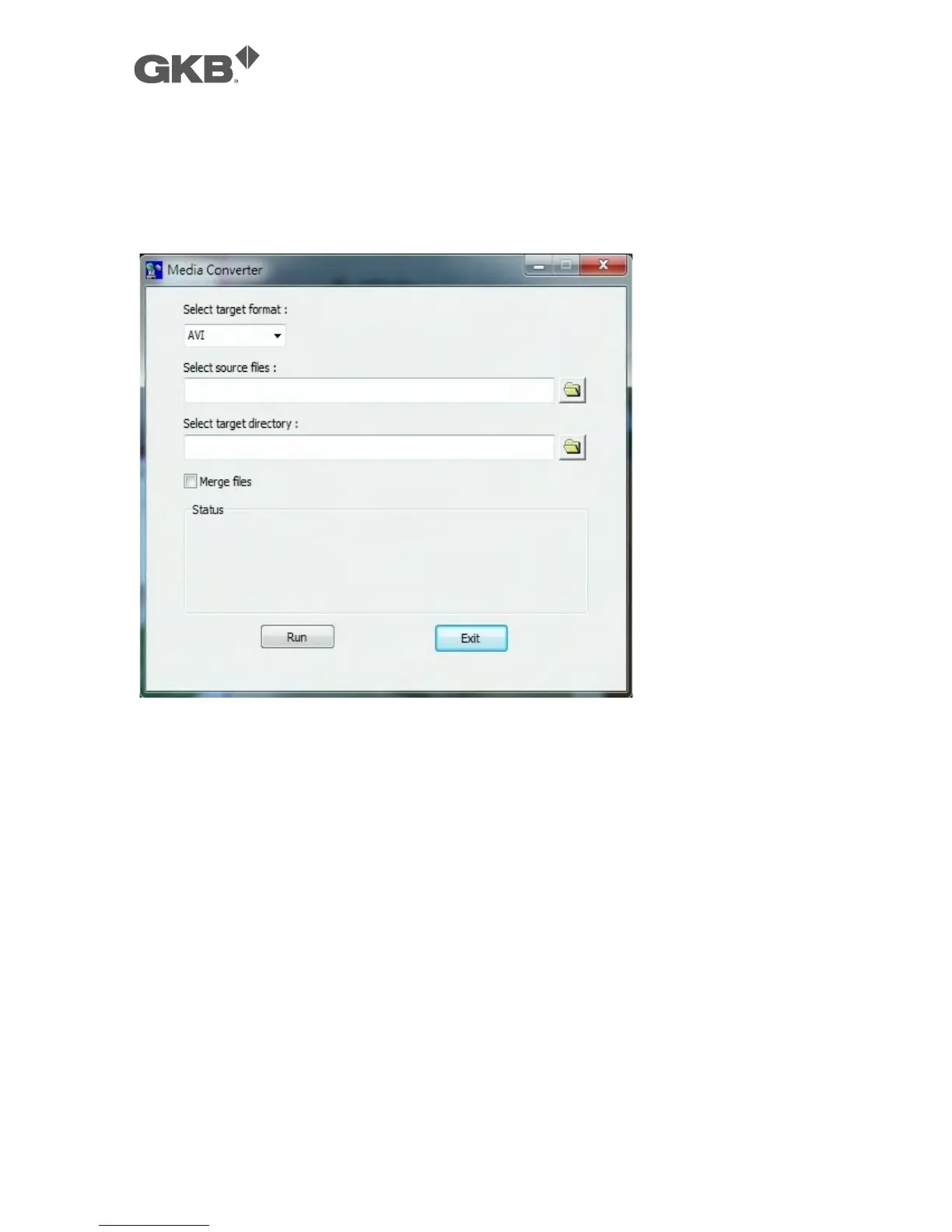
To run the H.264 to AVI/MP4 Conversion Utility under MS-Windows, please select
Start->Programs->Hyper Electronics Mappers->Media Converter or double-click on
the file Media_Converter.EXE, and the screen will be shown as below.
Please select the target format – AVI or MP4, the source files – .H264 files archived
from DVR/NVR, remote I.E., HEM, and FTP file transfer – to be converted from, the
target directory to save the converted files, and check “Merge files” if you want
chained backup files to be converted into one AVI/MP4 file, and then click on OK to do
the conversion. The converted .AVI or .MP4 files can be played by Windows Media
Player if DivX or the other H.264 decoder is installed in the PC.



 To Next Page