TX6600PRO INSTRUCTION MANUAL
10
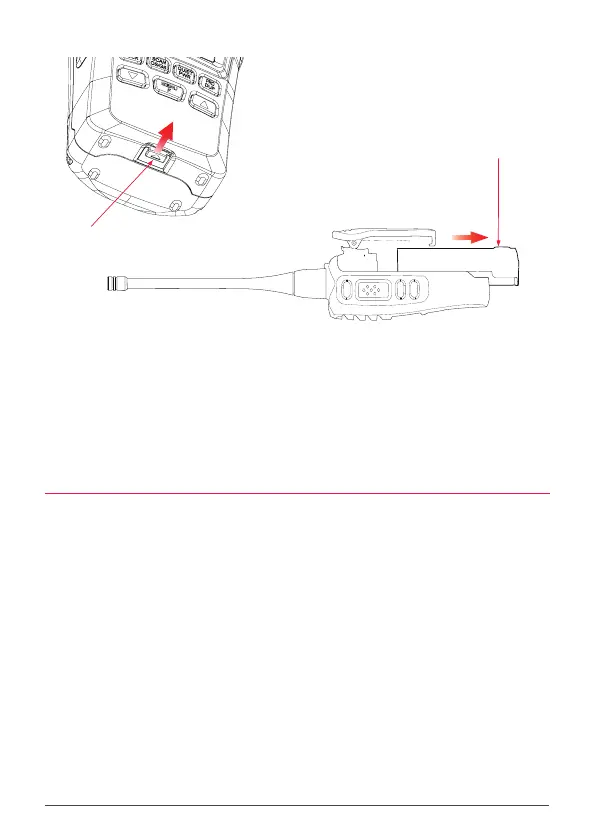
Battery
Slide to open
STEP 2
Battery Latch
Slide to release
STEP 1
The desktop charger is designed to charge the battery while it is attached to the
radio. Simply press the radio (with the battery attached) rmly into the charging
slot so the contacts on the battery align with the contacts in the charger slot.
Alternatively, the battery can be removed and charged separately by inserting it
into the slot at the rear of the desktop charger compartment.
CHARGING THE BATTERY
1. Plug the PS005 AC adaptor into a standard 240 Volt outlet.
2. Plug the lead from the PS005 into the charging socket on the rear of
the BCD022 charging cradle.
3. Place the TX6600PRO with battery attached into the charging slot.
The charger indicator LED will light Red.
4. Once the battery is charged, the charger indicator LED will change to
Green.



 To Next Page