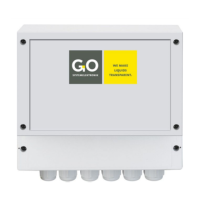
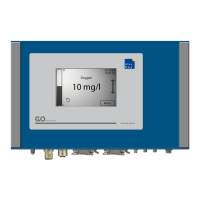
BlueBox
GO Systemelektronik GmbH Faluner Weg 1 24109 Kiel Germany Tel.: +49(0)431-58080-0 Fax: -58080-11
Page 48 / 77
www.go-sys.de info@go-sys.de
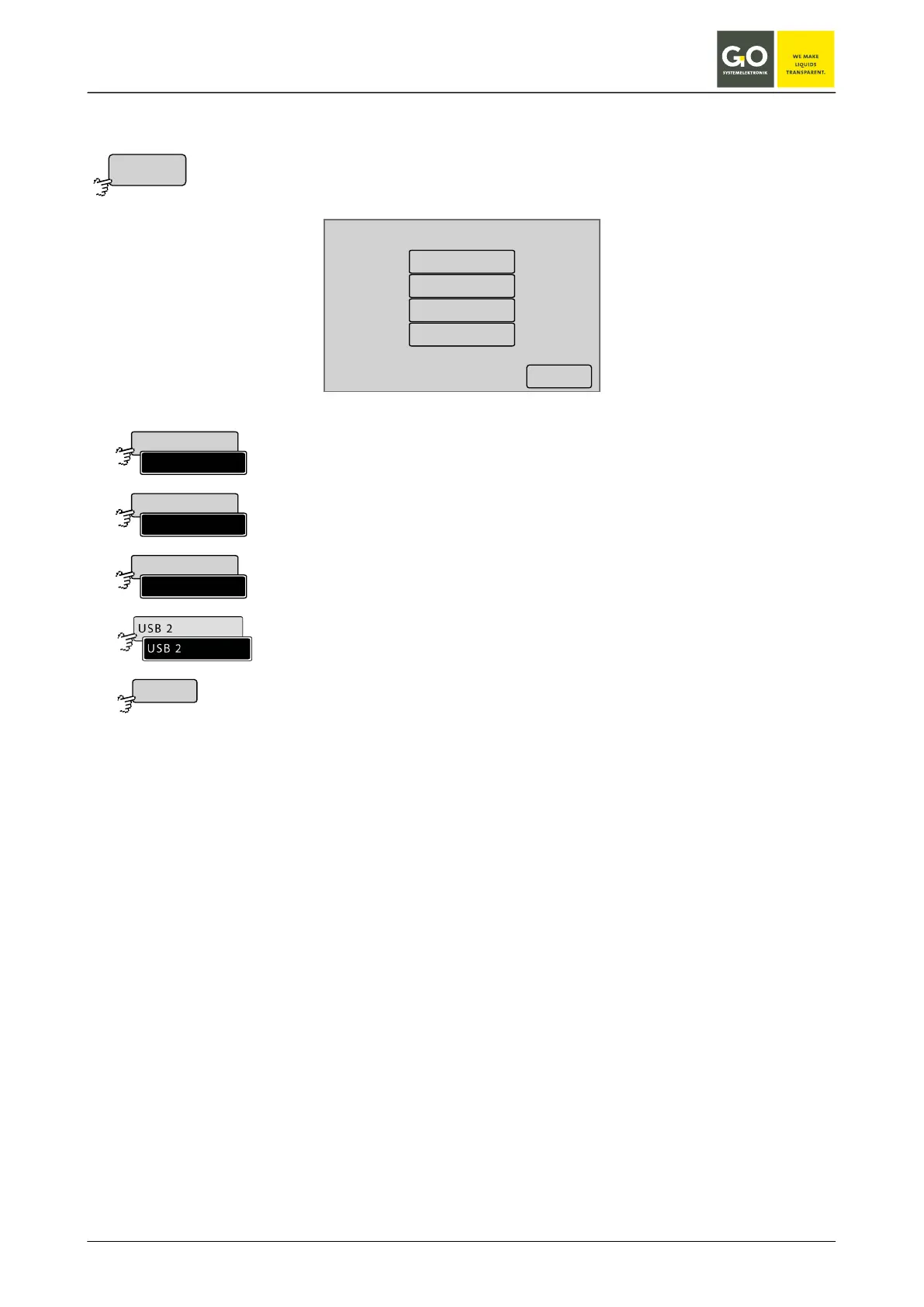
8.2.1.4.1 Modem port setup
Modem port setup
Off
Serial 1
USB 1
USB 2
<–
Modem menu 8.2.1.4
Enables or disables the modem connection.
If a factory-mounted modem is connected to the serial interface, then this in-
terface is activated by the manufacturer.
If a factory-mounted modem is connected to the USB interface, then the USB
interface is activated for the modem by the manufacturer via this button.
For special cases, e.g. if USB 1 is allocated to a GPS receiver.
Switches back to the Modem Menu.


 To Next Page