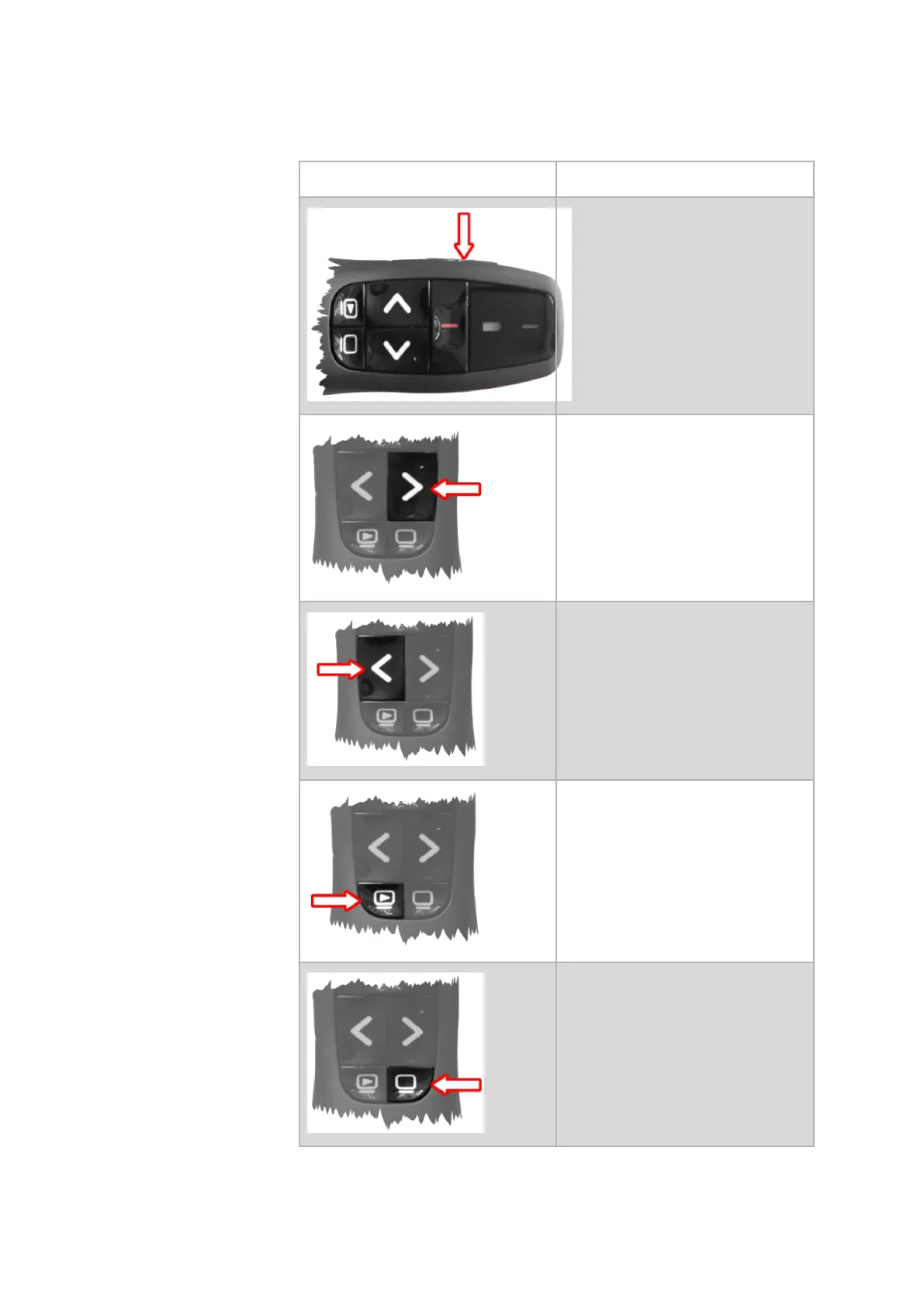
6.2 Explanation of the Function Keys
Key, Key Press: Function:
You switch the remote control on or
o.
Using the function Capture images,
you can trigger image acquisitions
during the calibration.
You can open the dialog Start Measur‐
ing Sequence.
You can reject a captured image dur‐
ing the calibration. The software
jumps back to the previous position.
You can close the dialog Start Measur‐
ing Sequence.
Abort a running measurement.
Maximize or minimize the live view.
You can use this function also during a
measurement.
Wireless Remote Control
0000001503_002_EN_02-12-2019 Page 20 (56)


 To Next Page