Info
A small aperture value means that the aperture is opened to its maximum.
A large aperture value represents a closed aperture.
The more the aperture is closed, the larger is the depth of field. The depth
of field is the area surrounding the focus point, which is also displayed in
sharp focus.
The more the aperture is closed, the darker are the images. This can be
compensated by a longer exposure time or more light.
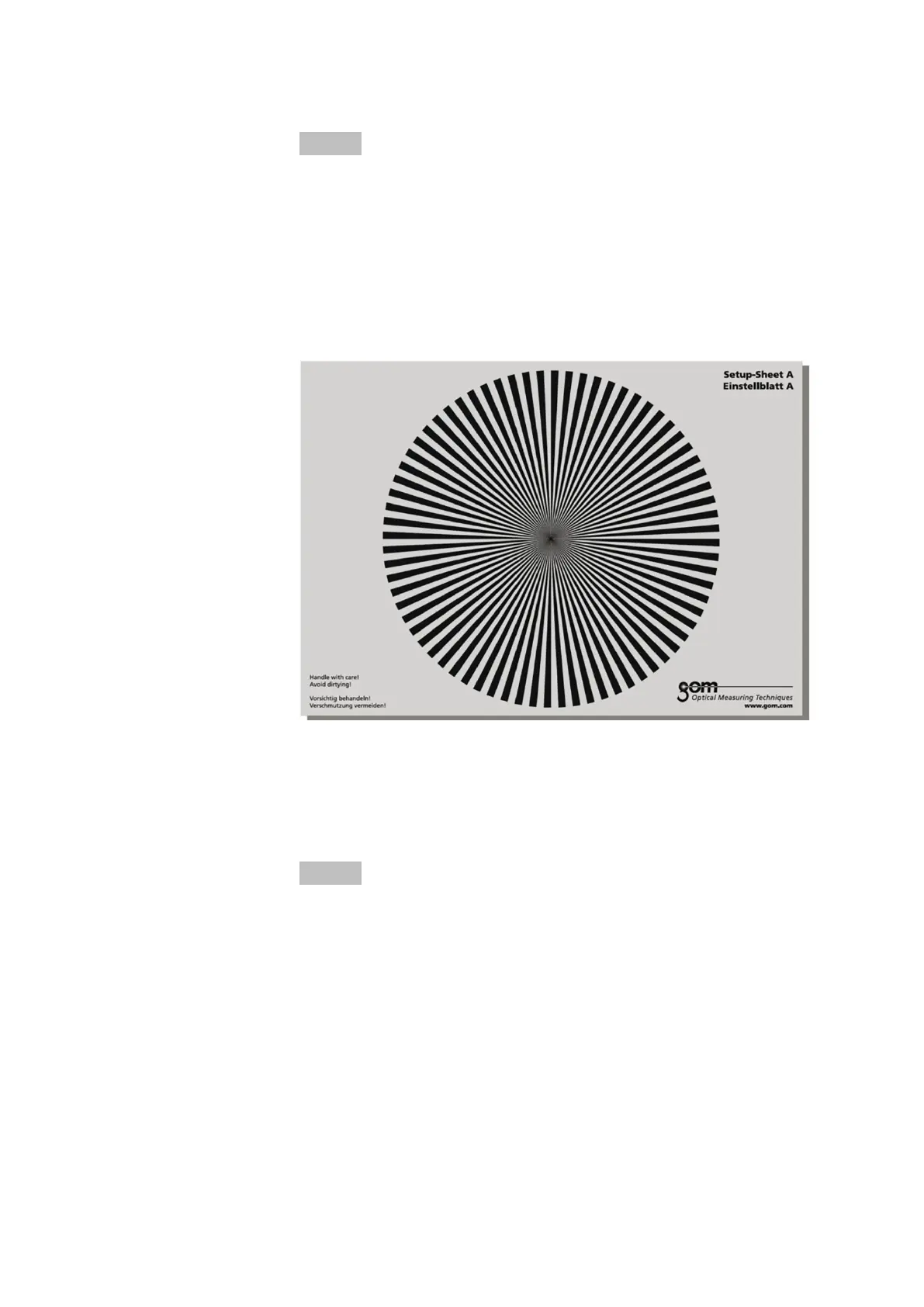
To adjust the focus in the live view of the individual cameras, use setup
sheet A.
Fig. 17: Setup sheet A for focus adjustment
After having adjusted the focus, fix the focus locking ring using the hex
socket locking screw.
7.8 Adjust the Aperture
Info
Adjust the focus and aperture of the camera lenses without the optional
polarizing filters.
Use setup sheet B for adjusting the aperture in the live view of the individ‐
ual cameras. Switch the live view to a false color representation. Close the
aperture as far as possible in order to achieve a best possible depth of
field. Adjust the aperture of the two camera lenses so that both images
look similar.
Set Up Sensor
0000001503_002_EN_02-12-2019 Page 29 (56)


 To Next Page