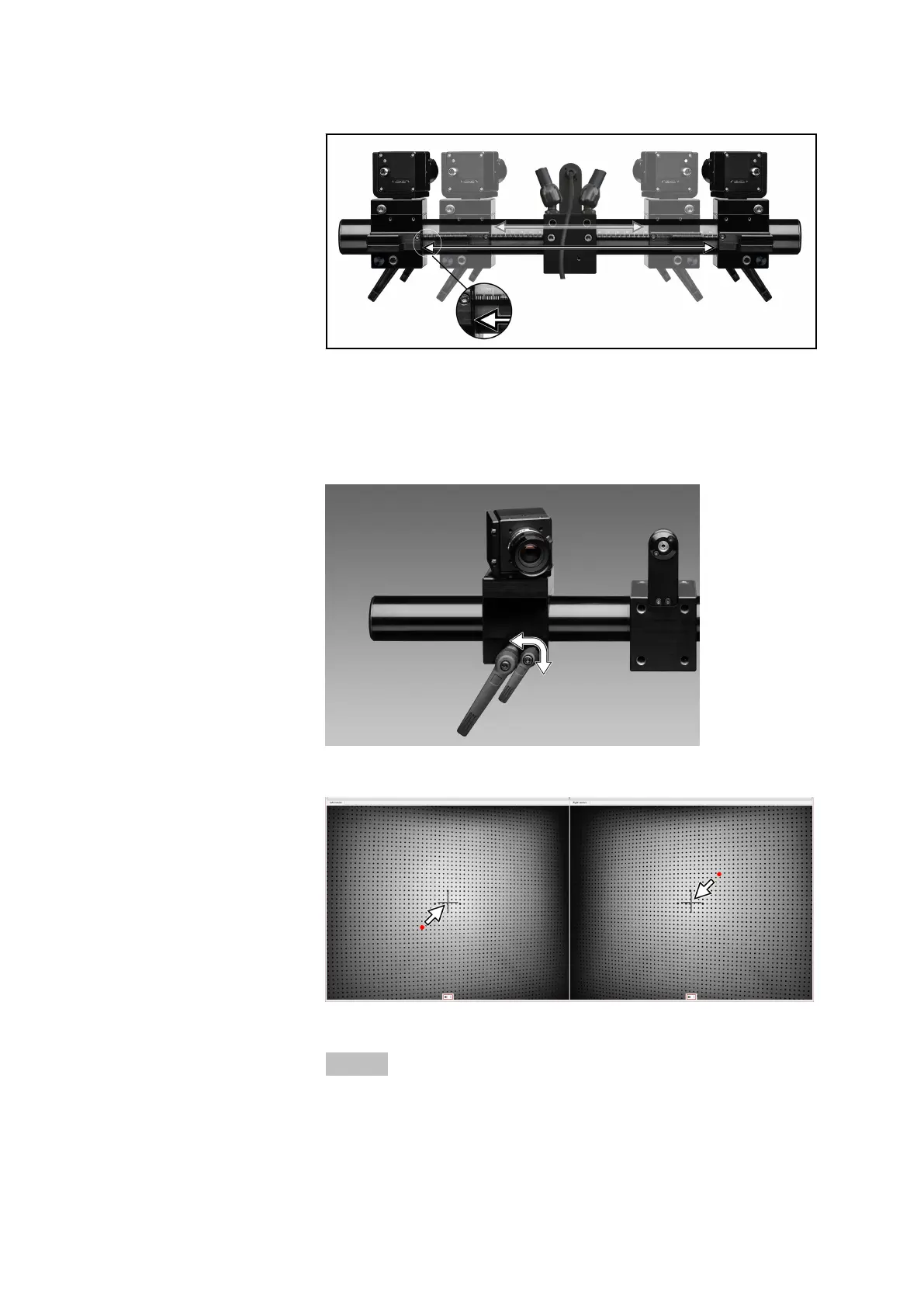
Fig. 9: Moving the cameras to the required slider distance
4. Switch on the laser pointers via the software. In the live view of the
respective camera, roughly adjust the horizontal and the vertical line
of the cross hairs to the projected laser point.
Lock this position by means of the small handle.
Fig. 10: Fixing the camera position
Fig. 11: Adjusting the camera position roughly
Info
In the next step, you can readjust the vertical positioning more pre‐
cisely.
Set Up Sensor
0000001503_002_EN_02-12-2019 Page 24 (56)


 To Next Page