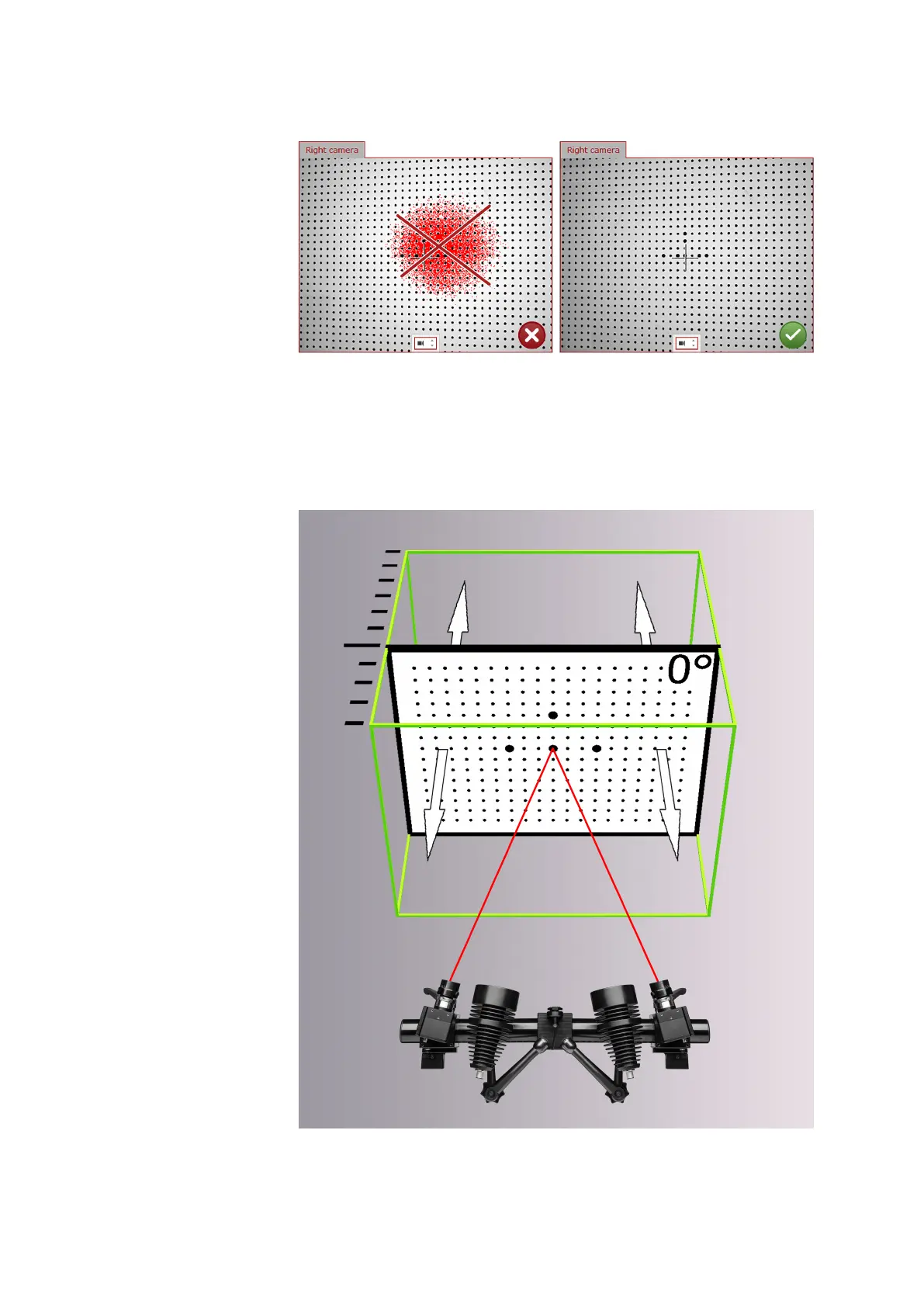
Fig. 28: Exposure setting for calibration
Follow the nine calibration steps and place the calibration panel in the
defined positions to the sensor. You have to rotate and tilt the calibration
panel from time to time.
The software informs you about the individual positions in the measuring
volume.
Fig. 29: First position of the calibration panel in the measuring volume
Calibrate the Sensor
0000001503_002_EN_02-12-2019 Page 42 (56)


 To Next Page