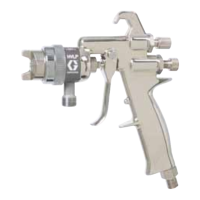
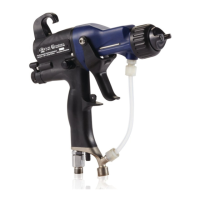
Gun Overview
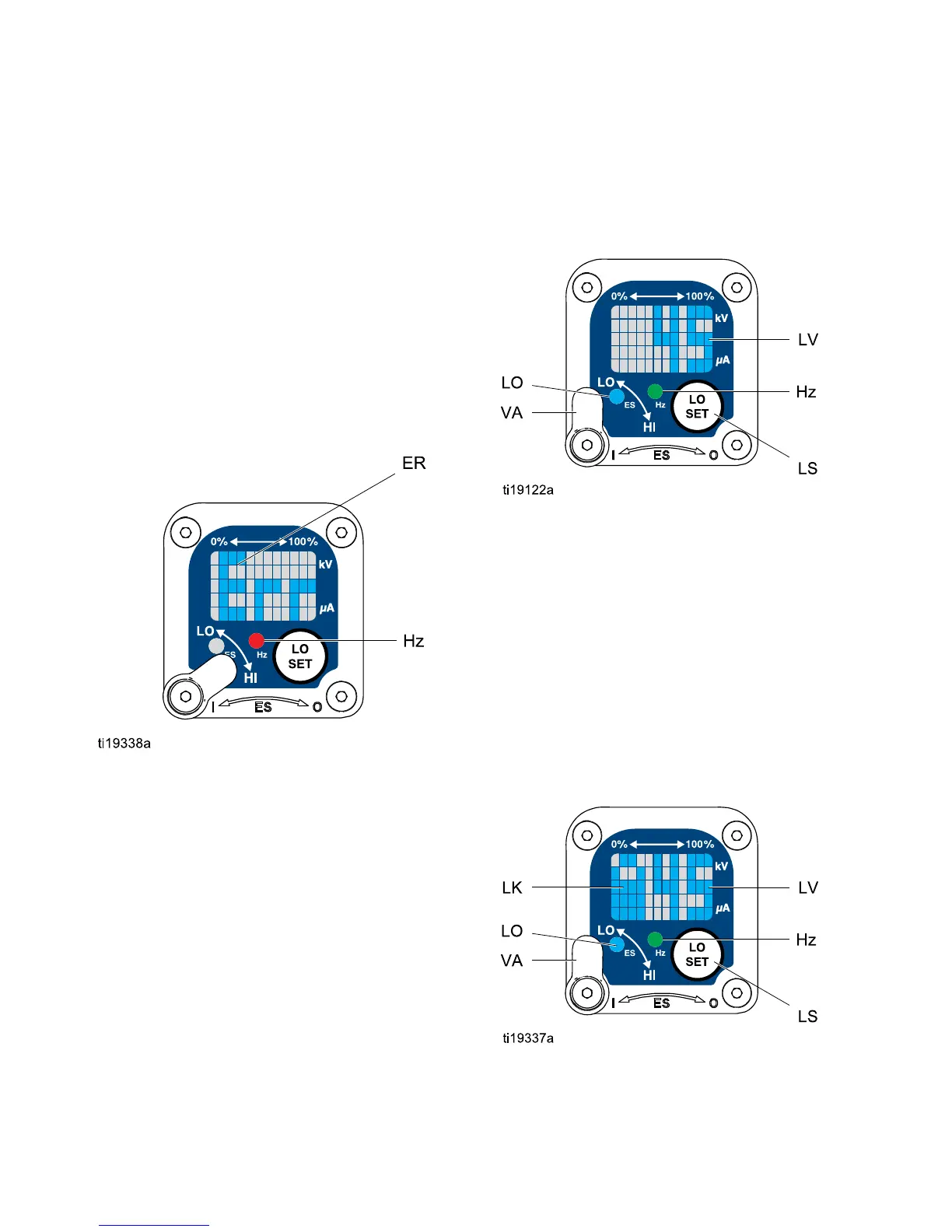
Error Display
If the Smart module loses communication with
the power supply, the Error display appears, the
Hz indicator turns red, and the Smart module is
disabled. See Fig. 3, and Table 1 on page 10.
This can occur in Operating Mode or Diagnostic
Mode. See Electrical Troubleshooting, page 35.
Communication must be restored to make the Smart
module functional.
NOTE: It tak
es 8 seconds for the Error display to
appear. If t
he gun has been disassembled, wait 8
seconds bef
ore spraying to ensure that an Error
condition h
as not occurred.
NOTE: If there is no power to the gun, the Error
display will not appear.
Figure 3 Error Display
Adjusting the Low Voltage Setting
The low voltage setting is user adjustable. To access
the low voltage setting screen when in Operating
Mode, press the LO SET button (LS) momentarily.
The screen will display the current low voltage
setting. SeeFig. 4,andTable1onpage10. The
possible ranges are:
• 85 kV guns: 40–85 kV
• 60 kV guns: 30–60 kV
Se
t the Voltage Adjustment switch (VA) to LO. Press
th
e LO SET button repeatedly to increase the setting
in
increments of 5. When the display reaches the
ma
ximum setting it will return to the minimum setting
for your gun. Continue pressing the button until you
reach the desired setting.
NOTE: After 2 s
econds of inactivity the display will
return to the O
perating Screen.
NOTE: The low voltage setting may be locked. See
Lock Symbol, page 10.
Figure 4 Low Voltage Setting Screen (Unlocked)
Lock Symbol
The low voltage setting may be locked. When locked,
an image (LK) appears on the screen. See Fig. 5,
and Table 1 on page 10.
• When in HI mode, the low voltage setting is always
locked. The lock symbol will appear when the LO
SET button is pressed.
• When in LO mode, the lock symbol will
only appear if the lock is enabled. See
Low Voltage Lock Screen, page 14,tolockor
unlock the low voltage setting.
Figure 5 Low Voltage Setting Screen (Locked)
10 3A2494E


 To Next Page