Gun Setup
Gun Setup
Gun Setup Chec
klist
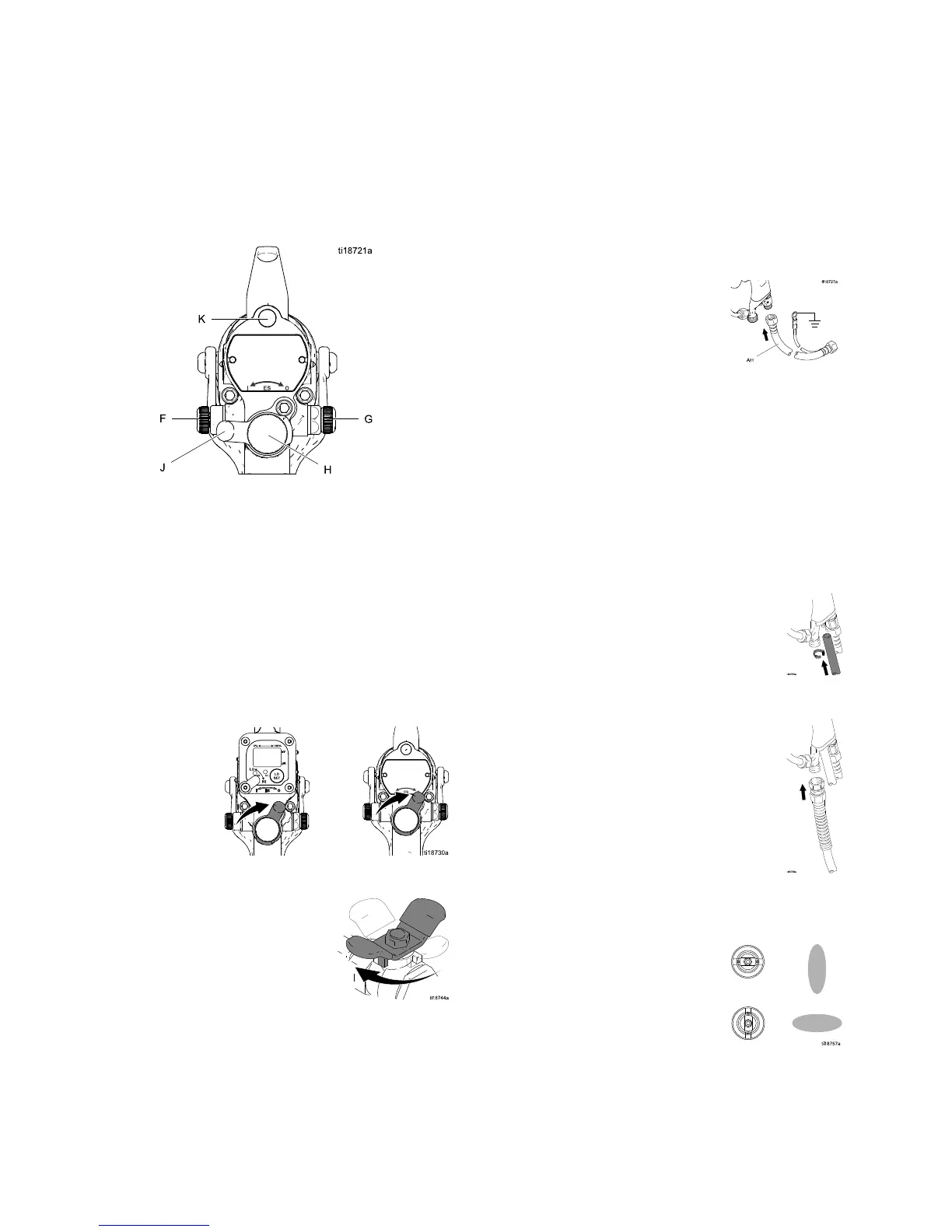
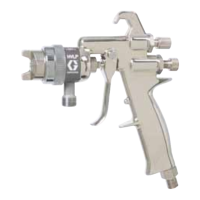
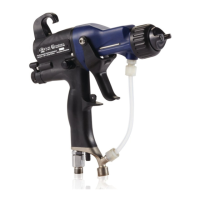
See Fig. 11 to locate the electrostatic gun controls.
Figure 11 Electrostatic Gun Controls
1. The gun is shipped with the fluid nozzle and air
cap installed. Check that the retaining ring is
tight.
NOTE: T
o select a different
size flu
id nozzle or air cap, see
Fluid N
ozzle Selection Chart, page 68 and
Air Ca
p Selection Chart, page 70.To
insta
ll the nozzle and air cap, see
Air Ca
pandNozzleReplacement,page38.
2. Turn OFF (O) the ES On-Off switch (J).
3. Shut off the air bleed valve to the gun.
4
.
C
heck gun resistance. See
Test Gun Resistance, page 31.
5. Connect the Graco grounded air hose to the gun
air inlet. The gun air inlet fitting has left-hand
threads.
6. Follow all steps under Grounding, page 21.
7. Follow all steps under
Check Gun Electrical Grounding, page 25.
Readingmustbelessthan1megohm.
8. Verify that the material resistivity meets
requirements for electrostatic spray. See
Check Fluid Resistivity, page 26.
9. Connect the exhaust tube and secure with the
clamp provided.
10. Connect the fluid hose to the gun fluid inlet.
11. Flush if needed, see Flushing, page 28.
12. Position the air cap as desired.
18 3A2494E


 To Next Page