FC9000-UM-251-9370 8-22
8 Electrical Adjustment
(24) PresstheENTERkeywhenthemeasuredvalueiswithinthespecicationrange(515±15g).
(25) The618g-penforcespeciedpenforceadjustmentmenuappears.
The pen is lowered. Use the Correx Dial Tension gauges to measure the actual force.
(26) Adjustthe618g-penforce.Ifthemeasuredvalueisnotwithinthespecicationrange(618±18g),reduce
orincreasetheD/Avaluetobewithinthespecicationrange(618±18g).
(27) PresstheENTERkeywhenthemeasuredvalueiswithinthespecicationrange(618±18g).
Note: When adjusting the pen force, it is important to do it quickly. Delaying the pen force adjustment
changesthetemperatureoftheactuatorandcausesarticiallylowerreadings.Whenthis
happenstheactualpenforcemaybehigherthanthespecication.Thisisespeciallytrueforthe
upper pen force adjustment.
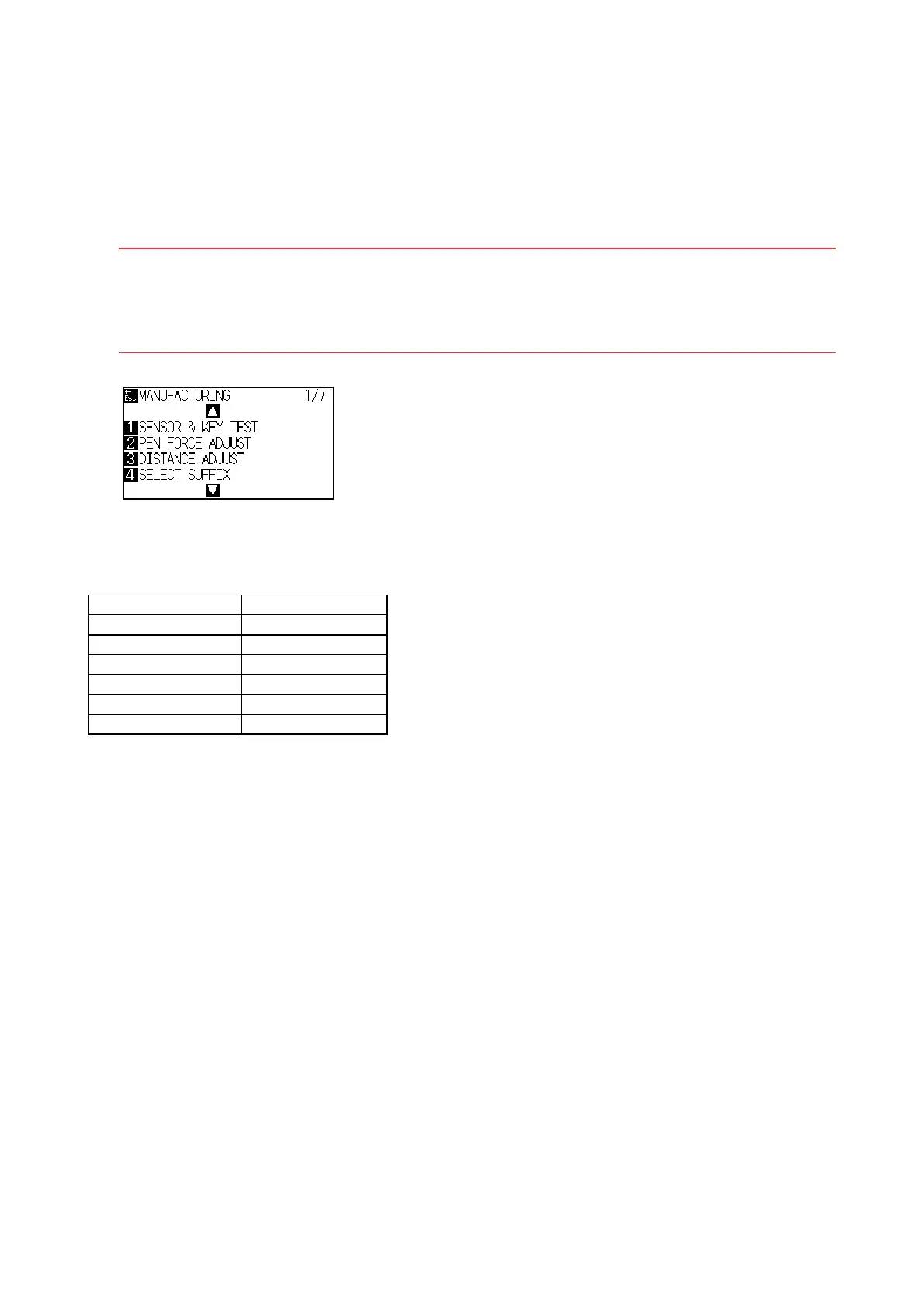
(28) The following menu is displayed.
(29) Turn off the power to exit from the adjustment menu. (When other adjustment is going to perform
continuously it does not need to turn off the power.)
Specication of the actual pen force
Speciedpenforce Actual force range
10g 8 to 12g
48g 44 to 52g
130g 120 to 140g
210g 200 to 220g
515g 500 to 530g
618g 600 to 636g












 To Next Page