FC9000-UM-251-9370 22
9 TROUBLESHOOTING
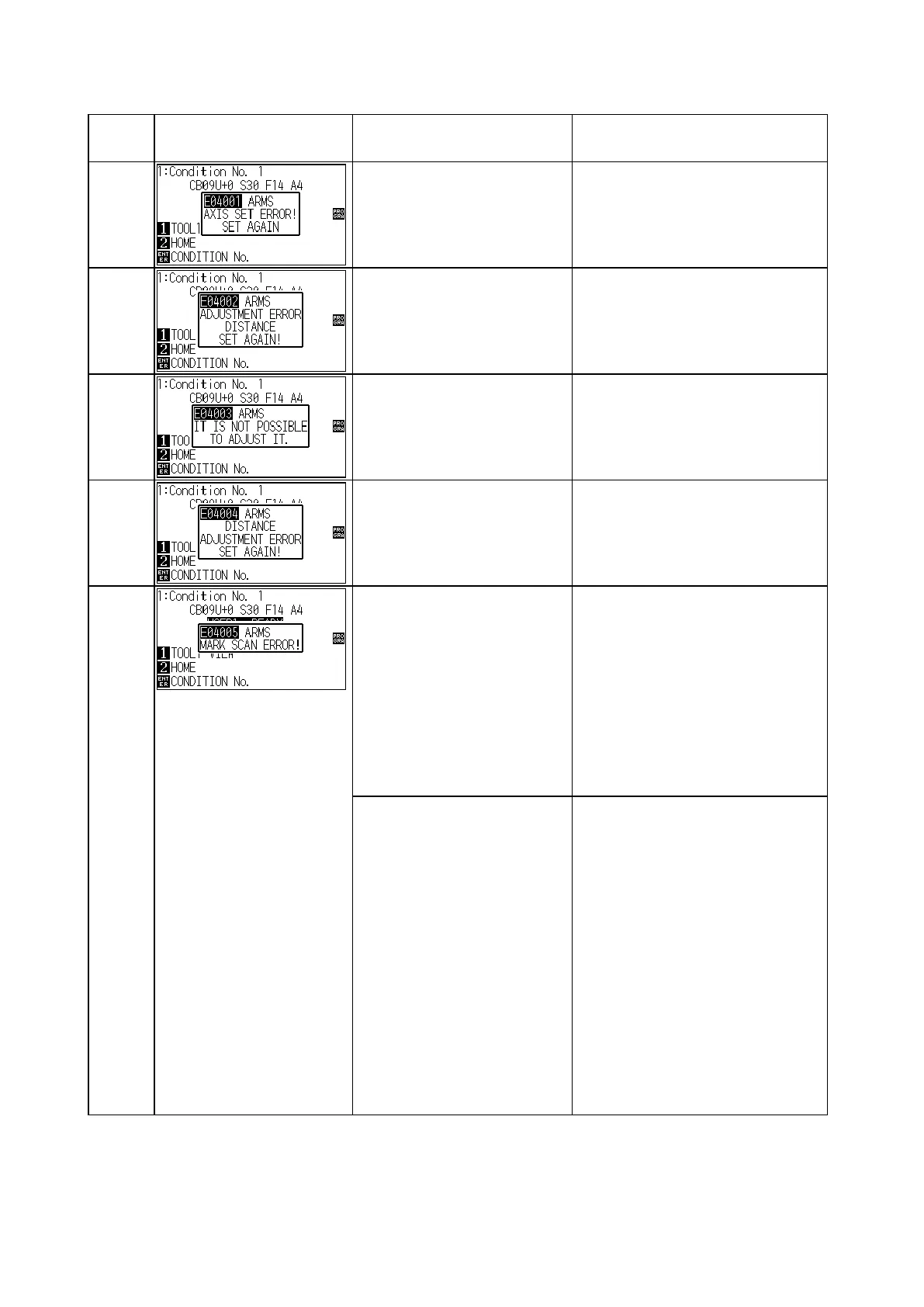
9.6.4 Error Messages on ARMS
Error
code
Error Display Cause Solution
E04001
Tilt to adjust with AXIS
ALIGNMENT is too large.
Reload the media.
E04002
The adjusting distance is too
large.
Incorrect data is output.
Set correct distance.
Output correct data.
E04003
Failed to adjust the AXIS or
distance.
Incorrect data is output.
Conrm the adjusting value and the
print size.
Output correct data.
E04004
It is over the setting range of
the distance adjust.
Incorrect data is output.
Reset to smaller value.
Output correct data.
E04005
When this error was displayed
while scanning the horizontal
line of 1st registration mark.
The base color for scanning
area and the registration mark
detected with same color by
the wrong scanning starting
position.
Move the tool position to the center
of rst registration mark.
Do not move the registration mark
sensor position to the center of rst
registration mark.
When this error was displayed
while scanning the horizontal
line of 1st registration mark by
the Auto 1st registration mark
scanning.
The media was not loaded by
the SHEET or the ROLL 1.
The base color for scanning
area and the registration mark
becomes same when the
scanning was started on the
cutting mat.
Load the media by the SHEET or
the ROLL 1.
Or set the media by the ROOL 2
after the tool position was moved to
the white area of media.












 To Next Page