FC9000-UM-251-9370 8-24
8 Electrical Adjustment
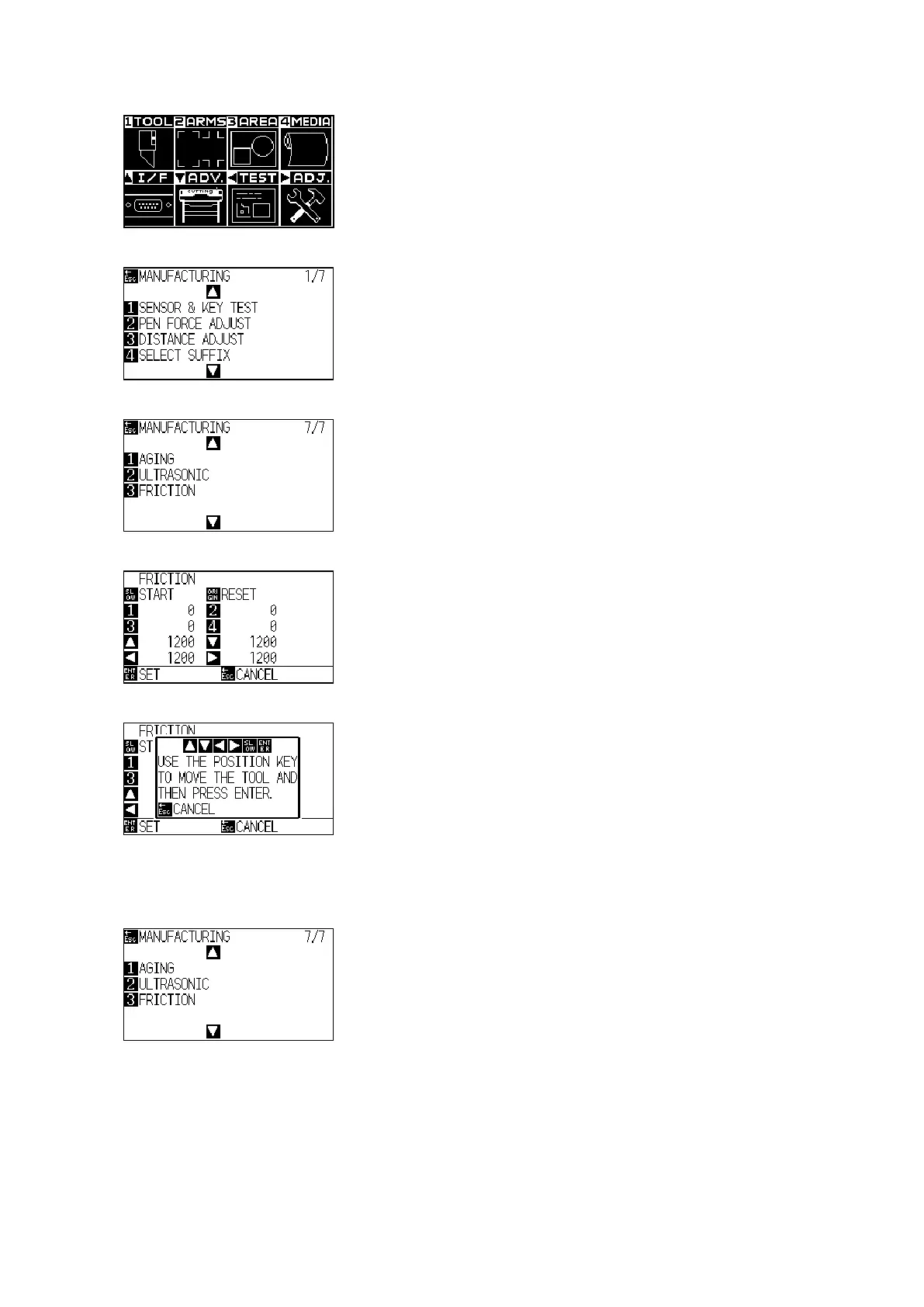
(4) Press the PAUSE/MENU key to display the following menu.
(5) Press the Right Position key to display the adjustment menu shown below.
(6) Press the down position key to display the following menu.
(7) Press the 3 key to display the following menu.
(8) Press the SLOW key to display the following menu.
(9) Movethetoolpositiontothecenteroflm,andthenpresstheENTERkey.
(10) The potter moves to adjust the friction.
(11)
Whentheadjustmentisnishedthefollowingmenuisdisplayed.
(12) Turn off the power to exit from the adjustment menu.












 To Next Page