Version 2.4 Page 27
Chapter 4: Setup
A
A
C
C
C
C
E
E
S
S
S
S
I
I
N
N
G
G
T
T
H
H
E
E
S
S
E
E
T
T
U
U
P
P
M
M
O
O
D
D
E
E
The Model 250 has two levels of access code protection to provide a security lock on accessing
Setup via the keypad. For further details of menu items available in each setup mode, refer to the
Setup Menu Quick Reference on page 69.
• Full Setup Access code
• Safe Setup Access code
The Full Setup access code can also be used to access Safe Setup
FULL SETUP
The Full Setup method provides access to all functions in Setup, including legal for trade and
calibration sensitive settings. Changes in Full Setup mode may result in the calibration counter
being incremented. Changes to access codes and restoring the factory default settings can only
be accessed in Full Setup mode. These items will however not increment the calibration counter.
If an attempt is made to enter Full Setup using the incorrect access code, the indicator will
respond with the message “ENTRY DENIED”. Setting an access code for Full Setup restricts
any access to Full Setup. Refer to FULL.PC (Full Security Access code for Digital Setup) page
33.
To access the Full Setup mode, first ensure the indicator is on.
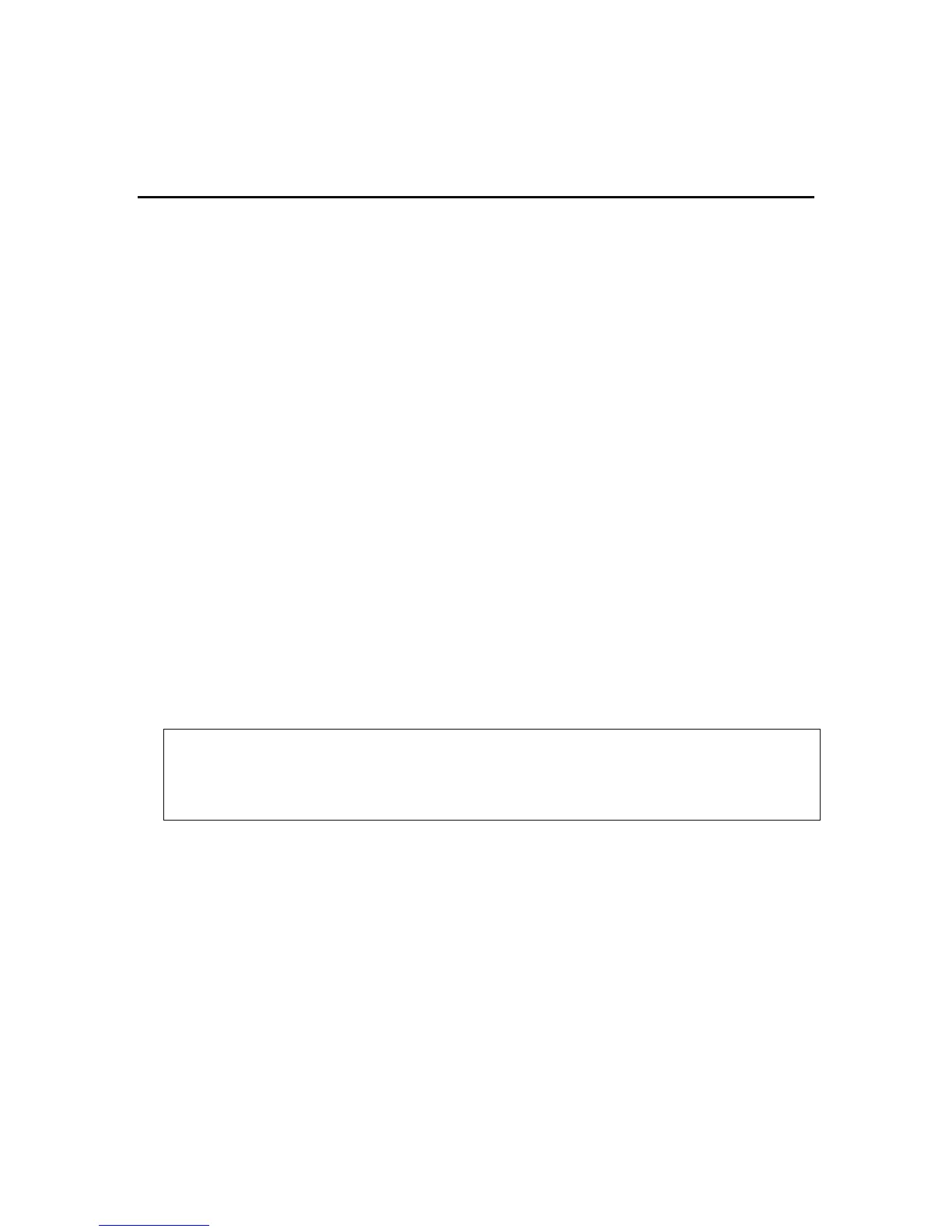
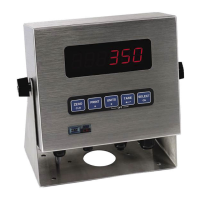
• For the 250 and 250SS press and hold both the [POWER] and [f ] keys together for two
seconds.
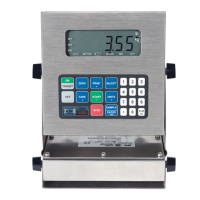
• For the 250X press and hold the [POWER] and [GROSS/NET] keys together for two
seconds.
SAFE SETUP
The Safe Setup method restricts access to the trade critical settings. Changes made in this mode
will not increment the calibration or setup counter. If an attempt is made to enter Safe Setup
mode using the incorrect access code, or if an attempt is made to alter a trade critical setting
while in Safe Setup, the indicator will respond with the message “ENTRY DENIED”. Setting an
access code for Safe Setup restricts access to Safe Setup functions. Refer to SAFE.PC (Safe
Security Access code for Digital Setup) page 33.
To access Safe Setup, first ensure the indicator is on.
• For the 250 and 250SS press and hold both the [POWER] and [ZERO] keys together for
two seconds.
• For the 250X press and hold the [POWER] and [TARE] keys together for two seconds.
WARNING
All menus and items will be enabled in Full Setup. Care should be taken to avoid inadvertently altering
the Build or Calibration settings.


 To Next Page