Version 2.4 Page 23
Annunciator Key Description
GRP
ZERO Steps through the list of Groups.
ITM
TARE Steps through the list of Items.
Press this key to accept changes and return to the menus.
(Also refer to the OK description below.)
SEL
GROSS/NET Moves the editing cursor in some editing modes.
EDT
PRINT Steps through the available options when editing a particular item.
OK
f (FUNCTION)
Press this key to accept changes and return to the menus.
(Also refer to the ITM description above.)
SELECTIONS AND OPTIONS
A selection entry requires the choice of a single option from a list. When a Group and Item have
been chosen, the <SEL> key is used to display the current setting for that item. The <EDT> key
can be used to cycle through the options for that item. When the desired option is displayed the
<OK> key can be pressed to accept the displayed option and re-display the item name.
NUMERIC ENTRY
A numeric entry box allows the input of a number. When entering a number, the display will show
digits with the currently selected digit flashing. The <SEL> key is pressed to select a digit to
change. When the digit is selected the <EDT> key is pressed to change the digit from 0 through
9. The left most digit can also be changed to a dash (-) to enter a negative number. The <OK>
key is pressed to accept the number that has been entered and return to the menu item.
Upper and lower limits are placed on some entries and an entry outside this range will cause the
indicator to display dashes (i.e. - - - - - -).
Example: Setting Scale Capacity
Press [ZERO] (<GRP>) repeatedly to display the BUILD group.
Press [TARE] (<ITM>) repeatedly to display the CAP item.
Press [GROSS/NET] (<SEL>) to select CAP and display the current setting (e.g. 0000.00lb).
The currently chosen digit will be flashing. Press [GROSS/NET] (<SEL>) to advance to the next digit.
When the digit to edit is flashing, press [PRINT] (<EDT>) repeatedly to cycle from 0 through 9.
When the new digit to be set is flashing either press <SEL> to move to the next digit to edit and repeat the
previous step; or press [ f ]<OK> or [TARE] <ITM> to accept all of the displayed digits (including the
flashing digit) and re-display the menu item name.
KEYPAD
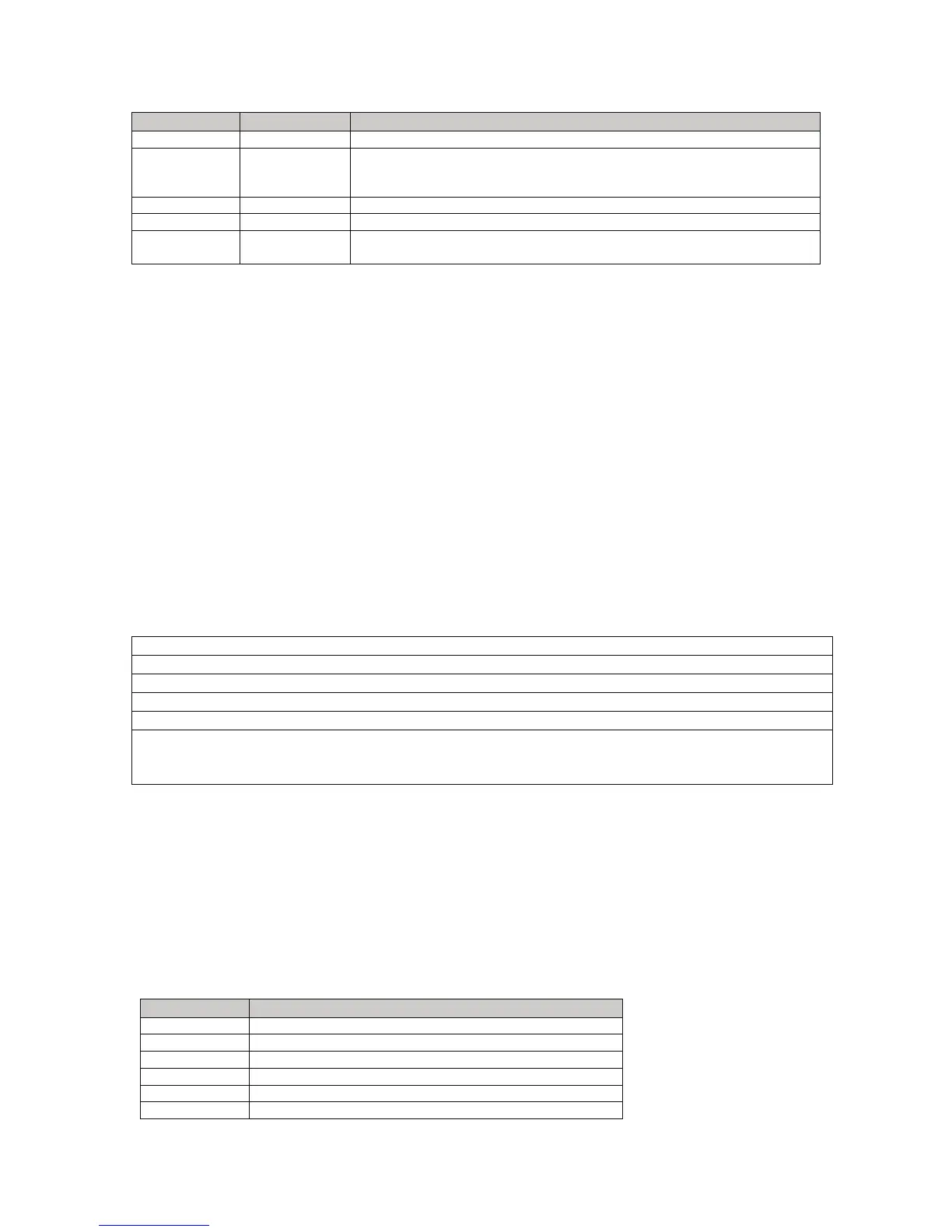
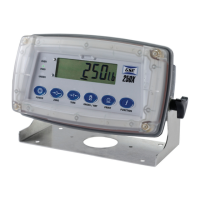
All Models of the 250 utilize the same six keys in the same configuration. The material used for
each model keypad is different however. Each key performs a different function in the weigh
mode and setup mode. Refer to this section for a list of the keys and their function.
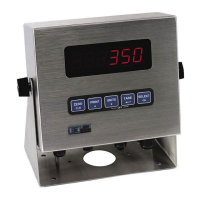
The standard Model 250 and panel mount have six silicon rubber keys. The Model 250SS comes
with a six key membrane keypad. The Model 250X offers a capacitive keypad with large easy to
use keys. The Model 250X keypad has been calibrated to work with human fingers. NOTE: Do
not use blunt objects to press the keys. This will cause damage to the keypad.
Key Weigh Mode Function
POWER
Cycle power
ZERO
Performs a gross zero function
TARE
Performs an auto-tare function
GROSS/NET
Switches between gross and net modes
PRINT
Performs a print function
f User defined function key. See page 25 for details


 To Next Page