Version 2.4 Page 55
EXAMPLE: READING A WEIGHT OR SETPOINT VALUE
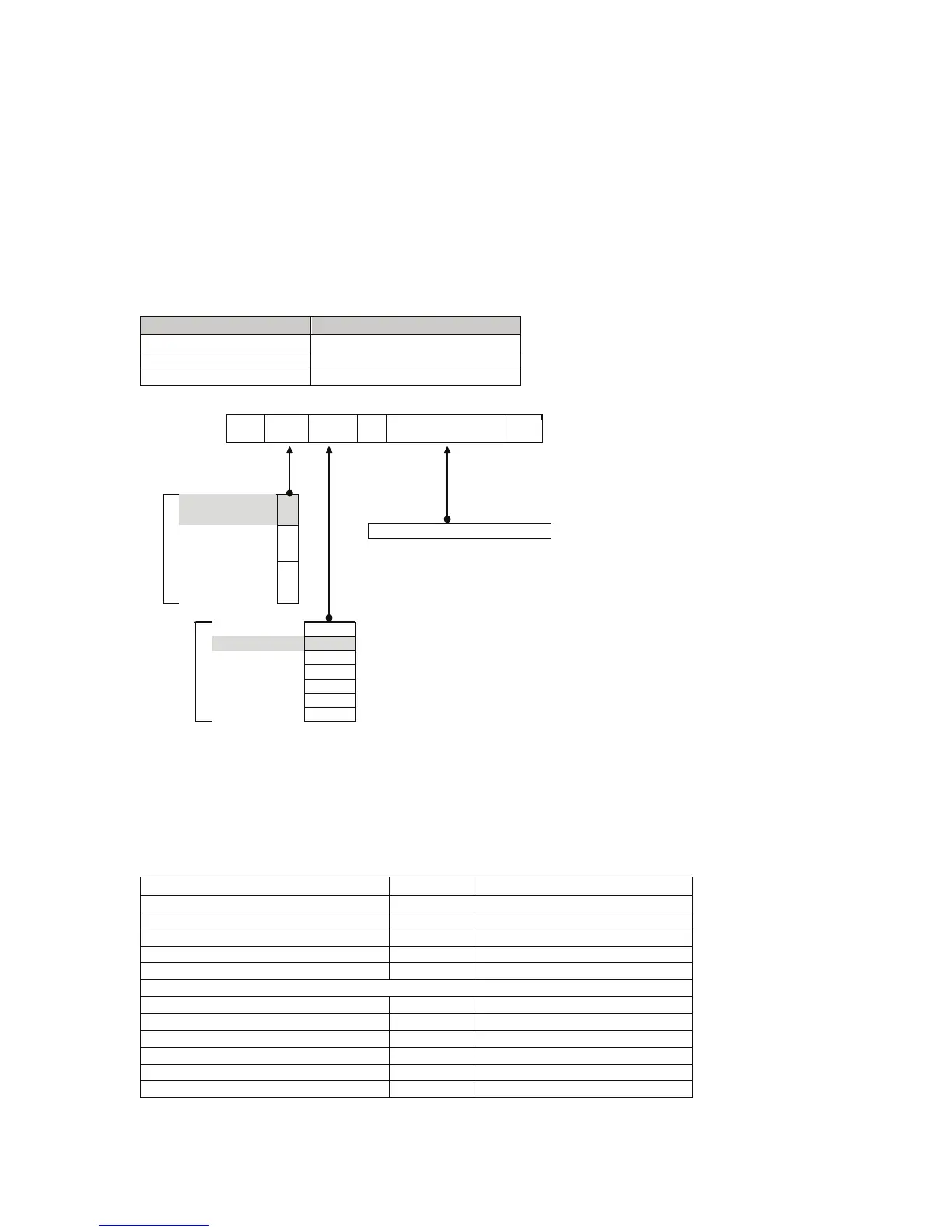
This example shows how to capture the Net weight. It is possible to print out the displayed gross
or net weight with the units and G for Gross or N for Net weight. Also view the values of the high
and low setpoint targets. The entered value is always preceded with 20 and is followed with the
hexadecimal code for the type of transaction and then the register of the stored data.
To view the Net weight, enter the following code:
Enter 20050027:
Then enter one of the following commands:
Command Program
Send
GSE View
<Alt> 013 <Alt> 010
Communication Plus
<CR><LF>
Other terminal program
20 05 0027
:
Read Literal
Value
05
Read Final Value
in Hex
11
Commands
Write Final Value 12
Gross Weight 0026
Net Weight 0027
Target High 0171
Target Low 0172
Keypress 0008
System Status 0021
Registers
System Error 0022
No value needed
The indicator will respond with a message similar to the following:
9F050027: 4.23 lb N
A Net weight of 4.23 lbs was returned
Codes for Read Literal Value Registers
Register Description Code Example
Version of the protocol 0001 V1.0
Copyright message 0002 © GSE 2006
Model of indicator 0003 250
Software version 0004 V1.20
Indicator serial number 0005 3123456
Contents of LCD display memory 0009 0100005B6D3F
Save settings command 0010
Start of menu definitions 0011
OIML calibration counter 0012 00000033
NTEP calibration counter 0013 C.00011
NTEP configuration counter 0014 F.00010



 To Next Page