Version 2.4 Page 47
1. Press [POWER] + [ f ] to access the setup mode.
2. Press <GRP> until the OPTION menu is displayed.
3. Press <ITM> to the R.ENTRY parameter.
4. Press <SEL> to view the parameter.
5. Press <EDT> to turn the setup button ON if set to OFF.
6. Press <OK> to accept change
7. Press [POWER] + [ f ] to save the change and exit the setup mode.
8. Press the setup button to access the setup mode and make changes or calibrate.
9. Press [POWER] + [ f ] to save the change and exit the setup mode. The setup mode cannot
be accessed without pressing the Setup button again.
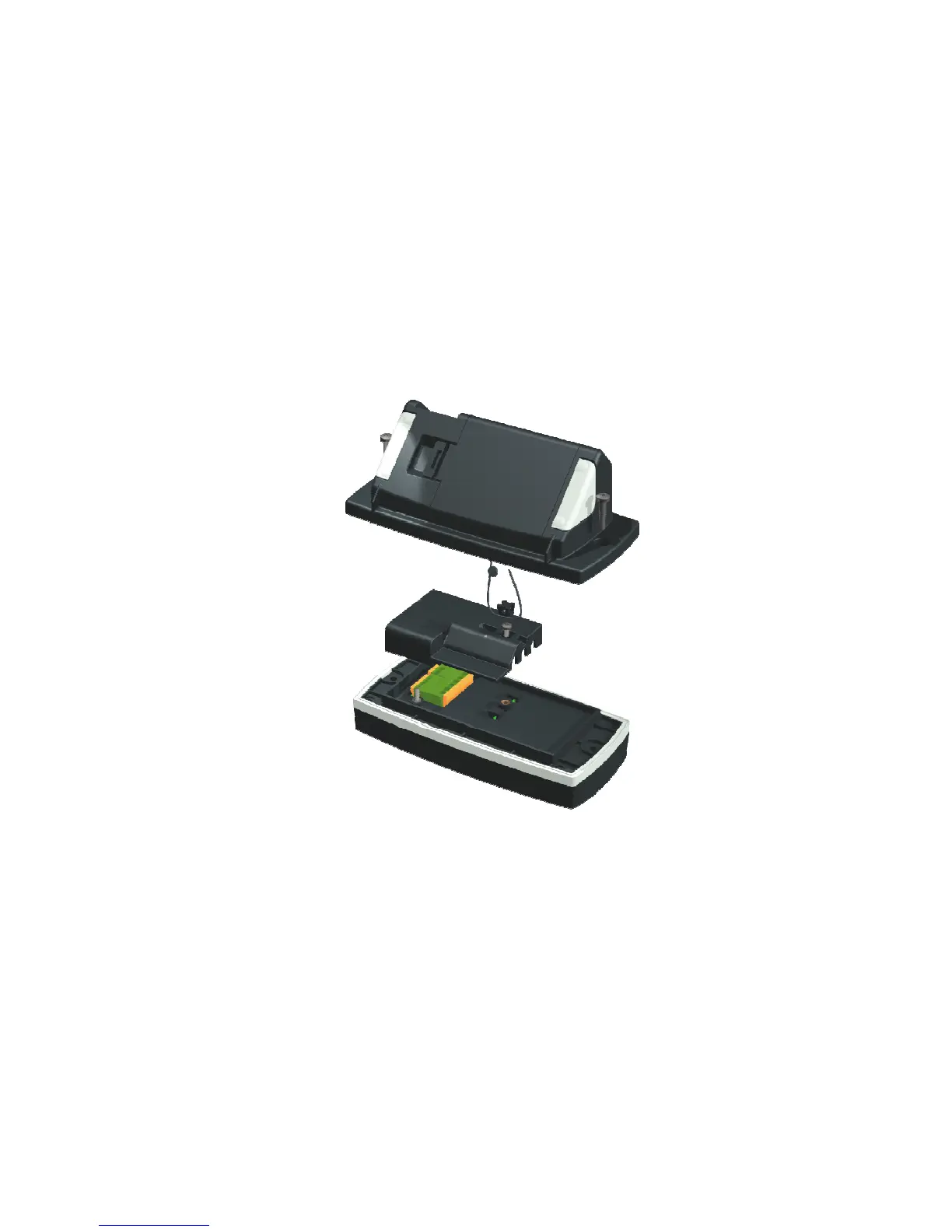
10. Place the physical seal plastic cover over the load cell and comm port connectors, and then
install the drill head screw.
11. Thread the wire security seal through the indentations in the plastic cover and the drill head
screw.
Figure 8: Model 250 and Model 250SS Panel Mount Physical Seal



 To Next Page