3.2 Display and Initial Settings at Power-on
Display at power-on
When the power switch is set to on, a fault check is performed automatically, and when that ends
normally operation mode is set.
The settings shown on the panel are those that were shown the last time the power source was turned
off. When a newly purchased unit is turned on for the first time, the initial settings are displayed.
See “4.8 Using Memory Functions”, for description of how to read settings saved to
memory.
An error message is displayed when an abnormality has occurred. After reading the error message,
turn the power source off immediately.
See “7.2.1 Error at power-on”, for description of error messages and recommended
responses.
Initial settings
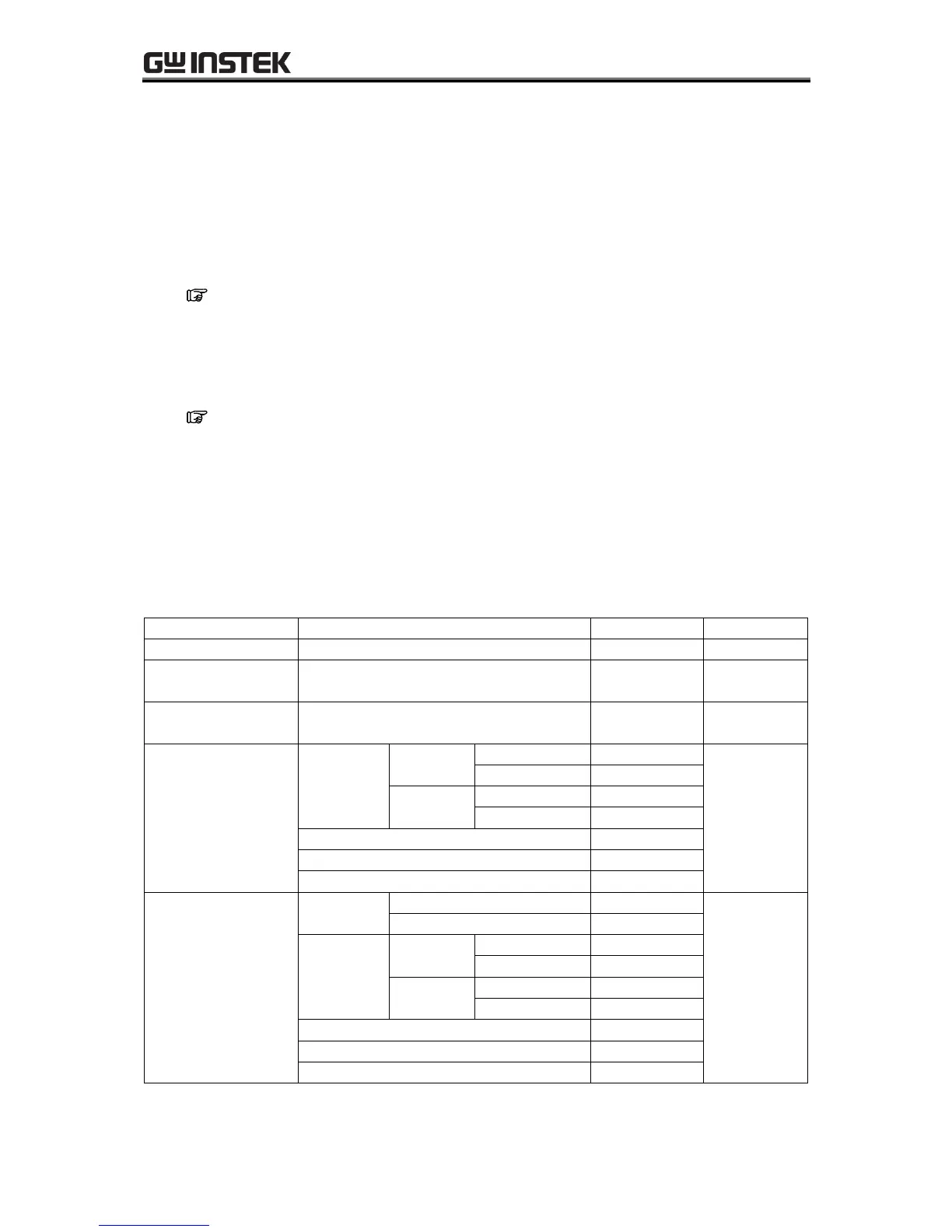
Table3-1 to Table3-3 list the initial settings for the APS-1102A. When you reset this product, the items
with a check mark in Table3-1 to Table3-3 are set to the initial setting value. Turn the output off, before
reset.
Table3-1. Settings in Memory (1/3)



 To Next Page