EasyManua.ls Logo

GW Instek APS-1102A - Setting Output Voltage Range; Table3-8. List of Setting Ranges for Various Output Voltage Range

GW Instek APS-1102A
285 pages
Print Icon
To Next Page IconTo Next Page
To Previous Page IconTo Previous Page
Loading...
3 PANEL AND BASIC OPERATIONS
APS-1102A
3-21
3.4.3 Setting output voltage range
Select 100 V range or 200 V range. The output voltage range cannot be changed while output is on.
The setting range varies according to the output voltage range.
Table3-8. List of Setting Ranges for Various Output Voltage Range
Setting
Setting Range
100 V range
200 V range
Unit
DC voltage
220.0 to +220.0
440.0 to +440.0
V
AC voltage
Wave-
form
SIN/SQU
0.0 to 155.0
0.0 to 310.0
Vrms
ARB1 to 16
0.0 to 440.0
0.0 to 880.0
Vp-p
Peak current limiter (positive)
+10.0 to +42.0
+5.0 to +21.0
A
Peak current limiter (negative)
42.0 to 10.0
21.0 to 5.0
A
RMS current limiter
1.0 to 10.5
1.0 to 5.3
A
Positive voltage setting limit
+0.1 to +220.0
+0.1 to +440.0
V
Negative voltage setting limit
220.0 to 0.1
440.0 to 0.1
V
External input gain
0.0 to 220.0
0.0 to 440.0
times
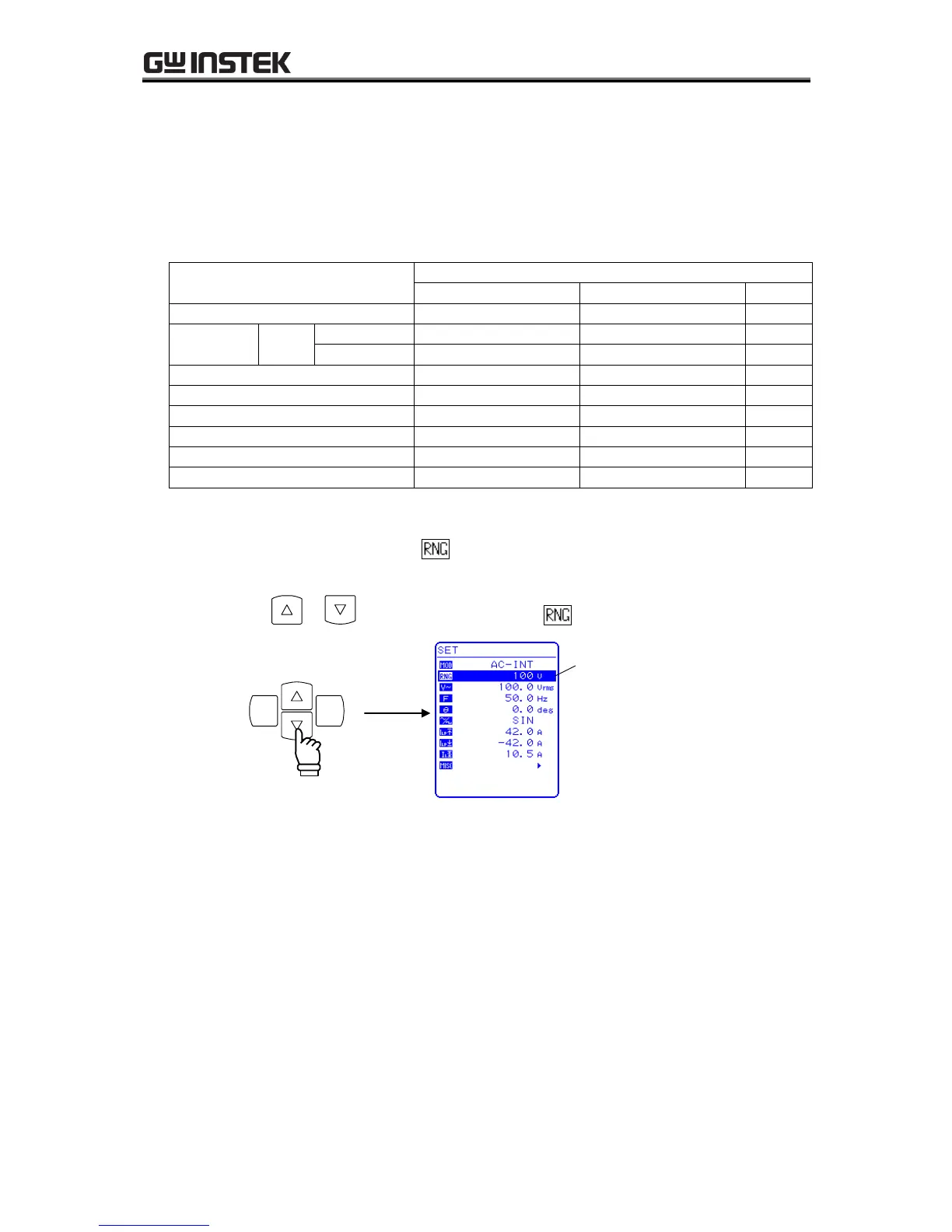
Operation steps
To set the output voltage range, select in the SET menu.
1. Press the or key to move the cursor to the icon.

ENTERCANCEL
Cursor

Table of Contents

Related product manuals