4.1.7 Using the measurement function
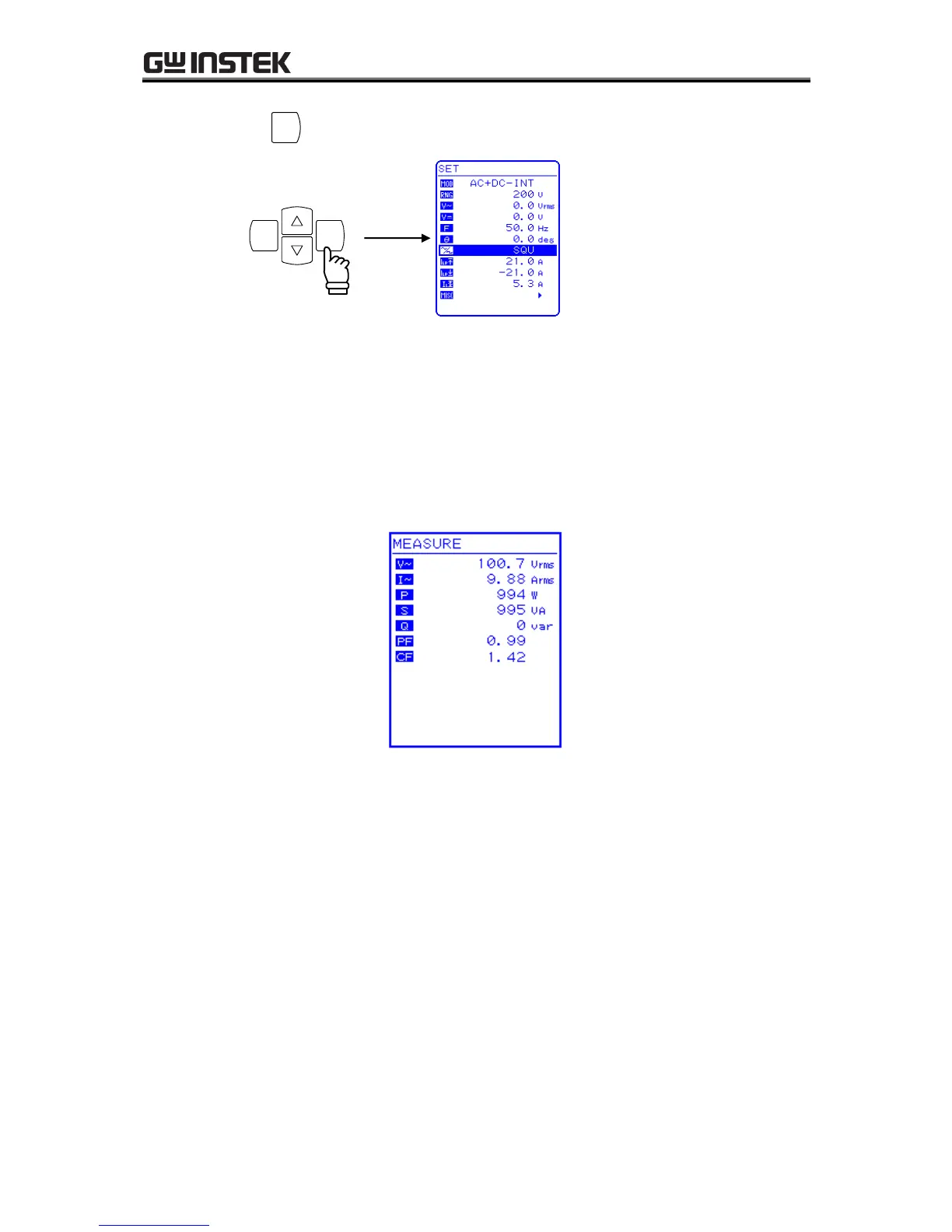
Measured values are displayed in the measured value window MEASURE screen, which enables the
output status to be monitored.
a) Measured value window
Figure 4-3. Example of Measured Value Window (During AC+DC Mode)
When a measurement is out of range, “” is displayed in the numerical value field.
Select “AVG” to measure DC component only, or select “RMS” to measure the superimposed
value of DC and AC components.
The measurement values of peak voltage, peak current and harmonic current are reference values.



 To Next Page