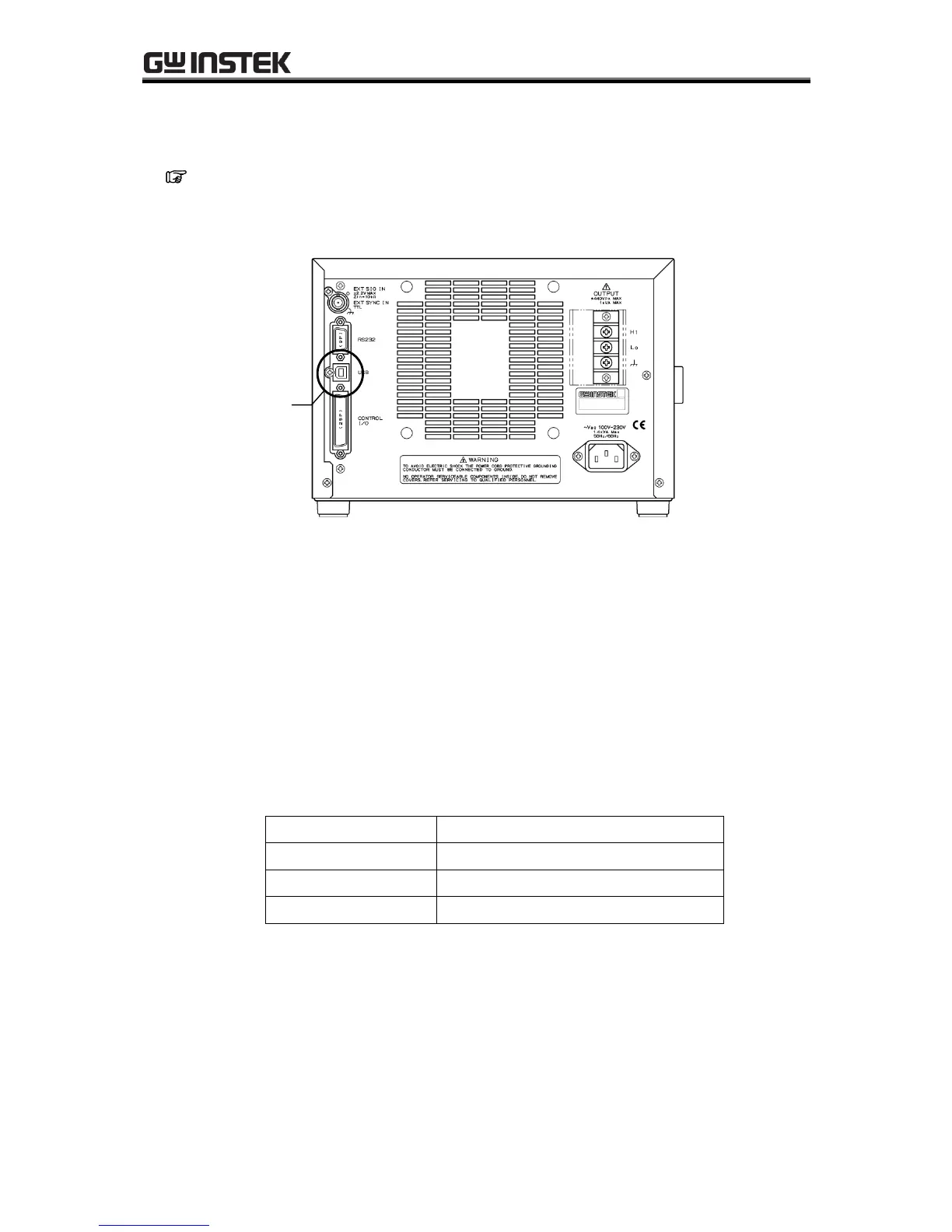
3.3.3 USB connector
Use a commercial (off-the-shelf) USB cable to connect the rear USB connector to a PC.
See “6. REMOTE INTERFACE”, for description of using USB connection for remote control
from a PC.
Figure 3-8. USB Connector
------- Notes --------------------------------------------------------------------------------------------------------
The USB cable should be a commercial Type A (male) to Type B (male) cable.
The use of USB hub may cause a communication failure. It is recommended to use
fully-shield, short cable.
-------------------------------------------------------------------------------------------------------------------------
The specifications of USB interface are shown in “Table3-5. Specification of USB interface”.
Table3-5. Specification of USB interface



 To Next Page