3.4.9 Using measurement functions
The APS-1102A is equipped with the following measurement functions.
Voltage (RMS, average DC, peak)
Current (RMS, average DC, peak, peak hold)
Power (effective, reactive, apparent)
Synchronization frequency (external synchronization)
Load power factor
Load crest factor
Harmonic current (50 Hz/60 Hz fundamental, up to 40th harmonics)
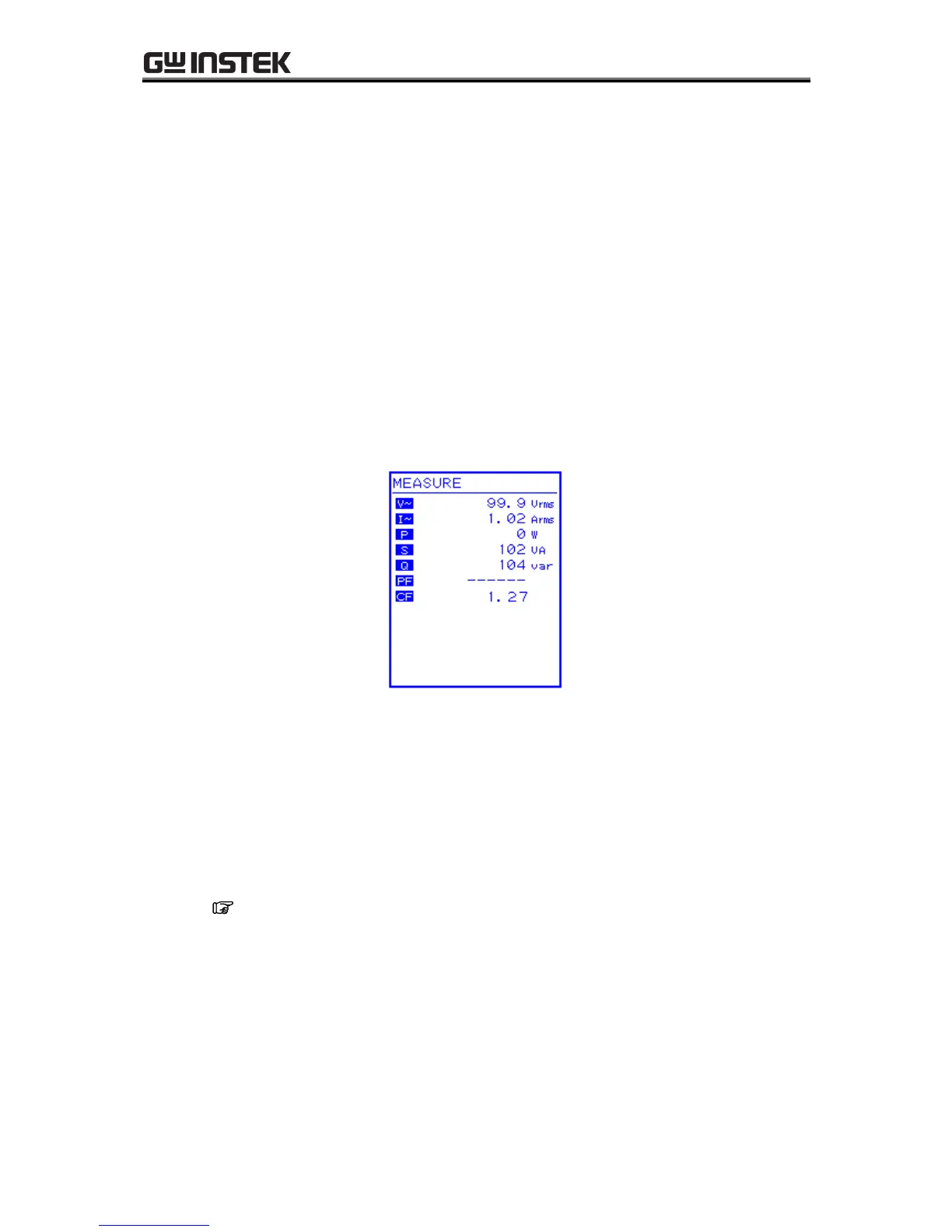
Measured values are displayed in the measured value window MEASURE screen, which enables the
output status to be monitored.
a) Measured value window
Figure 3-13. Example of Measured Value Window (AC-INT Mode)
When a measurement is out of range, “” is displayed in the numerical value field.
b) Select measurement display
Select among RMS, AVG, PEAK, or harmonic current as the measured current and voltage values to
be displayed.
See “4.3 Measurement of Harmonic Current”, for description of harmonic current
measurements.



 To Next Page