User Manual
H3C S1526 Smart Ethernet Switch
Chapter 3 Configuration Through
Console Port
3-3
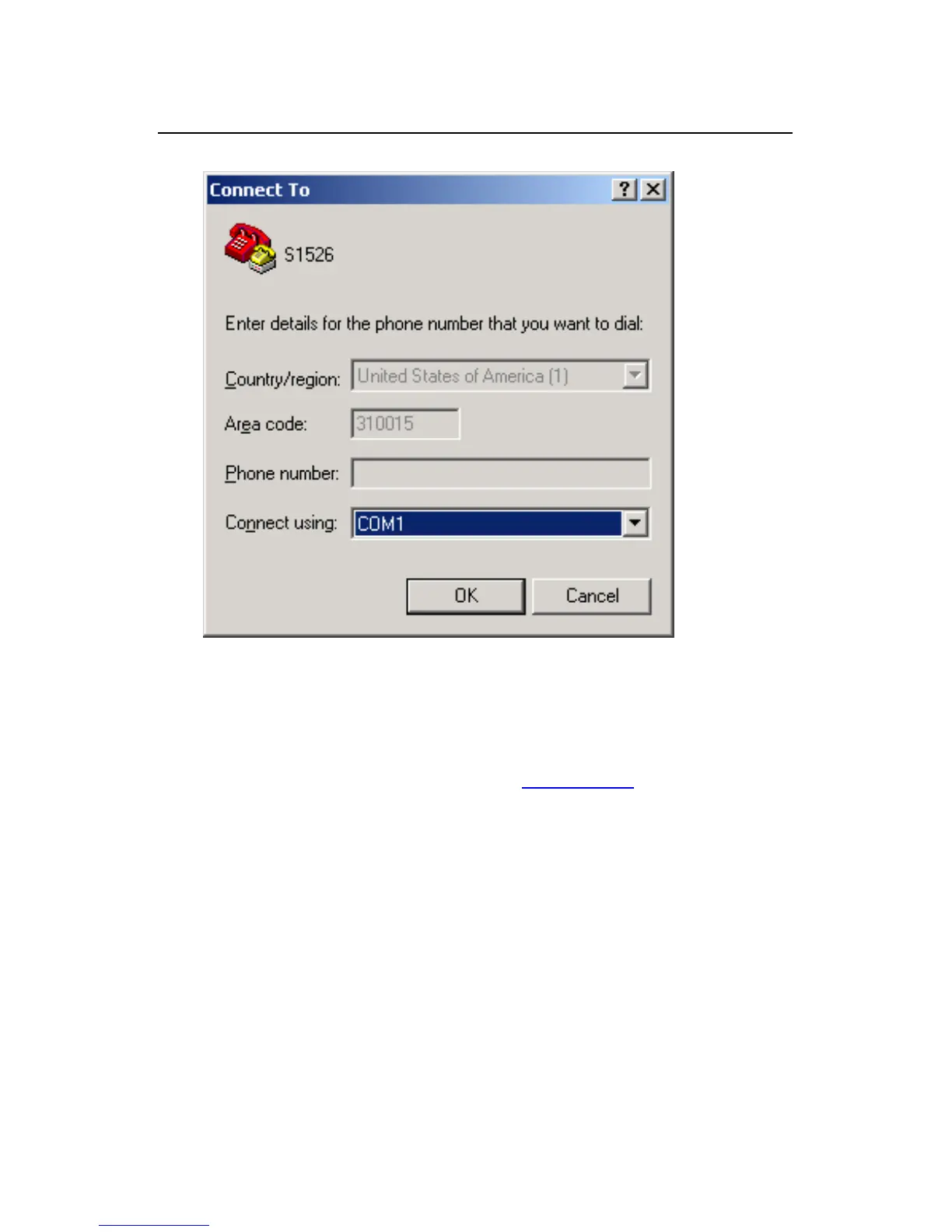
Figure 3-3 Connection port configuration
3) Set serial port parameters. In the [Port properties]
dialog box as shown in
Figure 3-4, set [Bits per
second] to 9600 bps, [Data bits] to 8, [Parity] to None,
[Stop bits] to 1, and [Flow control] to None. Click
<Apply> to enter the [HyperTerminal] window.



 To Next Page