To use the TV after isParent Control
activated.
When the program applied to the Parental
Control, setting is received, enter the
password, then press ENTER. When the
password is entered correctly the protection
will be temporarily overridden.
NOTE:
The Parental Control function is activated only on
programs and tapes that support the rating.
SEARCH
PICT
OPEN/CLOSEPOWER DVD/TV
CLEAR
SLEEP
DISPLAY SP/SLP
1 2 3
765
9 0
8
CH+
CH-
V- V+
MUTE
10+ REC
PAUSE/STEP
STOP
INPUT
D.MENU REPEAT
TITLE/PBC
MENU
ZOOM
SETUP
ANGLE
SLOW
A-B
AUDIO
SUBTITLEPROGRAM
D.CALL
REV FWD
PREV NEXT
4
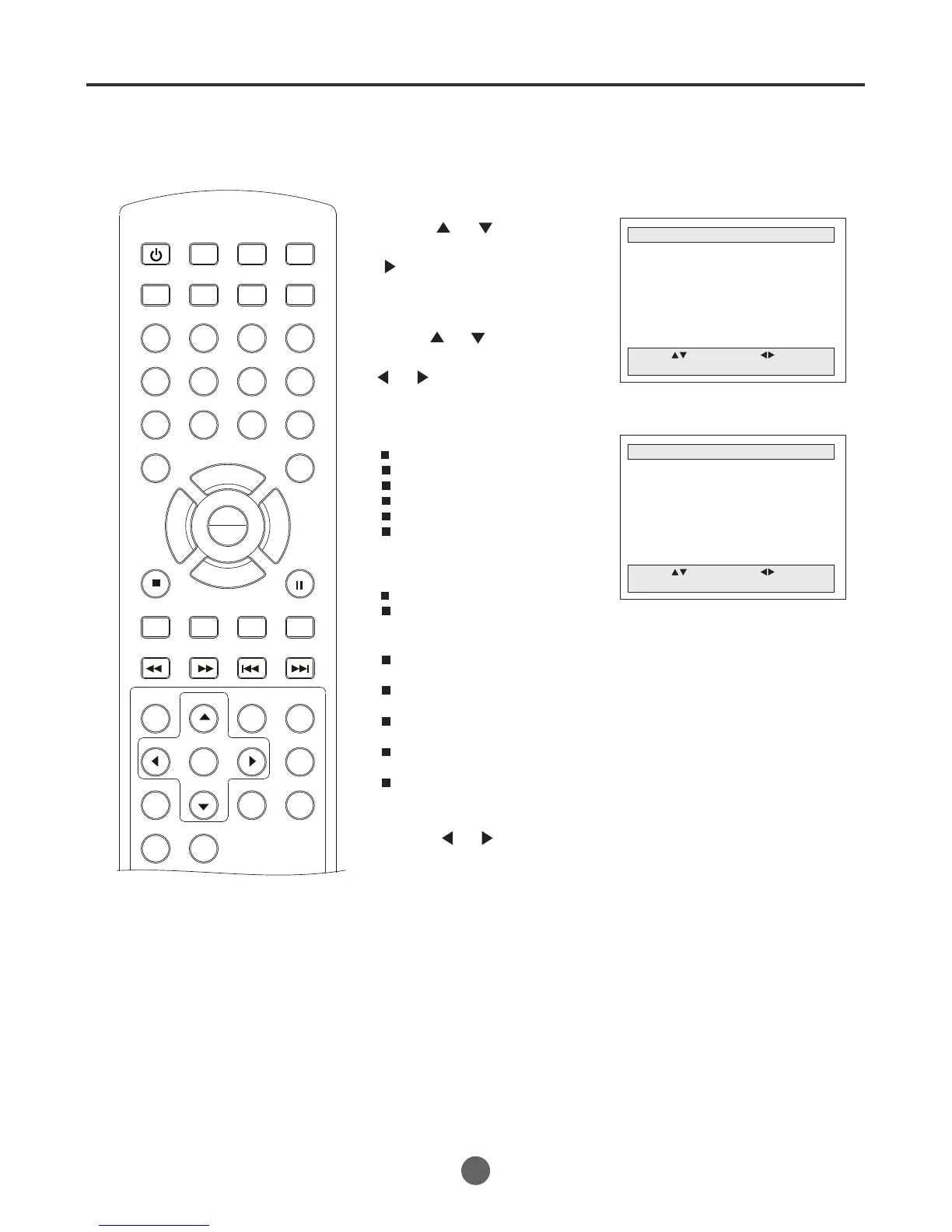
1 Enter the PARENT CONTROL menu.
PARENTAL CONTROL
Parental Lock Off
TV Ratings
Movie Ratings
NO Ratings Unlock
EXT. Source Unlock
Play Source Lock
Change Password
Move: Select:
Quit:MENU
TO SET THE PARENTAL CONTROL
2 press or to select
TV Ratings, then press
to enter the submenu.
TV RATING
ALL FV V S L D
TV-Y
TV-Y7
TV-G
TV-PG
TV-14
TV-MA
Move: Select:
Quit:MENU
5 Press MENU until the MENU screen disappears.
21
Setting the parental control (continued)
3 press or to select
the desired item, and press
or to change the setting.
4 Press or to select B or U.
Ratings for Television programs including made-for-TV movies :
TV-Y (All children)
TV-Y7 (Children 7 years older)
TV-G (General audience)
TV-PG (Parental guidance suggested)
TV-14 (Parents strongly cautioned)
TV-MA (Mature audience only)
TV Rating Children:
ALL (Age) (applies to TV-Y, TV-Y7)
FV (Fantasy Violence) (applies to TV-Y7)
TV Rating General:
ALL (Age)
(applies to TV-G, TV-PG, TV-14, TV-MA)
D (Dialogue - sexual dialogue)
(applies to TV-PG, TV-14)
L (Language - adult language)
(applies to TV-PG, TV-14, TV-MA)
S (Sex - sexual situations)
(applies to TV-PG, TV-14, TV-MA)
V (Violence)
(applies to TV-PG, TV-14, TV-MA)
B
B B
B
B B B B U
B U U U U
B U U U
B: Block
U: Unblock
PLAY
ENTER



 To Next Page