Timer recording(continued)
37
SEARCH
PICT
OPEN/CLOSEPOWER DVD/TV
CLEAR
SLEEP
DISPLAY SP/SLP
1 2 3
765
9 0
8
CH+
CH-
V- V+
MUTE
10+ REC
PAUSE/STEP
STOP
INPUT
D.MENU REPEAT
TITLE/PBC
MENU
ZOOM
SETUP
ANGLE
SLOW
A-B
AUDIO
SUBTITLEPROGRAM
D.CALL
REV FWD
PREV NEXT
4
PROGRAM REVIEW
PROGRAM 1 (09/09 FRI)
Pase: FWD,REV
Cancel: CLEAR Quit: MENU
Channel Antenna 125
Start Date 09/23
REC Cycle One Time
Start Time 10:50 AM
End Time 11:36 AM
Tape Speed SP
Note:
If all eight timer slots are currently
occupied, then an attempt to create
a new program will cause the system
to display the message. If the user
presses MENU or this message times
out (5 seconds), then the TV/VCR will
return to the Main Menu.
If the user presses REV or FWD button,
the screen is changed to [PROGRAM2,
08/23 FRI] or to [PROGRAM8, 08/23
FRI] program entry screen.
"PREV" "NEXT" and buttons for program
review will not work in DVD mode.
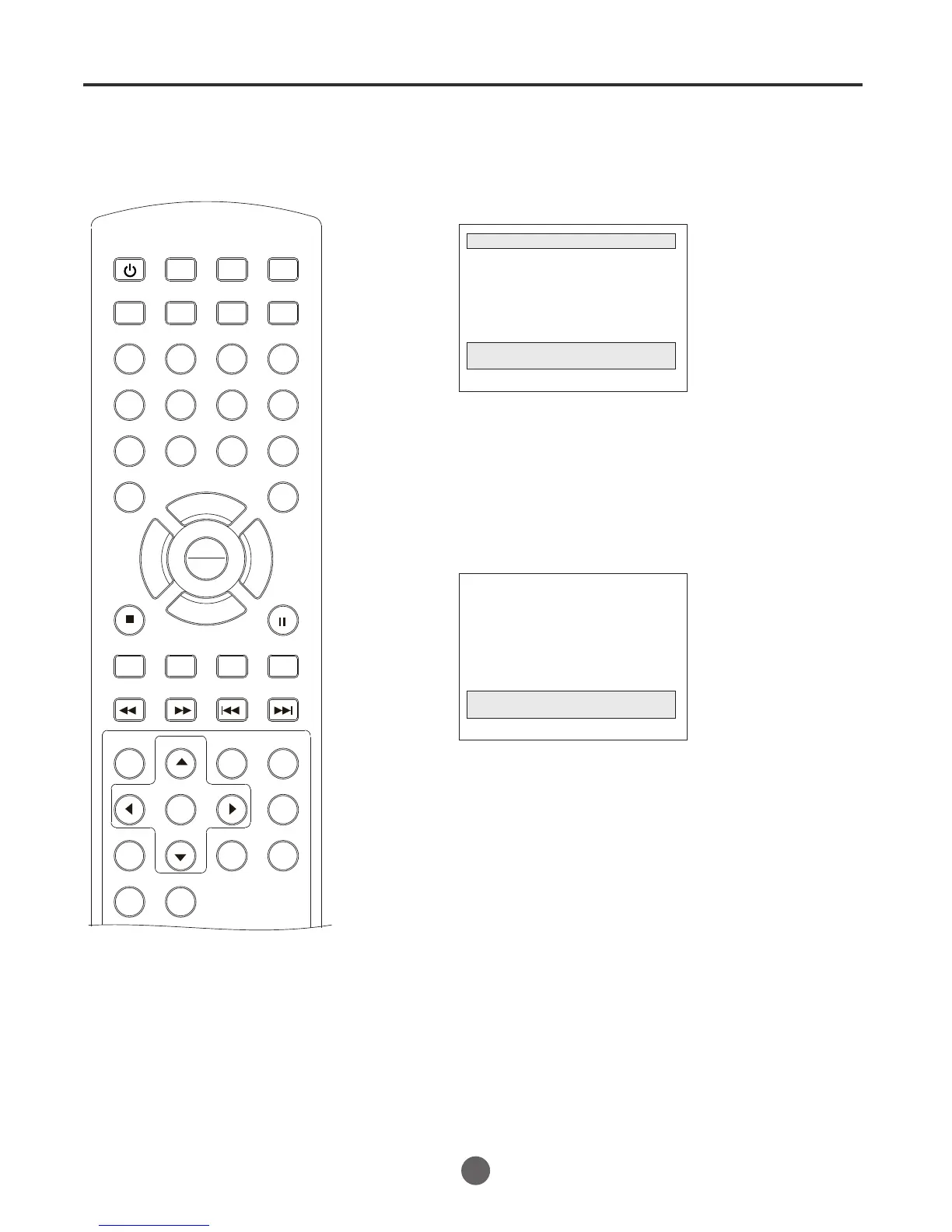
This dialog is accessed from the PROGRAM SET Menu by
pressing the or button. The displayed information
is static and may not be edited.
"PREV" "NEXT"
If press MENU button, the system will return to the MAIN MENU.
There is no auto-advance feature.
press MENU button to quit.
If press CLEAR button to erase a program, below message will
appear (time-out = 5 seconds).
Quit: MENU
PROGRAM 2 has been canceled
Once press MENU button or the message times out (5 seconds),
the system will display the program entry dialog.
PLAY
ENTER



 To Next Page