Online Services
104
7
Account Level (Optional)
According to the mailing system you ordered, accounts may be not available. It is
possible to get accounts or increase their number by upgrading your system.
See also
•
Managing Accounts and Access Rights
p.69
How to check your number of accounts
How to check
your number of
accounts
1 As supervisor (see
How to Log in as Supervisor
p.124 ):
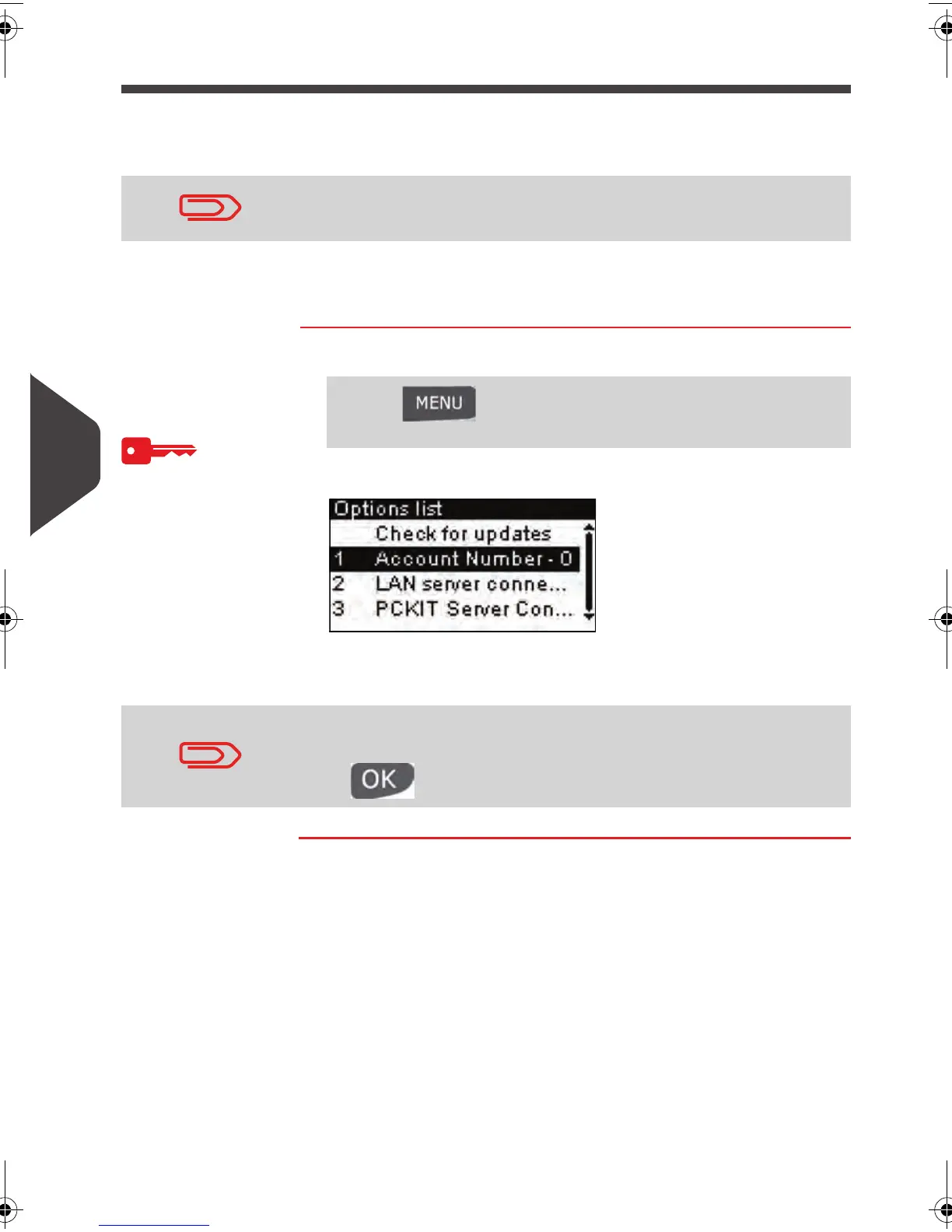
The
Options list
screen is displayed.
Here, number is 0, then you have access to 'Access Control'.
To upgrade your system, please contact your Customer Service.
Press and type 8.1 or select the path:
> Options and updates > Options list
In case your system have been upgraded and Account Number
have not changed, choose
Check for updates then
press to refresh.
ALPHA1_US.book Page 104 Mardi, 3. mai 2011 2:23 14



 To Next Page