Processing Mail
51
3
Changing the Weighing Type
At start-up, the default weighing type is active.
To change the weighing type (see
Choosing a Weighing Type
p.50 ), follow the pro-
cedure below.
How to Change the Weighing Type
How to Change
the Weighing
Type
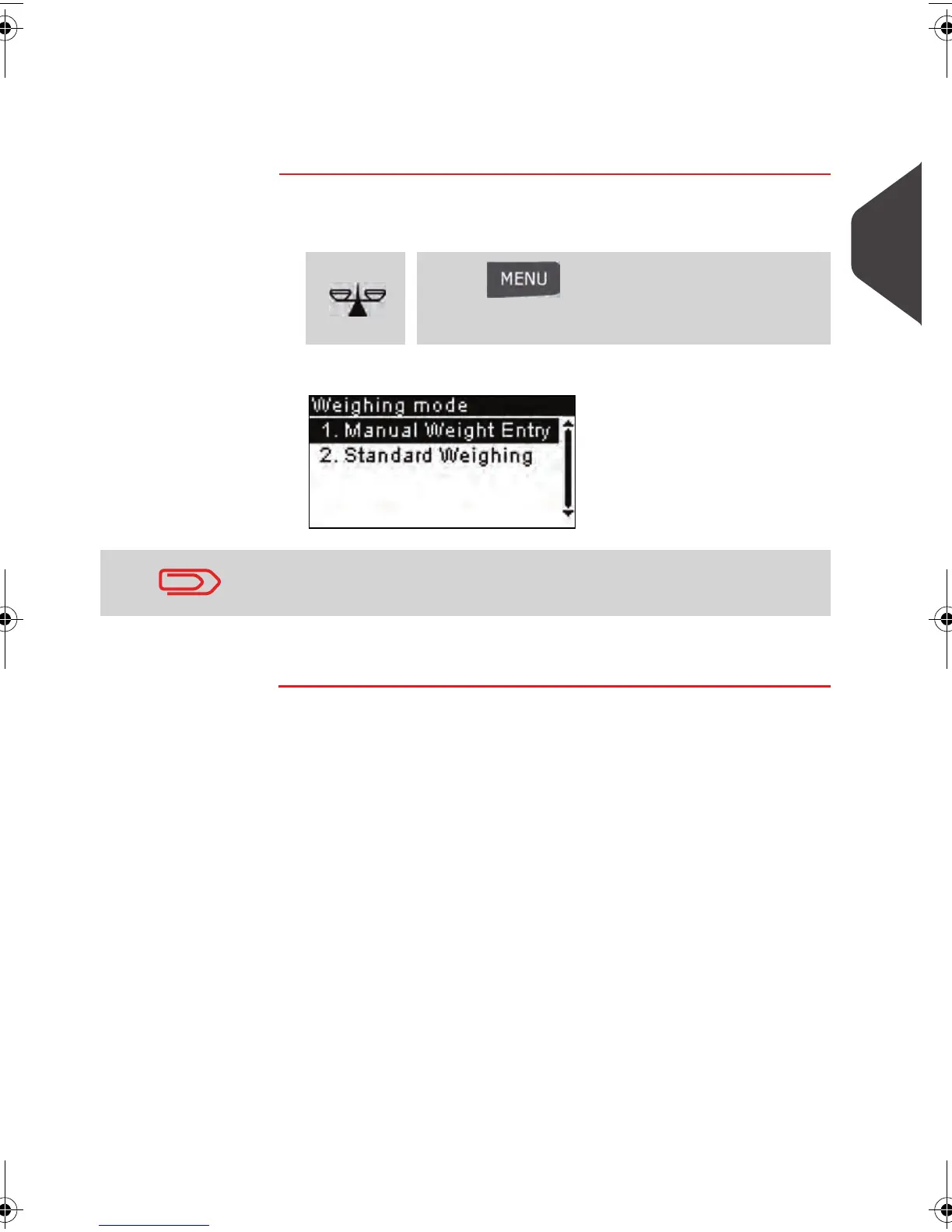
To change the weighing type from the home screen:
1 Either:
The
Weighing mode
screen is displayed.
2 Select the weighing type and press [OK] .
Press
or
Press and type 2.1 or select the
path:
> Job settings > Weighing modes
The options currently displayed in the screen depend on the
weighing devices that are connected to your mailing system.
ALPHA1_US.book Page 51 Mardi, 3. mai 2011 2:23 14



 To Next Page