Processing Mail
44
3
Additionally, you can :
- Activate or deactivate printing the date
- Activate or deactivate printing 'Received '.
- Select the option to change and press [OK] . The screen in-
dicates the current status of the options.
Press or to return to the home screen.
You are now ready to print.
How to Process Received Mail (Running Mail)
How to Process
Received Mail
(Running Mail)
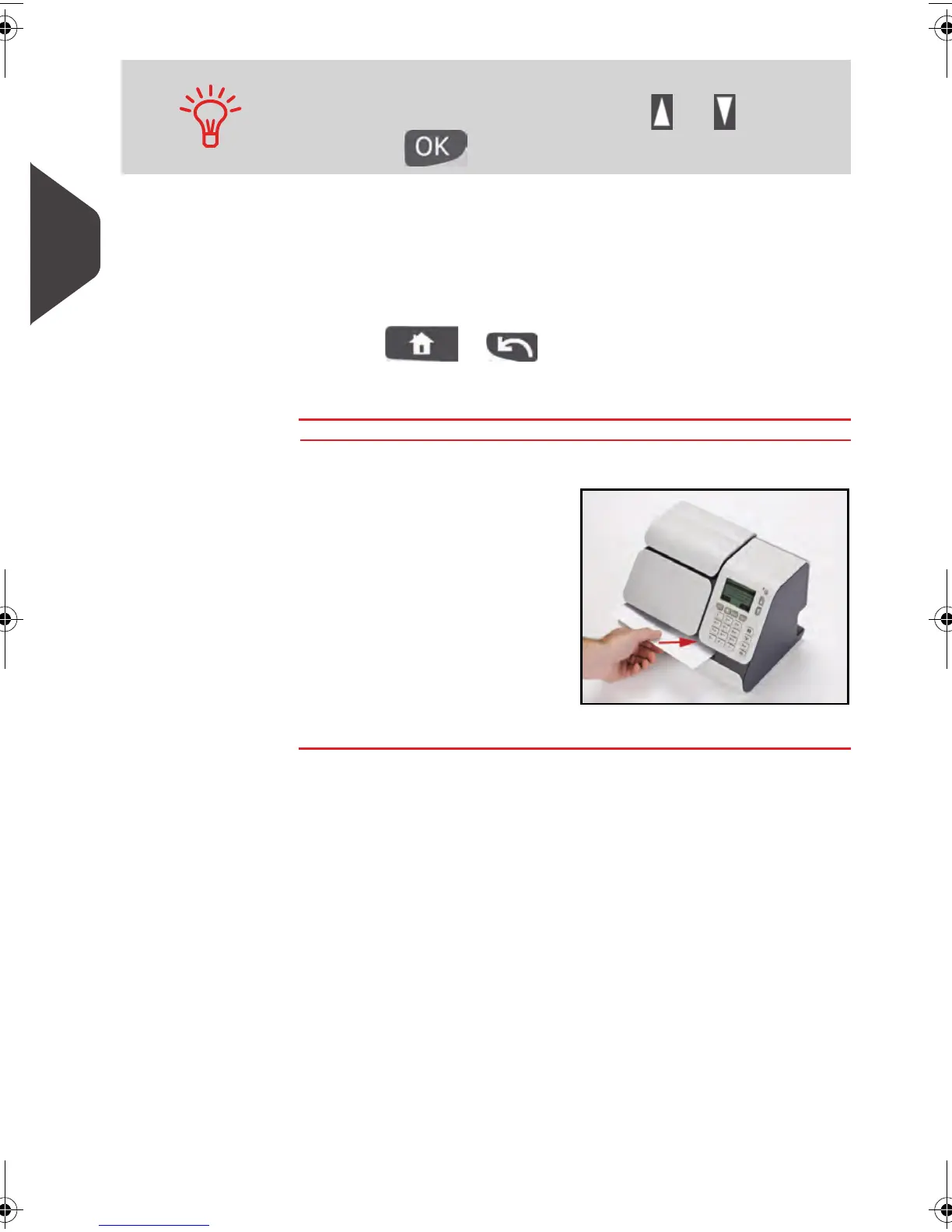
On the [Received ] home screen:
1
Insert the mail piece into
the system, with the side
to be printed facing
upwards.
2 The mailing system
applies the selected
imprint on the mail piece.
To select an option on the screen:
Highlight the option using the arrow keys and
Then press to validate your selection.
ALPHA1_US.book Page 44 Mardi, 3. mai 2011 2:23 14



 To Next Page