Processing Mail
31
3
Selecting the Type of Imprint
For each stack of mail you have sorted (see p.28 ), select the type of imprint you need
to process your mail as follows.
About the types of imprint, see
Parameters of the Type of Imprint
p.26
How to Change the Current 'Type of Imprint'
How to Change
the Current 'Type
of Imprint'
Once you are logged in as user:
1 As user:
The
Customize stamp
screen is displayed.
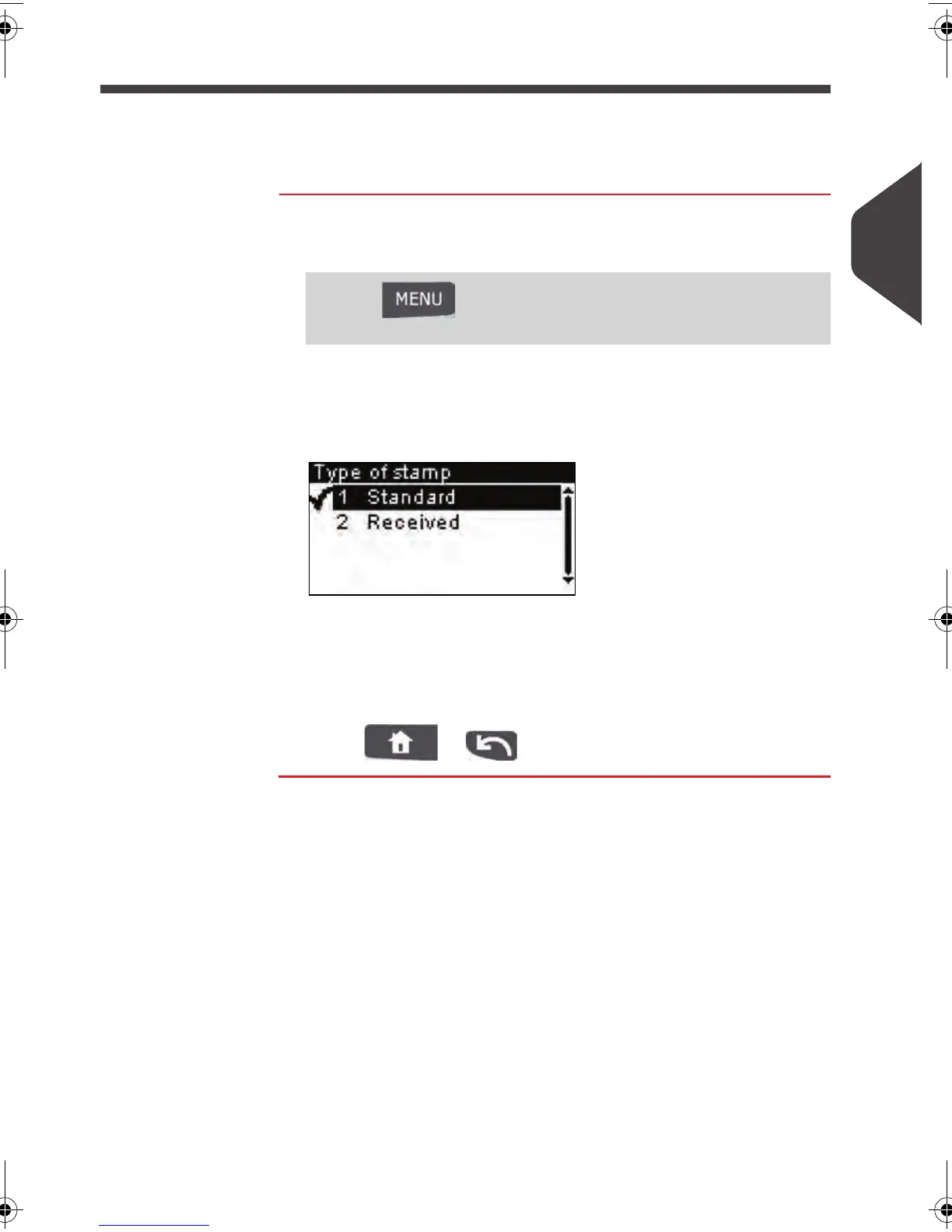
2 Select > Type and press [OK] .
The
Type of stamp
screen is displayed.
3 Select the type of imprint in the list and press [OK] .
The
Customize stamp
screen is updated and displays the
menu items that allow you to modify the imprint parameters.
4 Press or to return to the home screen.
Press and type 1
> Customize stamp
ALPHA1_US.book Page 31 Mardi, 3. mai 2011 2:23 14



 To Next Page