Processing Mail
33
3
Processing [Standard] Mail
In this Section
This section describes how to process mail when in the [Standard ] type of imprint
mode:
• Applying postage using different rates
• Re-dating mail
• Correcting postage amount.
About the 'Types of imprint', see also
The different Types of Imprint
p.25 .
Applying Standard Postage
Sequence of Settings
The procedure below outlines steps to process mail.
As mail requirements differ from day to day, some of the settings may not be nec-
essary, or their order may vary.
How to Apply Standard Postage (Settings)
How to Apply
Standard
Postage
(Settings)
Required settings:
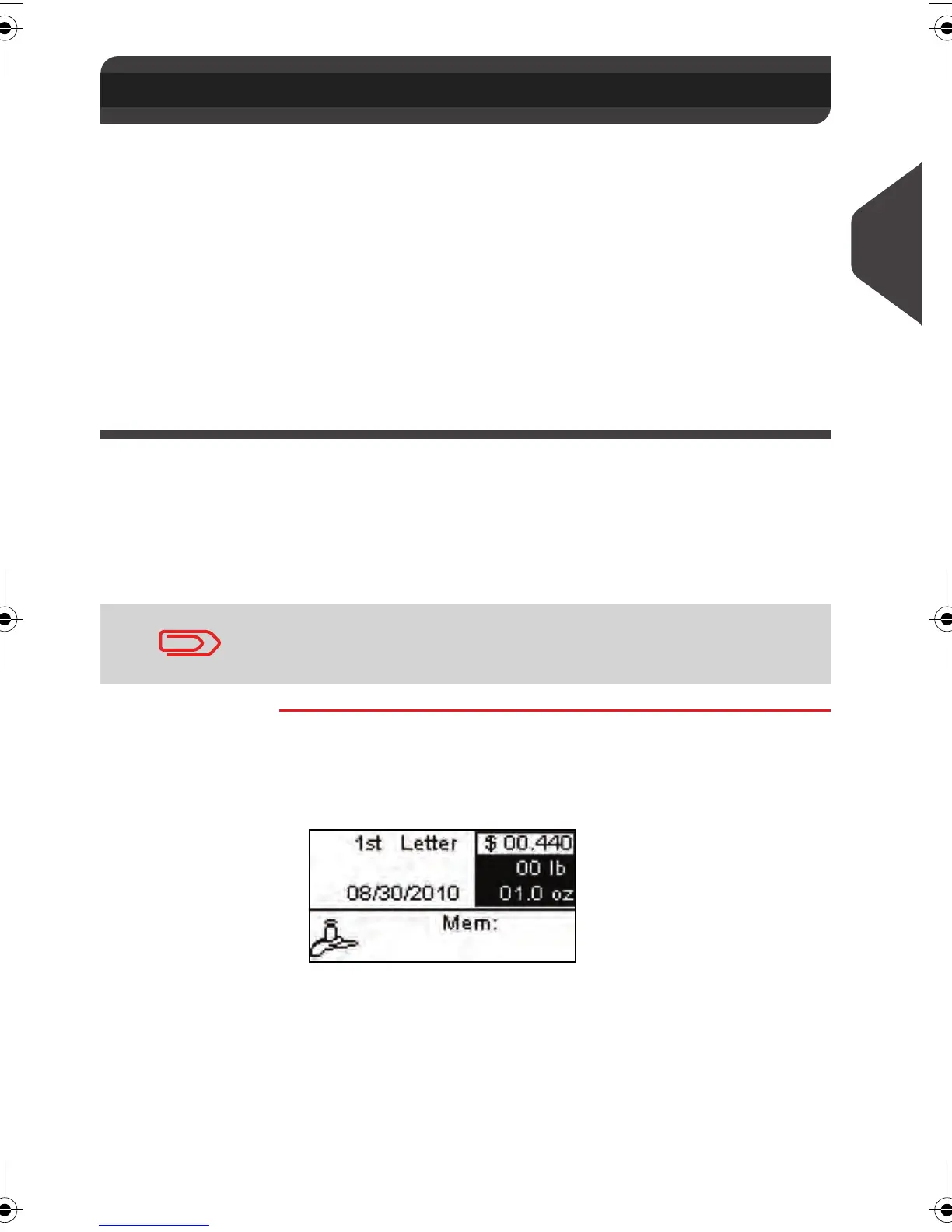
1 Make sure you are on the home screen of the Standard type
of imprint . The home screen indicates weight, postage and
currently selected rate as illustrated below.
3.3 Processing [Standard] Mail
At this point, make sure you have completed the preparation
steps mentioned in
Preparing and Starting your Work Session
p.27 .
ALPHA1_US.book Page 33 Mardi, 3. mai 2011 2:23 14



 To Next Page