Processing Mail
56
3
How to Add (or Cancel) a Text on the Imprint
How to Add (or
Cancel) a Text on
the Imprint
To add a text to the imprint, or to cancel the text:
1 Either:
2 Select > Text and press [OK] (or type 2 ).
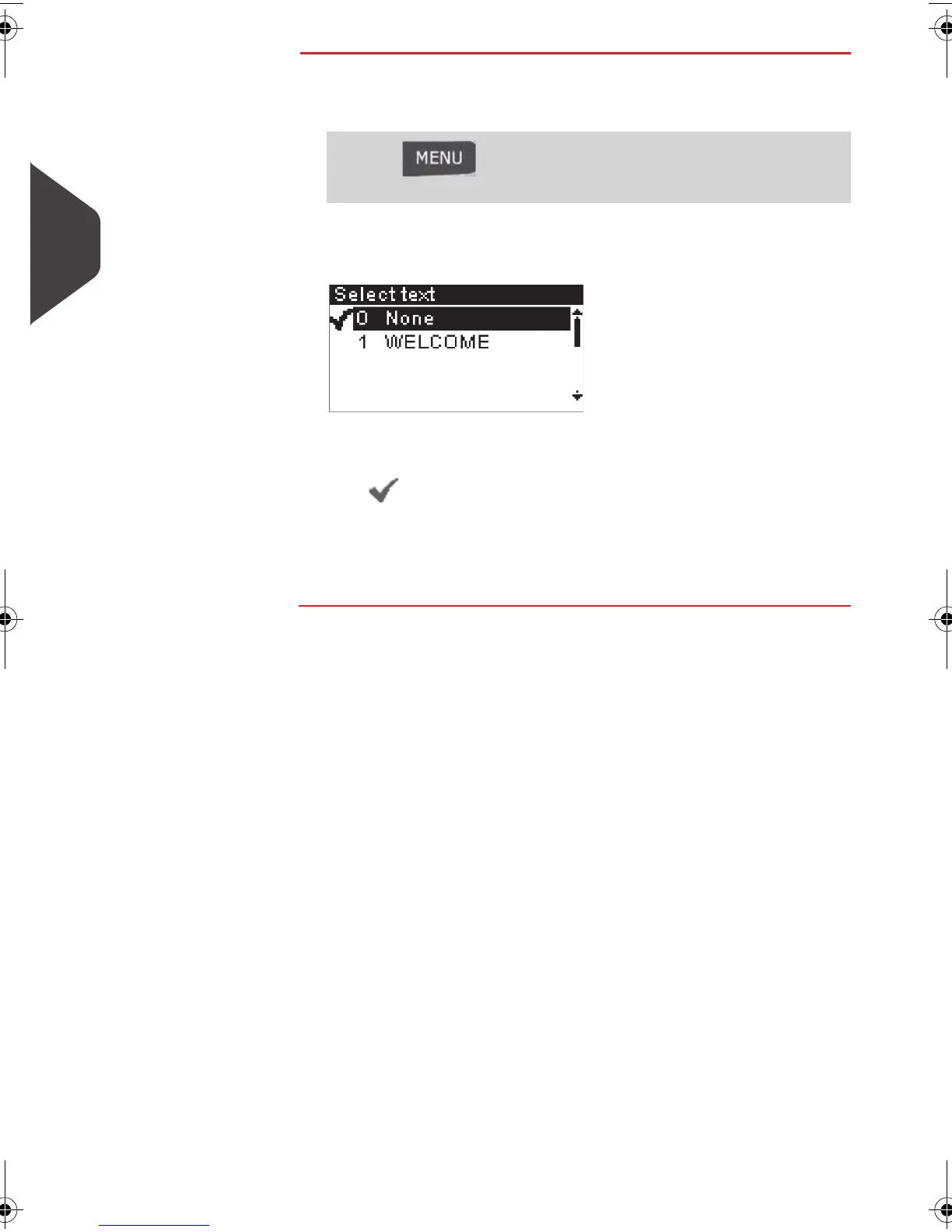
The
Select text
screen is displayed.
3 Select the desired text in the list or select
None
for printing
no text.
The icon indicates the current selection.
4 Press [OK] to validate your selection.
The
Customize stamp
screen is displayed with updated pa-
rameters.
See also
The supervisor manages the lists of the available :
• custom texts
(see
Managing Custom Text Messages
p.156 )
• custom ad slogans.
(see
Managing Slogan s
p.158 )
Press and type 1 or select the path:
> Customize stamp
ALPHA1_US.book Page 56 Mardi, 3. mai 2011 2:23 14



 To Next Page