Processing Mail
40
3
Correcting a Postage Amount
Sequence of Settings
The procedure below outlines steps to correct the amount on mail that has already
been processed.
The sequence is identical to
Re-dating Mail
(p.33 ), except for the following:
• Postage must be set to the desired additional amount, instead of 0 .
• Print the new postage on the back or bottom of the front of the envelope.
How to Correct Postage Amount (Settings)
How to Correct
Postage Amount
(Settings)
Required settings:
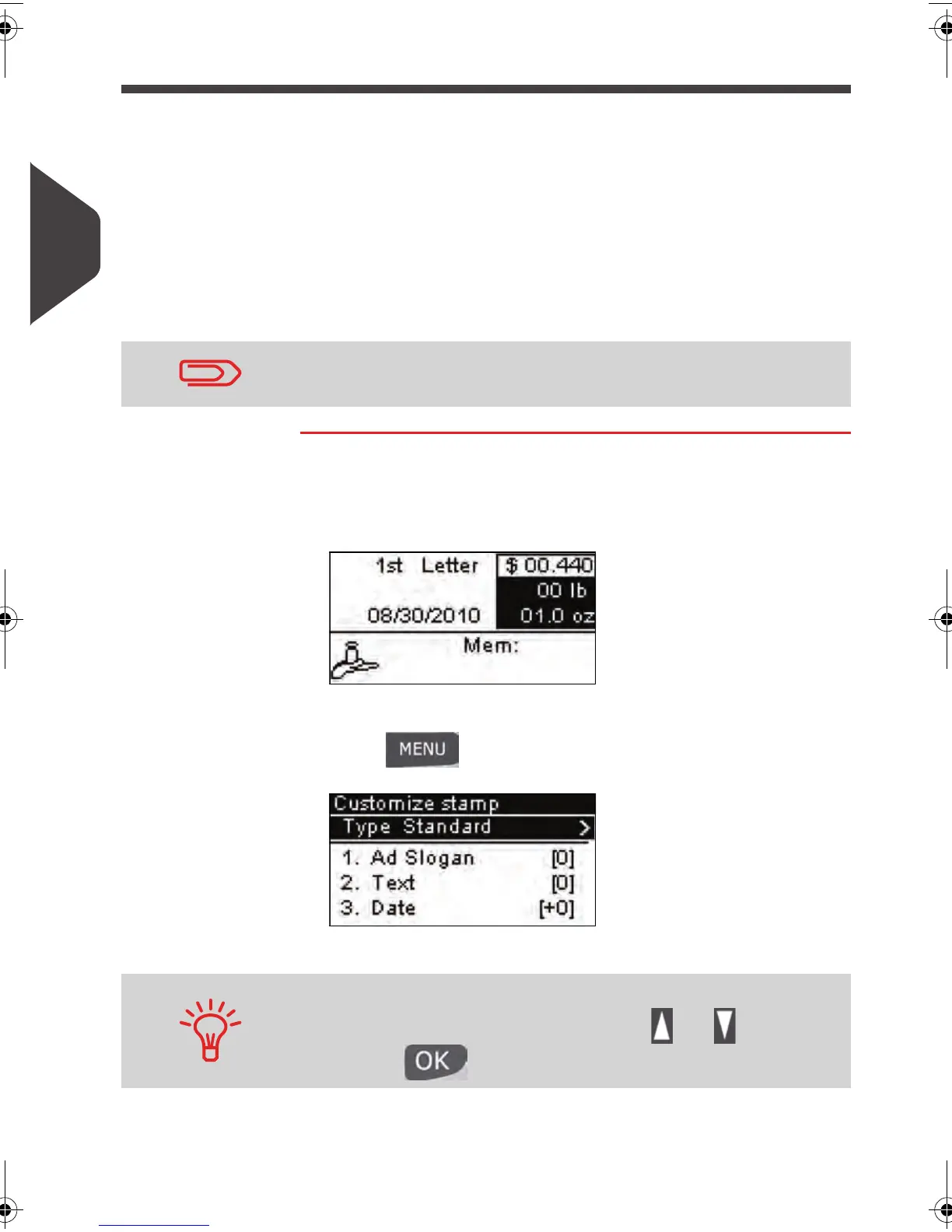
1 Make sure you are on the home screen of the [Standard ]
type of imprint . The home screen indicates weight, postage
and currently selected rate as illustrated below.
2 Check or change the type of imprint .
Press and type
1 to access the
Customize stamp
screen:
The type of imprint is indicated on line 2 of the screen.
To change the type of stamp , select the
Type
line, press
[OK] and then select [Standard ] in the
Type of stamp
screen
and press [OK] .
Make sure you have already completed the preparation steps
mentioned in
Preparing and Starting your Work Session
p.27 .
To select an option in the screen:
Highlight the option using the arrow keys and
Then press to validate your selection.
ALPHA1_US.book Page 40 Mardi, 3. mai 2011 2:23 14



 To Next Page