Processing Mail
42
3
Running Mail
To run mail, follow the procedure below after you have completed the sequence in
Sequence of Settings
p.40 .
How to Correct Postage Amount (Running Mail)
How to Correct
Postage Amount
(Running Mail)
The postage amount is displayed on the home screen. To print
postage directly on mail pieces:
1
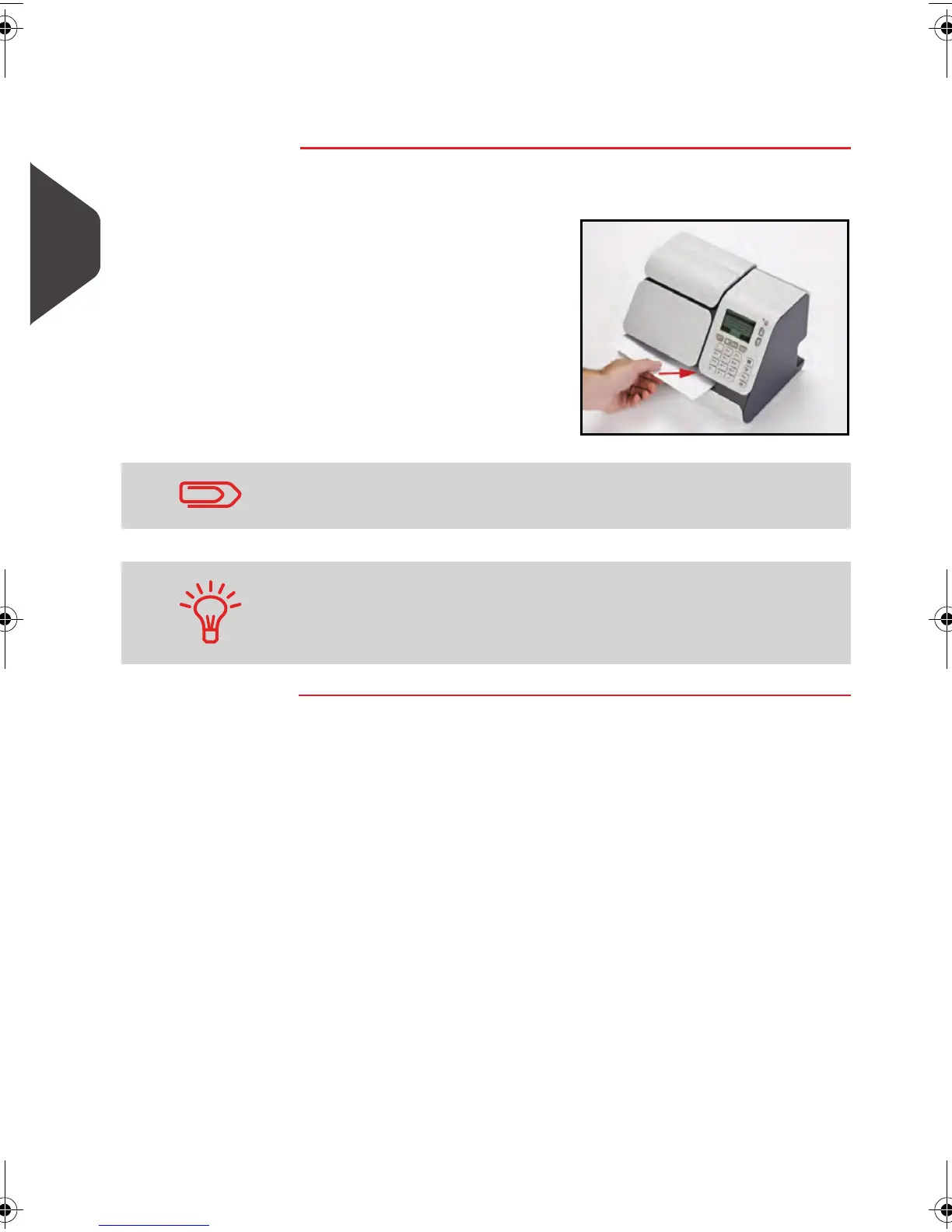
Insert the mail piece (or
a label tape) into the mail
path against the rear-
guide wall, with the side
to be printed facing
upwards.
The side that you want to print on should be facing upwards.
If a mail piece is bigger than mail path maximum thickness (see
Mail Specifications
p.185 ), you may print on a label instead.
ALPHA1_US.book Page 42 Mardi, 3. mai 2011 2:23 14



 To Next Page