Managing Accounts and Access Rights
81
5
Editing Accounts
Use the procedures below to modify an account name or status.
The account number cannot be modified.
How to View / Edit Account Parameters
How to View /
Edit Account
Parameters
To view or edit an account:
1 As supervisor (see
How to Log in as Supervisor
p.124 ):
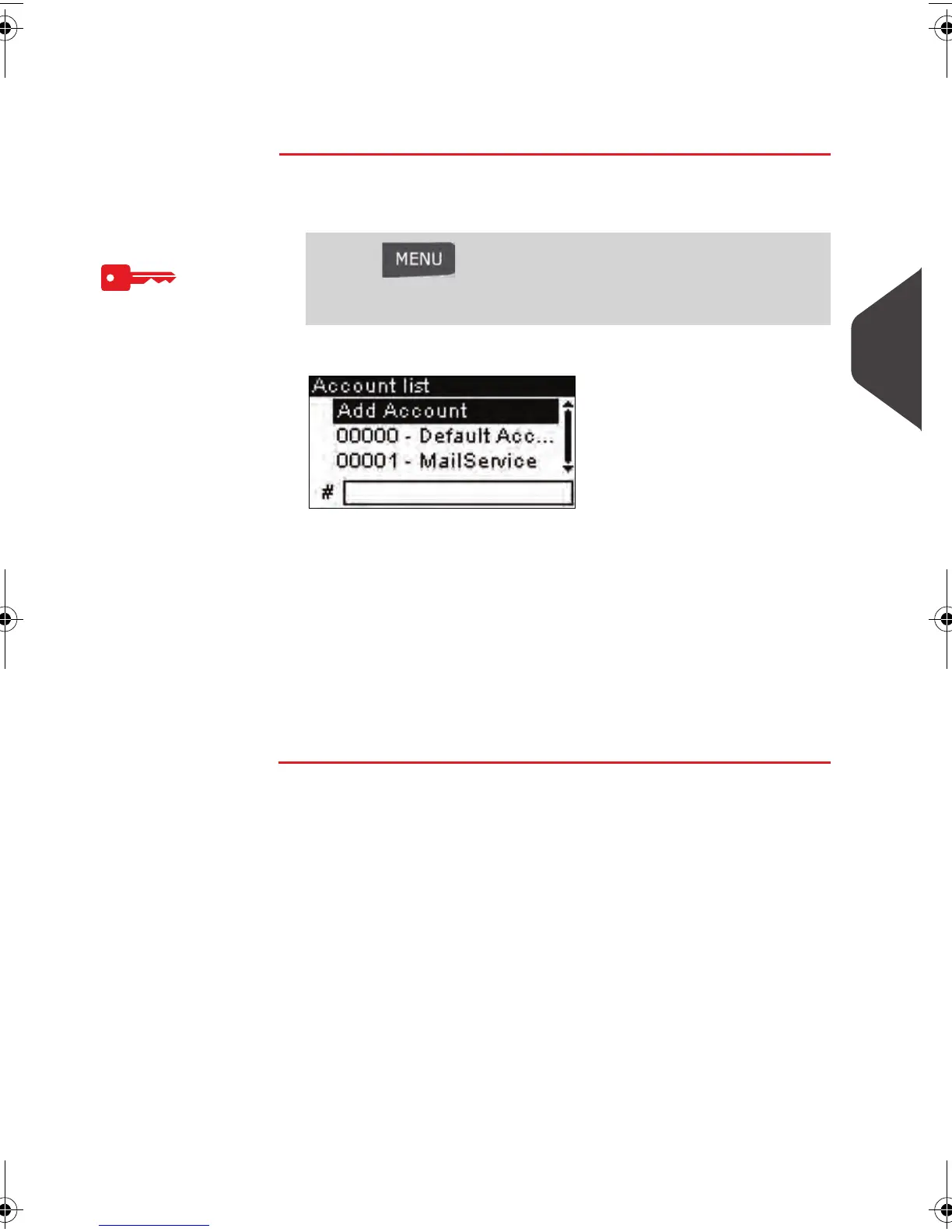
The
Account list
screen is displayed.
2 Select the account (or type its number) and press [OK] .
3 Select Edit / Modify (or type 1 ).
The
Edit / Modify
screen is displayed.
4 Change each parameter using the keypad (use key [C] to
clear characters). Press [OK] to display the next parameter.
The
Account modification summary
screen is displayed.
5 Press [OK] to validate the changes.
Press and type 5.2.1 or select the path:
> Account management > Manage accounts > Account
list
ALPHA1_US.book Page 81 Mardi, 3. mai 2011 2:23 14



 To Next Page