Processing Mail
48
3
Entering Postage Amount Manually
To enter the postage amount manually, follow the procedure below.
How to Enter Postage Amount Manually
How to Enter
Postage Amount
Manually
On the home screen:
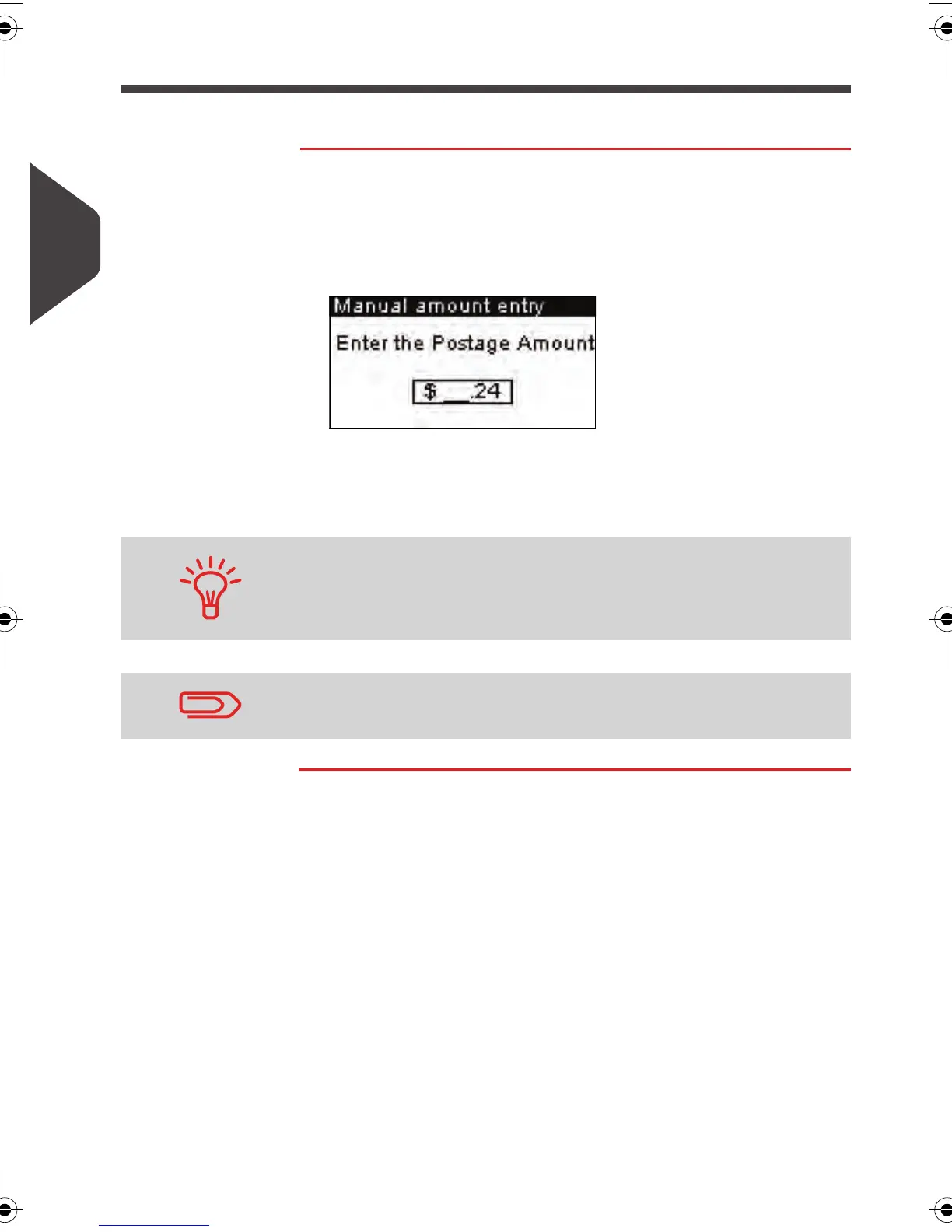
1 Type directly the first figure of the amount using the keypad.
The
Manual amount
screen appears.
2 Complete the amount.
3 Press [OK] .
The amount is displayed in the
Postage
area of the home
screen.
You can set a default postage amount to display the same post-
age amount on the homepage screen at each system start-up,
see
How to Enter a Default Postage Amount
p.49
To set the fractional postage for presort mail, see
How to Activate
/ Deactivate Fractional Postage values
p.140 .
ALPHA1_US.book Page 48 Mardi, 3. mai 2011 2:23 14



 To Next Page