Managing Accounts and Access Rights
78
5
Selecting an 'Account Mode'
See also
•
Guidelines to Setup Account Modes
p.74 .
How to Display and Change the ' Account Mode'
How to Display
and Change the
'Account Mode'
To display and change the 'Account mode':
1 As supervisor (see
How to Log in as Supervisor
p.124 ):
The
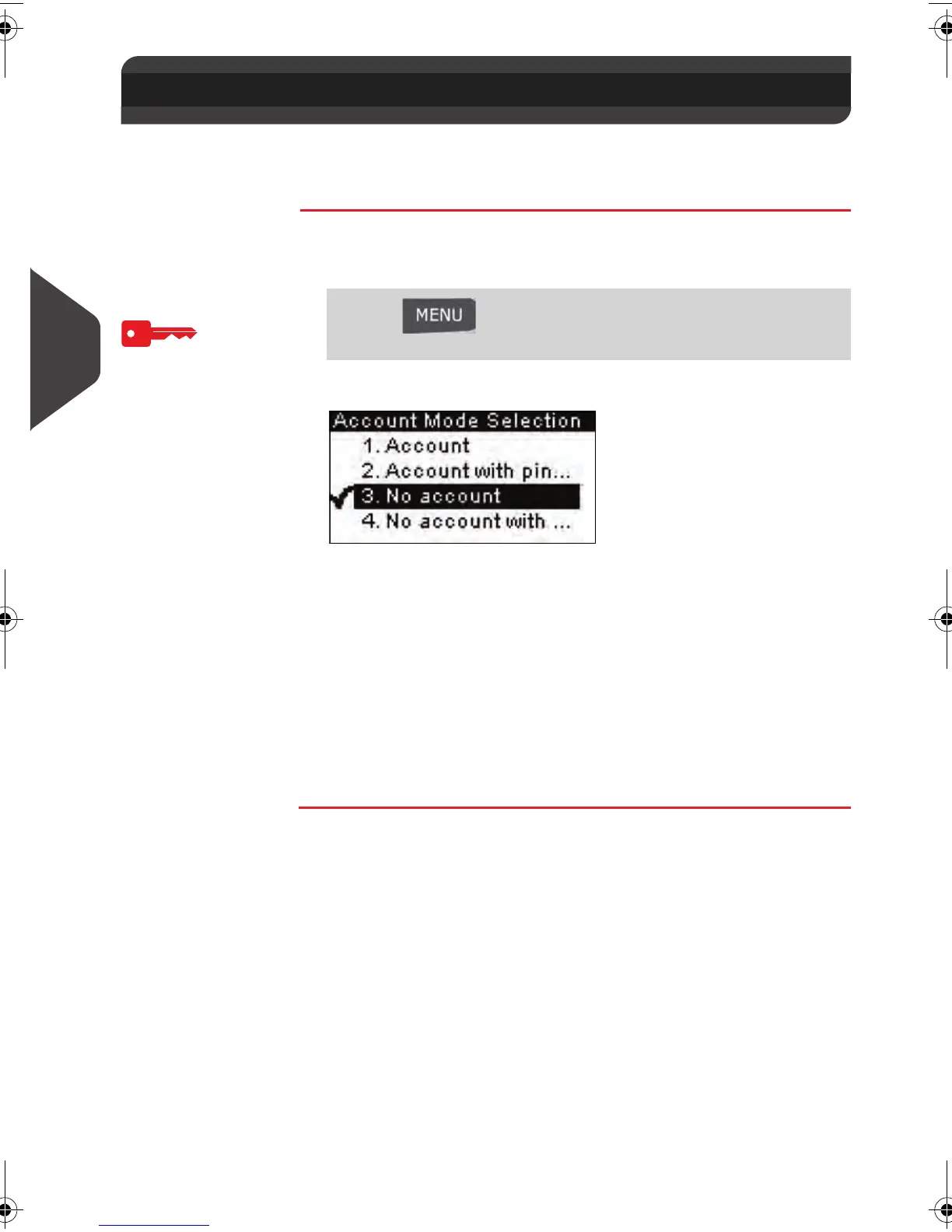
Account Mode Selection
screen is displayed.
In the screen, the current 'Account mode' is selected.
2 Select another 'Account mode'.
The system asks for a confirmation.
3 Press [OK] to confirm.
4 In selection 4 enter a unique PIN and press [OK] .
The mailing system confirms that the 'Account mode' has
been changed.
5.5 Selecting an 'Account Mode'
Press and type 5.1 or select the path:
> Account Management > Account Mode Selection
ALPHA1_US.book Page 78 Mardi, 3. mai 2011 2:23 14



 To Next Page