Processing Mail
39
3
To change the date or date format from the
Customize
stamp
screen as follows:
Select
Date
and then select a date option in the
Date
screen. Select
Today's date
for printing today's date. For
more details, see
How to Change the Date on the Imprint
p.53 .
Press or to return to the home screen.
3 Set postage to 0 manually , to be sure that it will remain on
zero.
Type
0 on the home screen to open the
Manual amount
screen and then just press [OK] . For more details, see
How
to Enter Postage Amount Manually
p.48 .
You are now ready to print.
Running Mail
To run mail, follow the procedure below after you have completed the steps in
Se-
quence of Settings
p.38 .
How to Re-Date Mail (Running Mail)
How to Re-Date
Mail (Running
Mail)
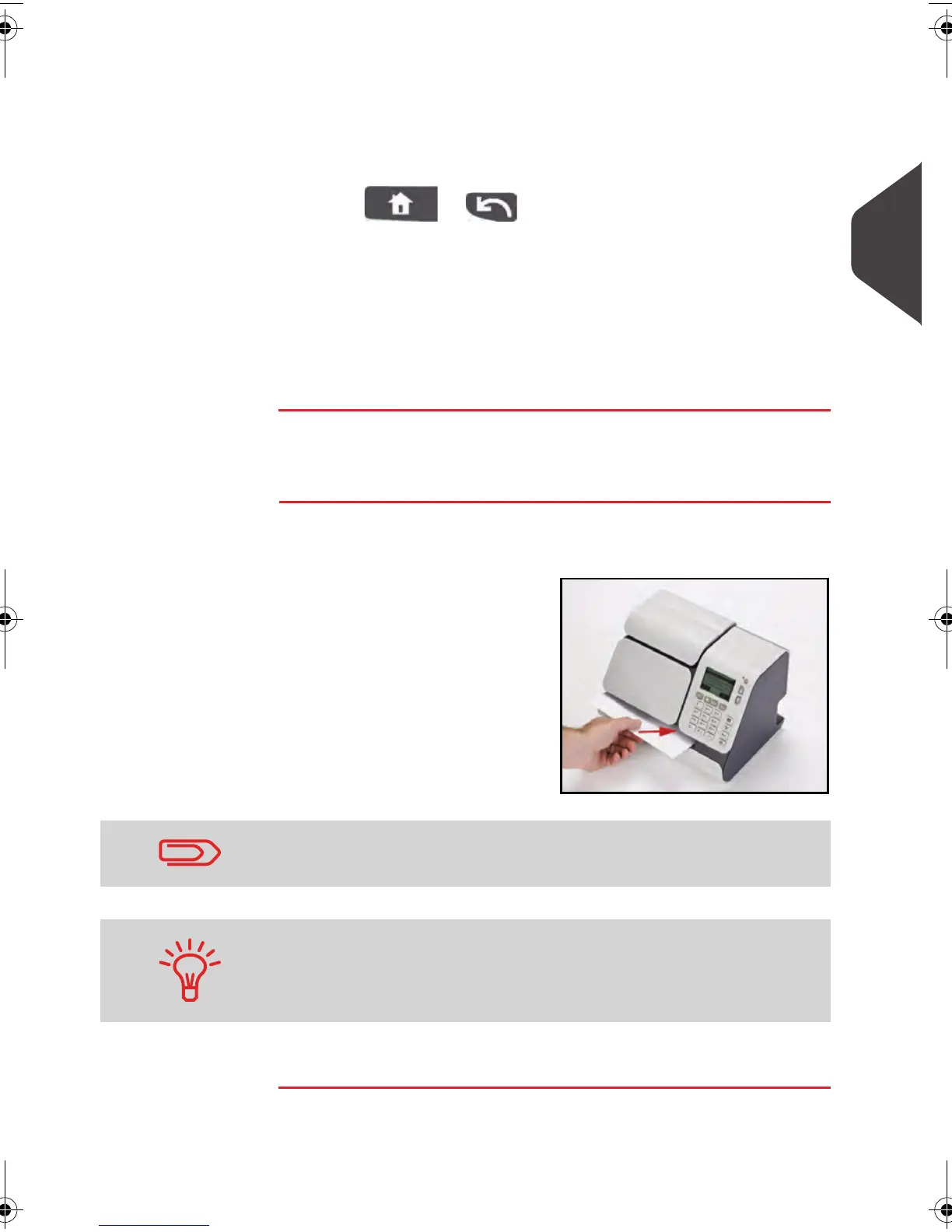
The postage amount 0 is displayed on the home screen. To
print postage directly on mail pieces:
1
Insert the mail piece (or
a label tape) with the
side to be printed facing
upwards.
The mailing system applies postage.
The side that you want to print on should be facing upwards.
If a mail piece is bigger than mail path maximum thickness (see
Mail Specifications
p.185 ), you may print on a label instead.
ALPHA1_US.book Page 39 Mardi, 3. mai 2011 2:23 14



 To Next Page