Processing Mail
35
3
To check or change the Slogan selection :
Select
Ad Slogan
and then select a Ad Slogan (or
None
) in
the
Ad Slogan list
screen. For more details, see
How to Add
(or Cancel) a Slogan on the Imprint
p.57 .
To check or change the Text selection :
Select
Text
and then select a text (or
None
) in the
Text list
screen.
For more details, see
How to Add (or Cancel) a Text on the
Imprint
p.56 .
To check or change the date or date format :
Select
Date
and then select a date option in the
Date
advance
screen. Select
Today's date
for printing today's
date.
For more details, see
How to Change the Date on the Imprint
p.53 .
Press or to return to the home screen.
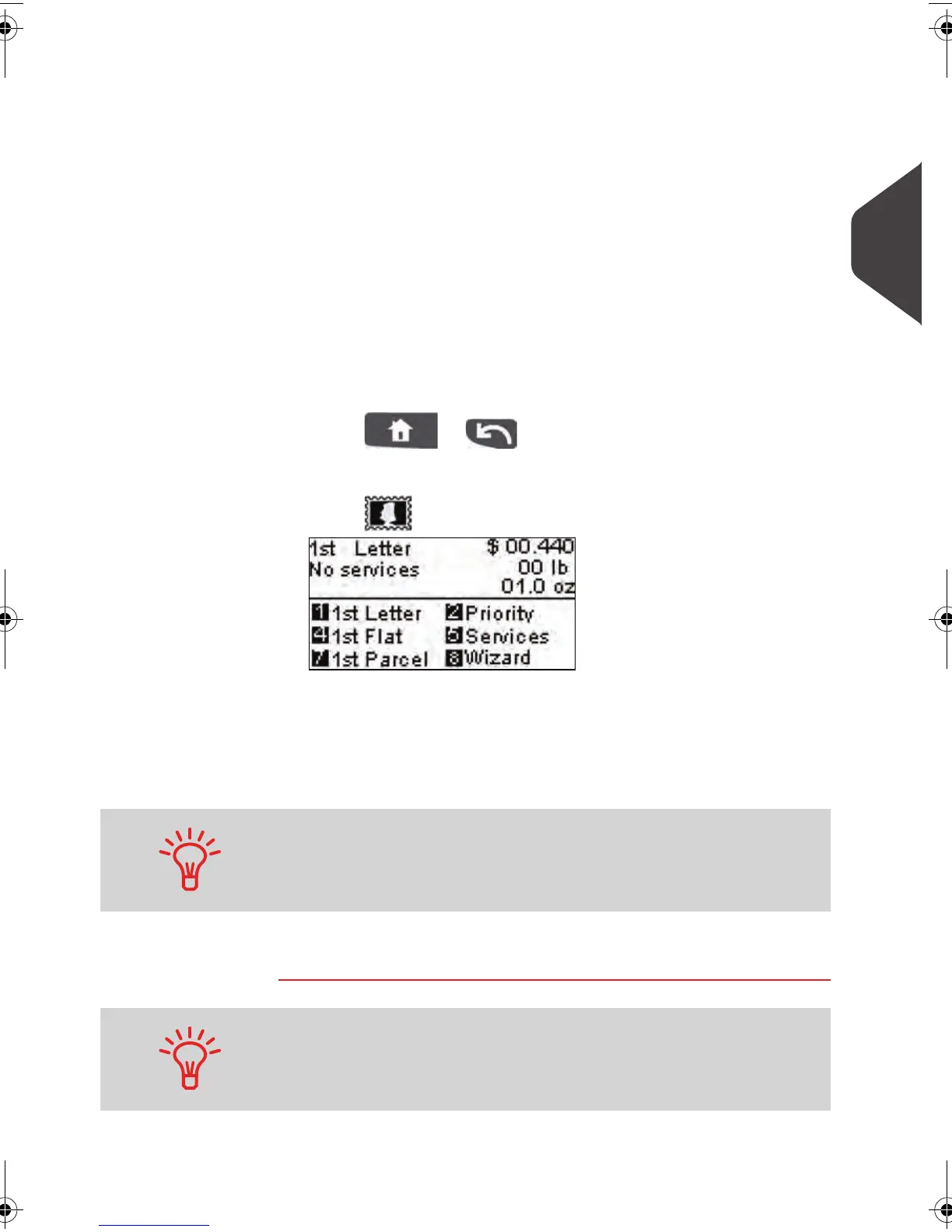
3 Select a rate and services .
Press to open the
Rate selection
screen.
Type a rate number to select a rate or display new rate
options
Press 8 to select the
Rate wizard
and choose rate options
in lists (includes rates not shown on
rate selection
screen).
For more details, see
Selecting a Rate
p.46 .
You are now ready to weigh and print the mail piece.
You may also enter the postage amount manually : on the home
screen, type directly the amount using the keypad. For more
details, see
How to Enter Postage Amount Manually
p.48 .
To set the imprint quickly, consider using imprint memories . The
memories store imprint characteristics together with rates and, if
activated, accounts. See
Using Imprint Memories
p.58 .
ALPHA1_US.book Page 35 Mardi, 3. mai 2011 2:23 14


 To Next Page
 Loading...








