Processing Mail
37
3
The mailing system applies the imprint on the mail piece.
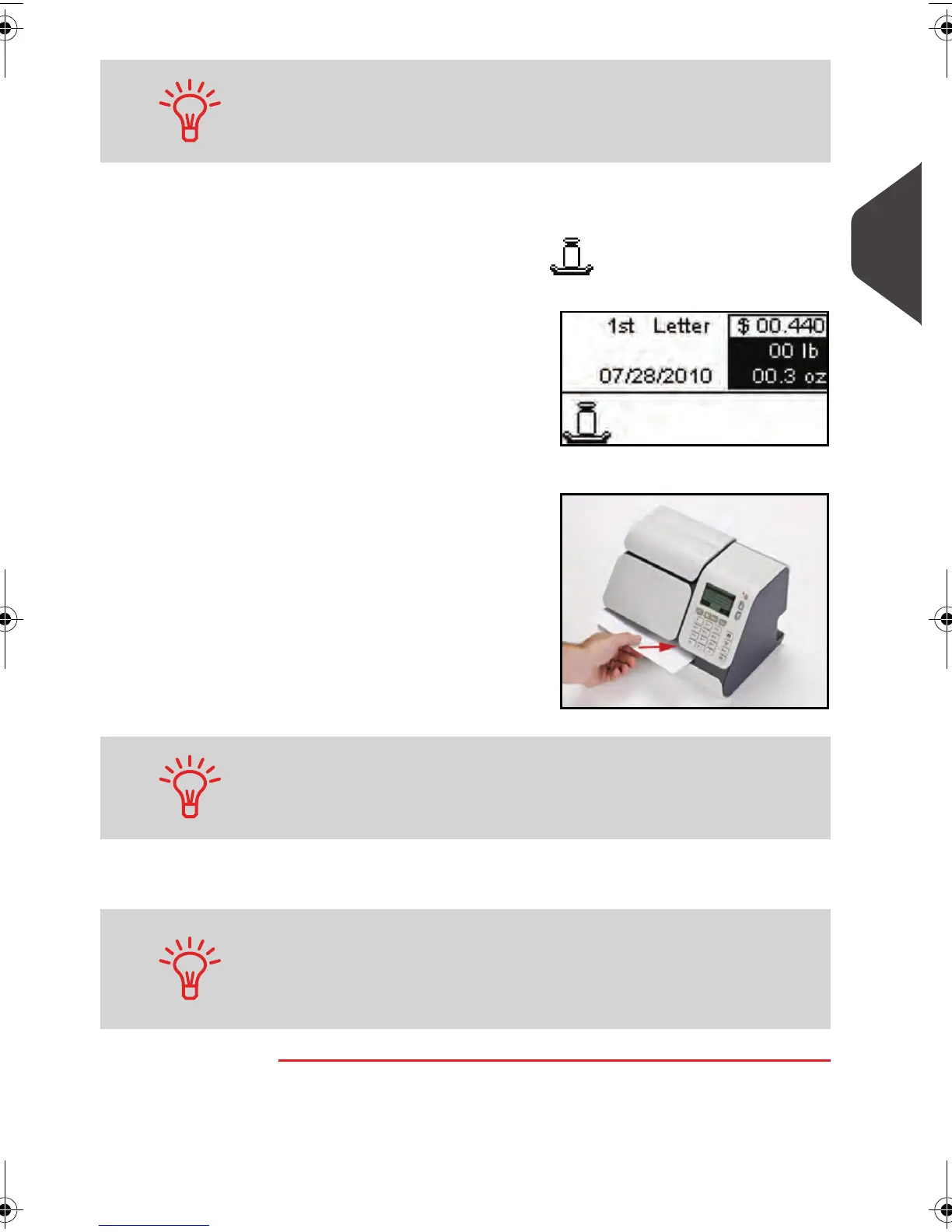
In Standard weighing mode , you can print postage di-
rectly on mail pieces from the [Standard ] home screen:
1
Put the mail piece on the
Scale.
The weight of the mail
piece is displayed in the
Weight
area of the
home screen and the
postage amount is
updated.
2
Withdraw the envelope
from the Scale and insert
it into the system, with
the side to be printed
facing upwards.
The mailing system applies the imprint on the mail piece.
If a mail piece is bigger than mail path maximum thickness (see
Mail Specifications
p.185 ), you can print on a label instead.
These are supplied by your local reseller.
If a mail piece is bigger than mail path maximum thickness (see
Mail Specifications
p.185 ), you may print on a label instead.
When you put a mail piece on the Weighing Platform, the weight
value is saved when you remove it. You can then print a batch of
similar mail pieces (same weight) without weighing them each. To
print a batch of mixed mail pieces (different weight), you need to
weigh each mail piece before printing.
ALPHA1_US.book Page 37 Mardi, 3. mai 2011 2:23 14



 To Next Page