Managing Accounts and Access Rights
76
5
Setting up 'Account '
In the 'Account' mode, users must select an account to process mail. The user can
change accounts at any time during mail processing.
Implementing 'Account'
1 Follow the procedure
How to Display and Change the 'Account Mode'
p.78 and
select the 'Account' mode.
2 Create accounts as indicated in
How to Create an Account
p.80 .
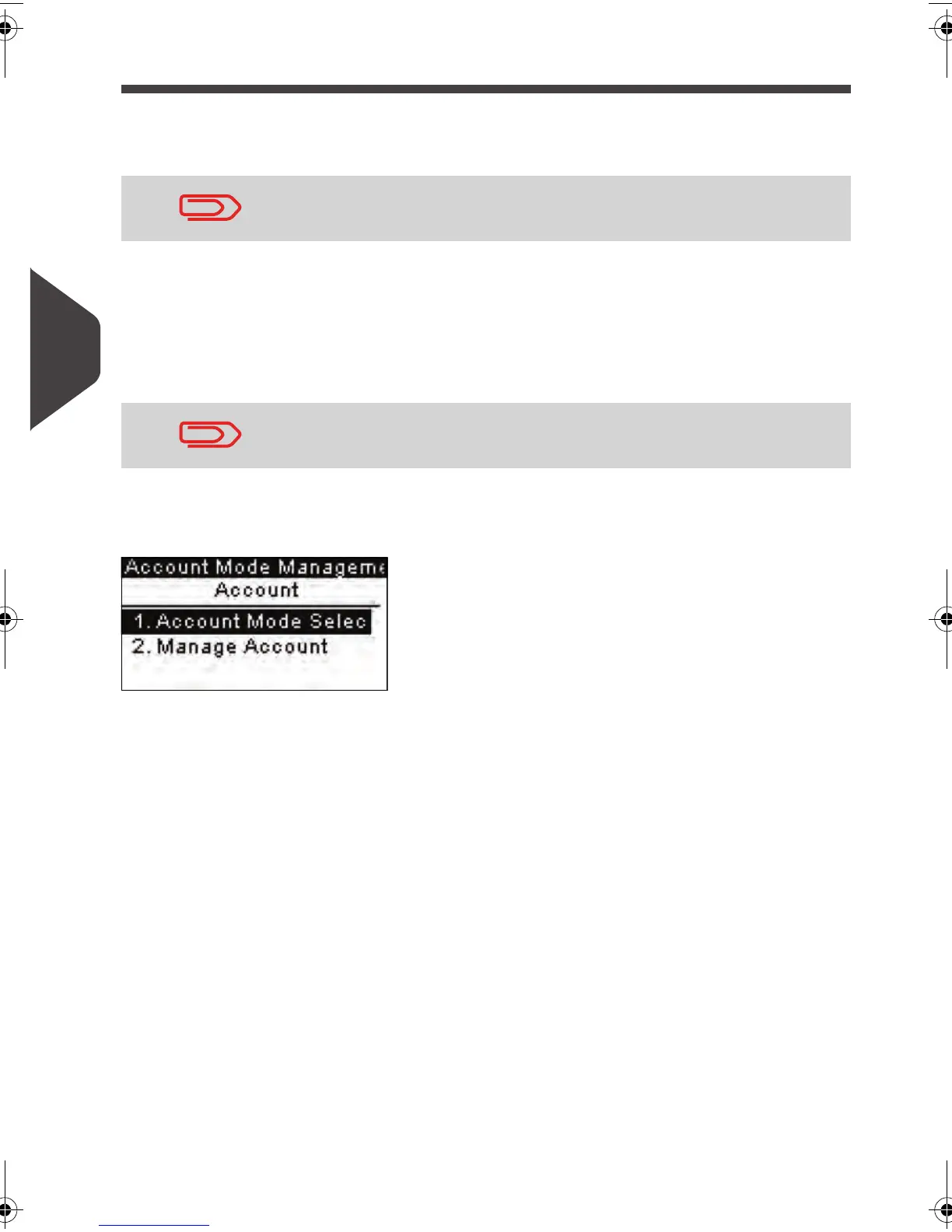
'Account' Mode Management Menu
In
Account
mode, the menu allows you to manage the accounts.
See also
• To add, modify or delete accounts, see
Managing the Accounts
p.79 .
If only one account is available, the mailing system automatically
selects it at start up.
When you activate the 'Account' mode, the system creates an
account by default.
ALPHA1_US.book Page 76 Mardi, 3. mai 2011 2:23 14



 To Next Page