Diagnostics & Software Overview
Sultan Acoustic Wave Series
22
Unlock
0
QuickSet
Space
4.124m
CAL
CAL
Output Adj
Advanced
See ‘QuickSet’
See ‘Output Adjustment’
See ‘Advanced’
Unlock code 0
(default) to access
primary menus
(Primary Menus)
E: Echo
S: Size
Gn: Gain
R: Recover
N: Noise
T: Temperature
Win Fwd
Win Bk
Normal
4.2
1.11V
37.6%
2.3%
1.9%
23.2ºC
3.6m
4.8m
Current distance the unit is detecting with each
pulse (does not include output damping values)
Echo size in volts - A high value (1.6-2V) indicates
the unit may have too much gain for the current distance
Amount of gain applied at distance echo is detected
The amount of recover gain the unit is currently
applying on top of normal gain to track the level
External noise level of similar frequency to Transducer
(eg bulk solids filling)
Temperature at sensor face
Tracking Window starting distance
Tracking Window finishing distance
Unit operational mode:
Normal operation if tracked echo is above
minimum threshold. Default minimum is 0.4V
Recover if below minimum threshold, the unit will
search for an echo for as long as the fail time
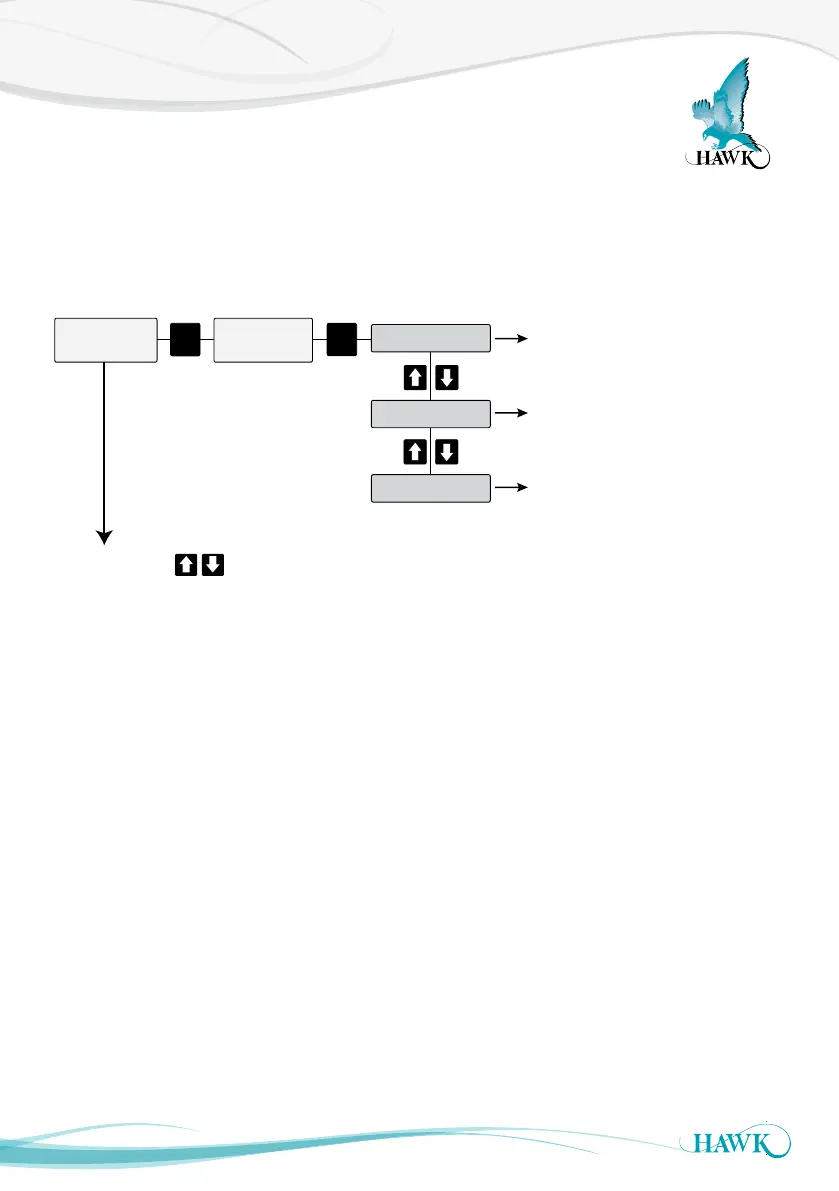
If you press the
(displaying Space, Material% etc) the following diagnostic are shown (example values).
pushbuttons while the unit is in normal operation mode
Normal
During running mode the Sultan will always display the selected primary display mode. There are further
options referred to as ‘diagnostics’ which can be accessed using the arrow buttons which give immediate
information about unit performance.



 To Next Page