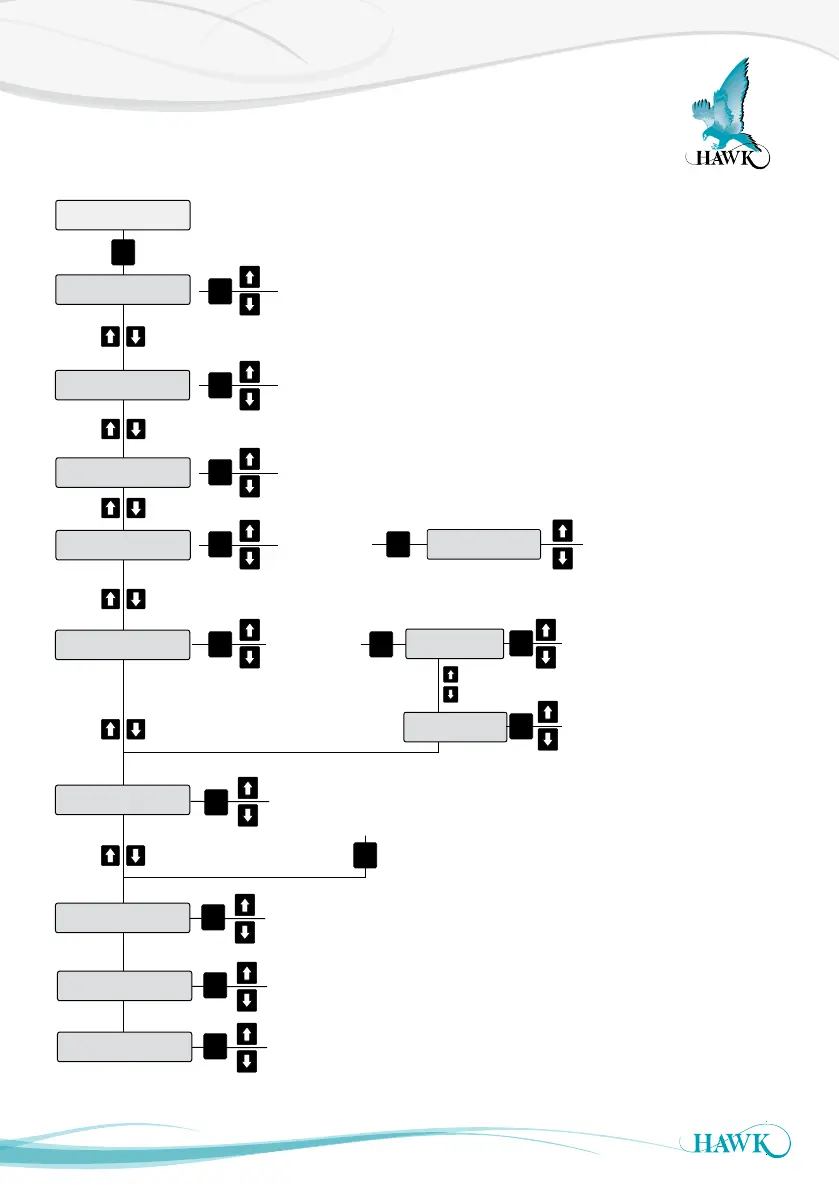
Quickset Flow Chart
Sultan Acoustic Wave Series
23
Adjust vessel low level (maximum
measured distance from
transducer face)
Adjust vessel high Level (minimum
measured distance from transducer face)
Feet
Metres
Centimeters
Inches
QuickSet
Unit
Low Level
High Level
See P20
App types
App Type
Empty Speed
Fill Speed
View or adjust fill rate
(fast/med/slow/custom)
View or adjust empty rate
(fast/med/slow/custom)
Fail Safe
3.50mA
3.80mA
20.20mA
Last Known
Adjust Fail
time (seconds)
Fail Time
CAL
Display Mode
Oset
CAL
CAL
CAL
CAL CAL
CAL
CAL
CAL
CAL
Avg Matrl
Diff O/P
Space
Material
CAL
Material%
Flow
Volume
Flow Tbl
See ‘Display Modes’
on page
*
*
*
*
CAL
Adjust offset value
CAL
Example Vessel
Blanking
Distance
Hi Lvl
Low Lvl
Select unit of
measurement
from
Note: If using GosHawk PC
comms, after changing ‘app type’
you need to reset fill & empty rate
to 1 and then enter your preferred values.
Amp Reset
Resets Amplifier to default settings
(quickset & output adj parameters).
CAL
Lock Code
Set unlock code (default 0)
CAL
27



 To Next Page