Startup
PMX A4354-2.2 HBM: public 143
Symbols and displays used
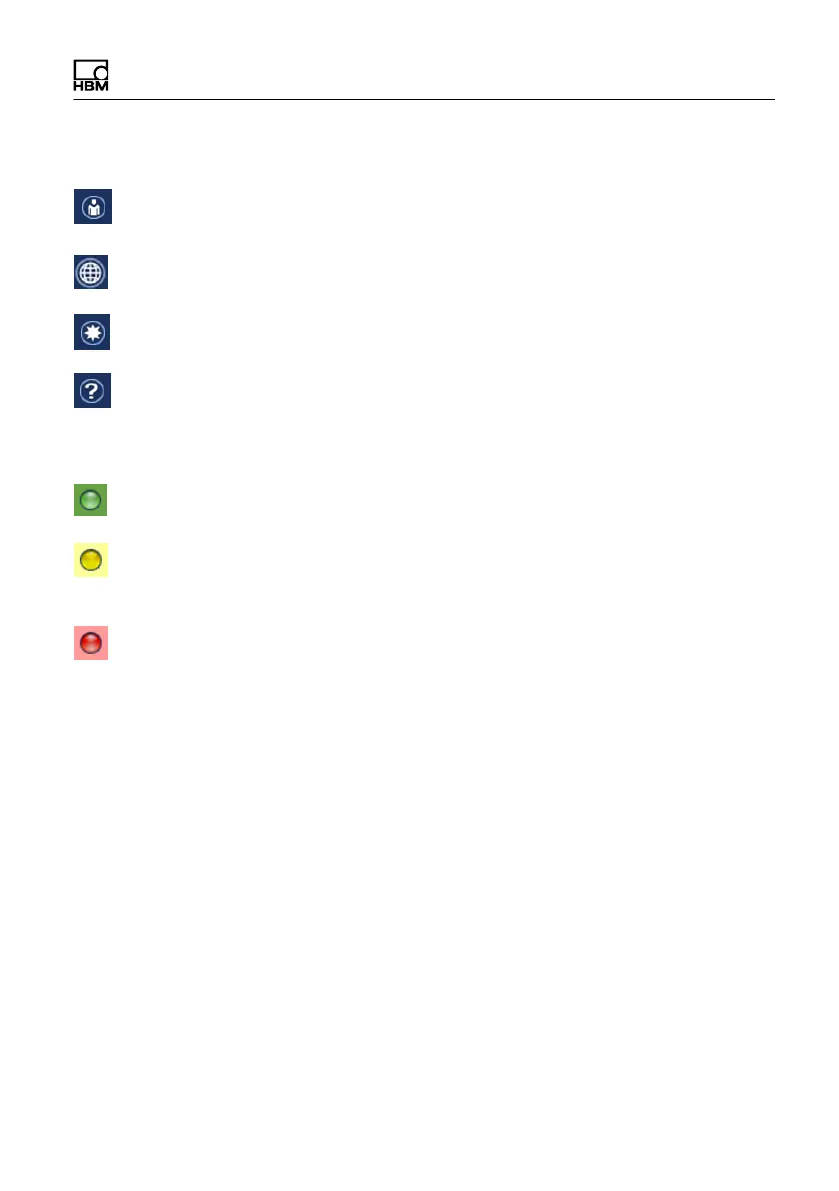
Calls user administration.
The globe icon opens language selection. You can switch
to one of the displayed languages.
Calls the list of favorites. You can add any view to the list
of favorites
Calls this Help.
The LED at the bottom left in the status line shows the
status of the PMX:
Everything OK.
There is an error in one or more of the channels, but the
PMX keeps on working.
The red LED indicates a critical error has occurred. There
is a critical error, measured values can no longer be
recorded or processed.
The network connection to the PMX may also possibly be
lost. In this case the PMX can continue measuring.



 To Next Page