5 System FREE DRIVE
CargoPower installation and operation, revision - 01 34
5.3 Using the HMI Cargo Remote
This chapter describes the functions of the HMI Cargo Remote.
Safety instructions, instructions for product care, disposal or the CE declaration can be found
in the associated SIGMA SPORT EOX 500 manual from the manufacturer.
The following explanations refer to HMI Cargo Remote mounted on the left side of the
handlebar. When mounted on the right side, Power On/Off and Light On/Off are reversed.
5.3.1 Key assignment
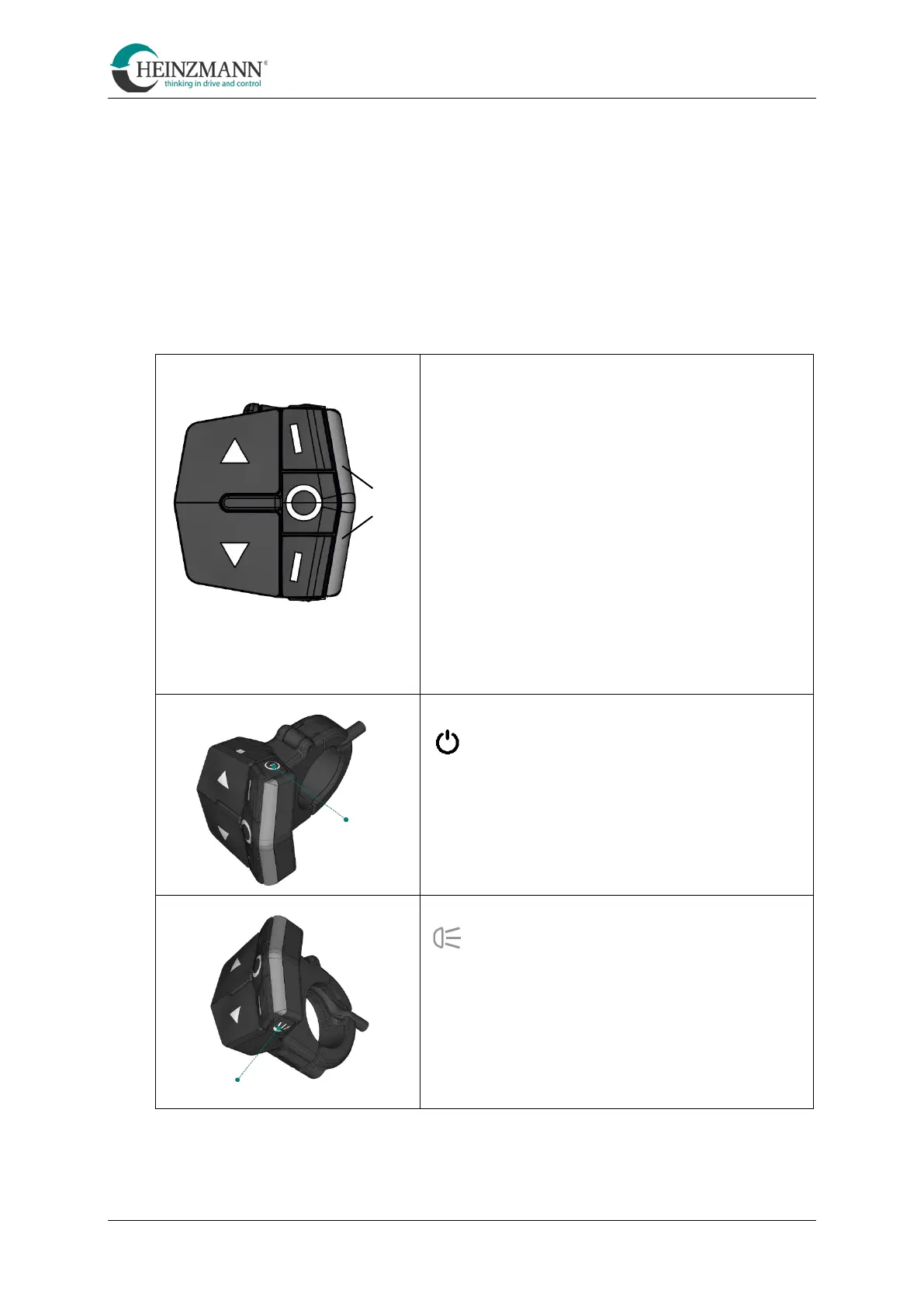
EOX Remote 500
HMI Cargo Remote
Increase the support level
Decrease the support level
Shift up a gear (manual) /
Increase cadence (CVT mode)
Shift down a gear (manual) /
Reduce cadence (CVT mode)
Long press:
Shift: Manual gearbox/CVT
Power button On/Off
Light button
• Short press: switch on / off
• Long press: automatic mode
B
C
Power button



 To Next Page