5 System FREE DRIVE
CargoPower installation and operation, revision - 01 35
5.3.2 System Start
•
Press and hold the power button for
≥ 4 seconds to start the system.
• The lower display bar starts to light up blue
and shows the current charge status of the
battery.
• System start is complete,
the system is in standby mode:
Support level 0 = ", Zero"
For system FREE DRIVE
Support level 0 = "Zero", Gear = 0
5.3.3 Support levels
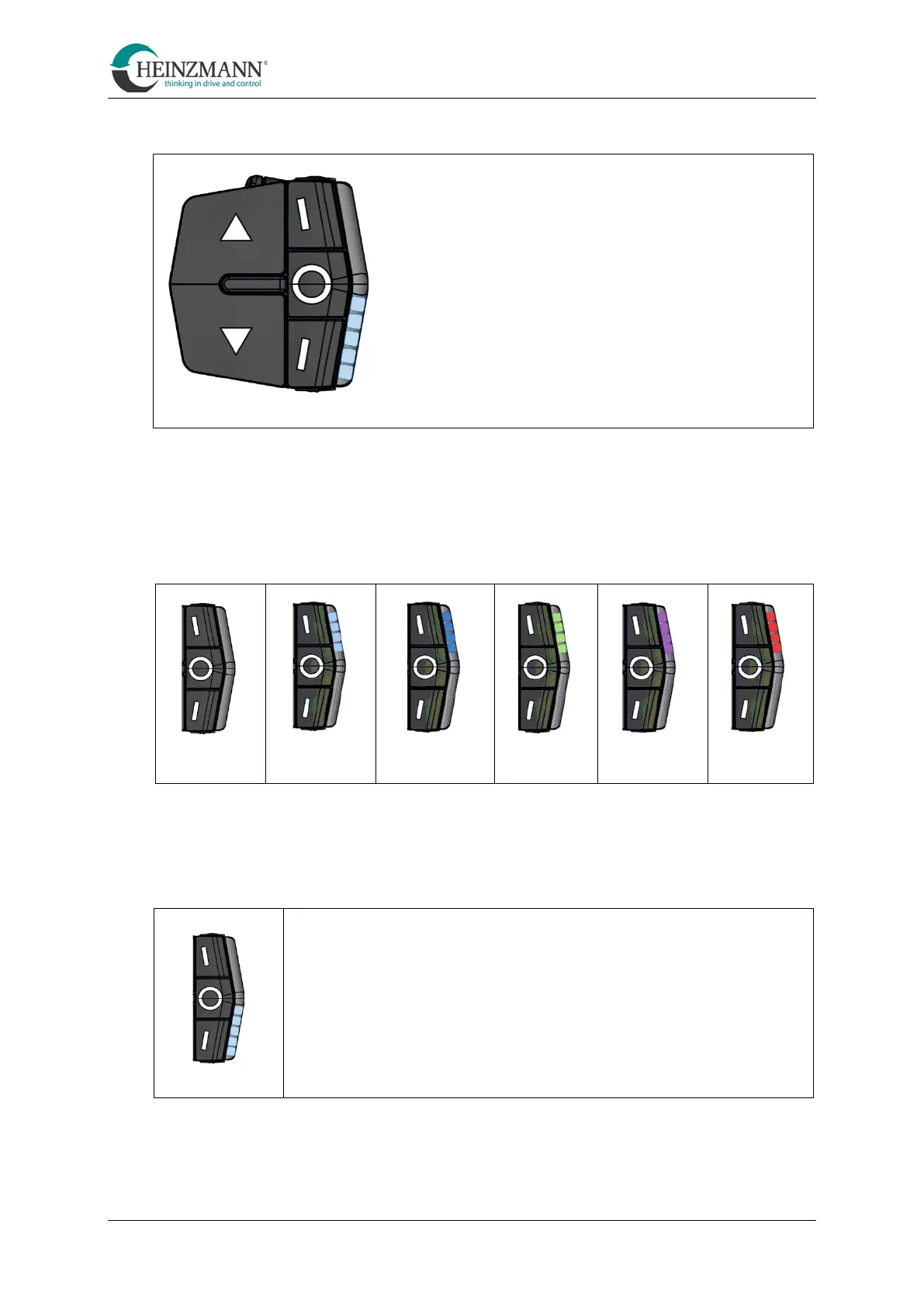
Use the ▲ and ▼ keys to select the desired support level.
Five support levels are available and are indicated on the display bar with the upper LEDs:
5.3.4 Battery charge level indicator
The charging status of the battery is shown on the display bar with the lower LEDs.
LEDs
5
4
3
2
1
=
=
=
=
=
100 %
80 %
60%
40 %
20 %



 To Next Page