5 System FREE DRIVE
CargoPower installation and operation, revision - 01 37
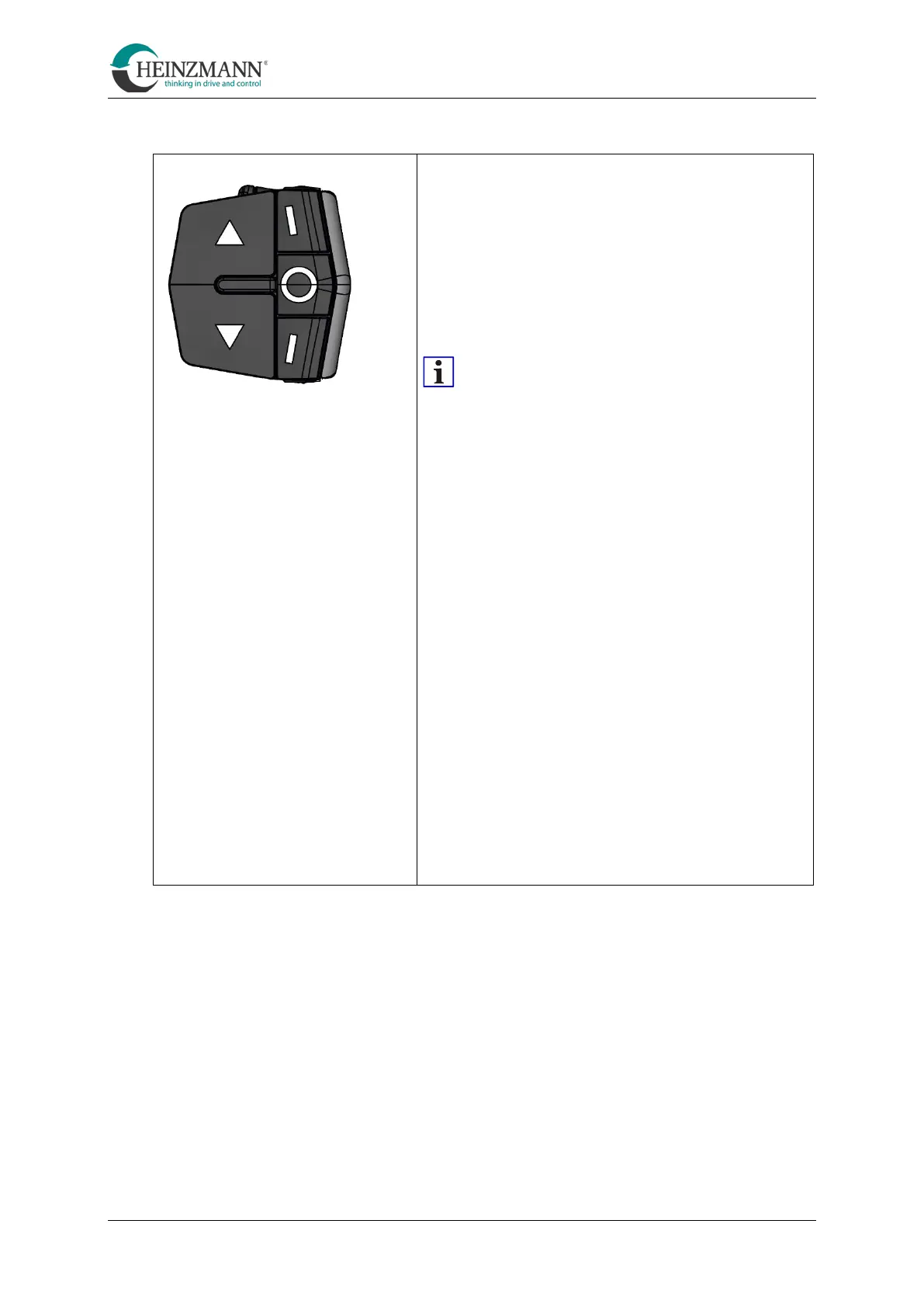
5.3.6 Change between CVT and manual transmission
Switching between manual transmission and
CVT gearbox:
• Press and hold button C ≥ 4 seconds
• When the CVT mode is activated, all nine
LEDs of the display bar now light up 2×.
The support level and battery charge status
are then displayed.
After activation of the CVT mode,
cadence is always 50 rpm.
Changing the target cadence:
• Button A = increase cadence
• Key C = decrease cadence
The adjustable target cadence is adjusted
5 rpm each. Each of the nine LEDs in the display bar
corresponds to such a step.
Setting range of the target cadence: 40 ... 80 rpm
Number Cadence
LEDs
9 = 80
8 = 75
7 = 70
6 = 65
5 = 60
4 = 55
3 = 50
2 = 45
1 = 40
B
C



 To Next Page