EasyManua.ls Logo

Hitachi VM-E110E - Date Search.25

Hitachi VM-E110E
40 pages
Print Icon
To Next Page IconTo Next Page
To Previous Page IconTo Previous Page
Loading...
DATE
SEARCH
The
date
search
function
memorizes
the
start
and
end
positions
of
recordings
you
made
on
a
specific
day
so
you
can
easily
locate
those
positions
later
as
long
as
the
cassette
is
left
in
the
camera/recorder.
NOTE:
Be
sure
that
the
date
and
time
are
set.
1.
Attach
a
power
source
and
slide
the
Operate
switch
to
"VIDEO".
2.
Press
the
DATE/TITLE
button
(the
DISPLAY
button
on
the
remote
control)
to
display
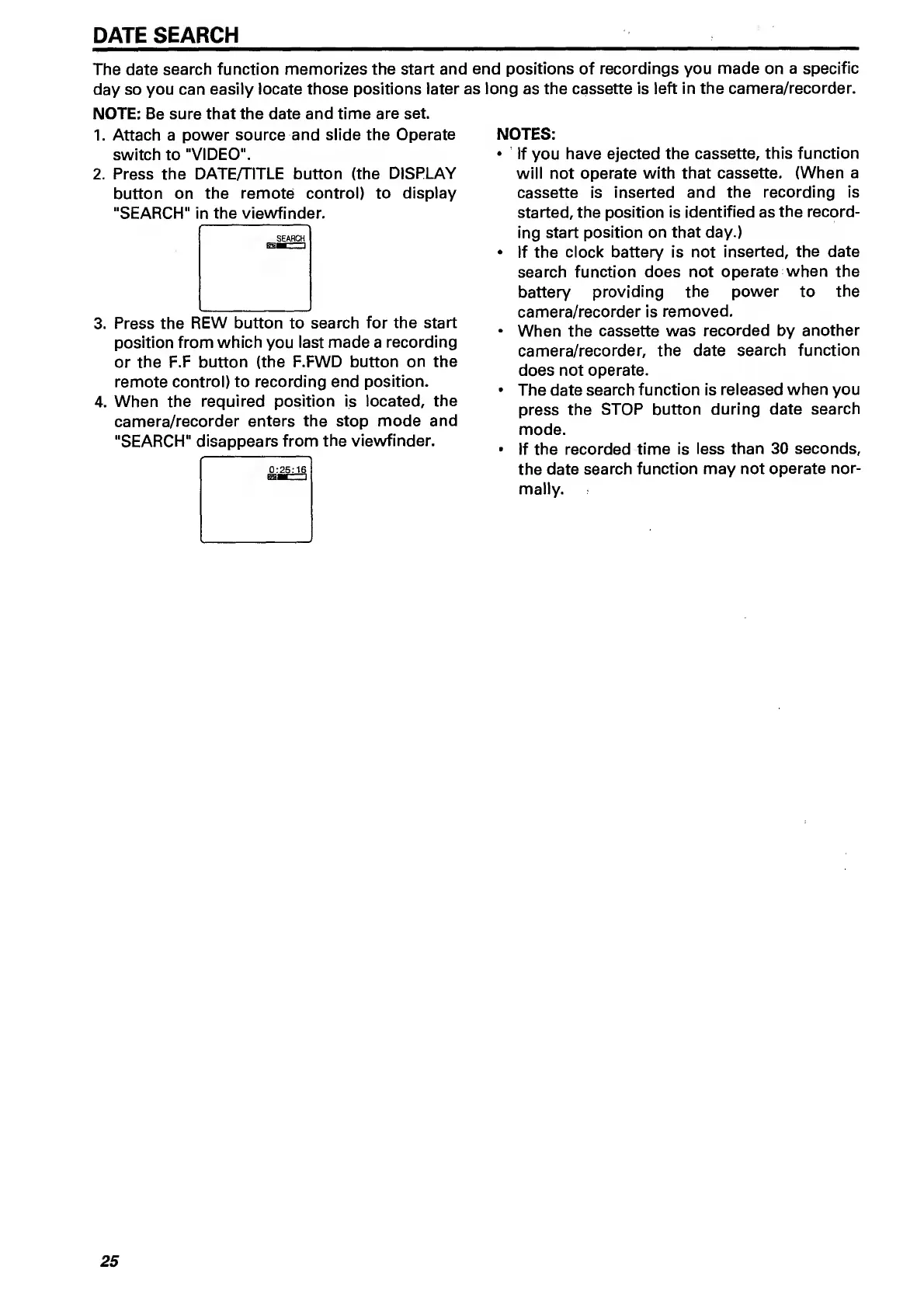
"SEARCH"
in
the
viewfinder.
3.
Press
the
REW
button
to
search
for
the
start
position
from
which
you
last
made
a
recording
or
the
F.F
button
(the
F.FWD
button
on
the
remote
control)
to
recording
end
position.
4.
When
the
required
position
is
located,
the
camera/recorder
enters
the
stop
mode
and
"SEARCH"
disappears
from
the
viewfinder.
NOTES:
If
you
have
ejected
the
cassette,
this
function
will
not
operate
with
that
cassette.
(When
a
cassette
is
inserted
and
the
recording
is
started,
the
position
is
identified
as
the
record¬
ing
start
position
on
that
day.)
If
the
clock
battery
is
not
inserted,
the
date
search
function
does
not
operate
when
the
battery
providing
the
power
to
the
camera/recorder
is
removed,
When
the
cassette
was
recorded
by
another
camera/recorder,
the
date
search
function
does
not
operate.
The
date
search
function
is
released
when
you
press
the
STOP
button
during
date
search
mode.
If
the
recorded
time
is
less
than
30
seconds,
the
date
search
function
may
not
operate
nor¬
mally.
25

Related product manuals