EasyManua.ls Logo

Hitachi VM-E110E - Attaching the Tele or Wide Converter.8; Programme AE; Flying Erase Head

Hitachi VM-E110E
40 pages
Print Icon
To Next Page IconTo Next Page
To Previous Page IconTo Previous Page
Loading...
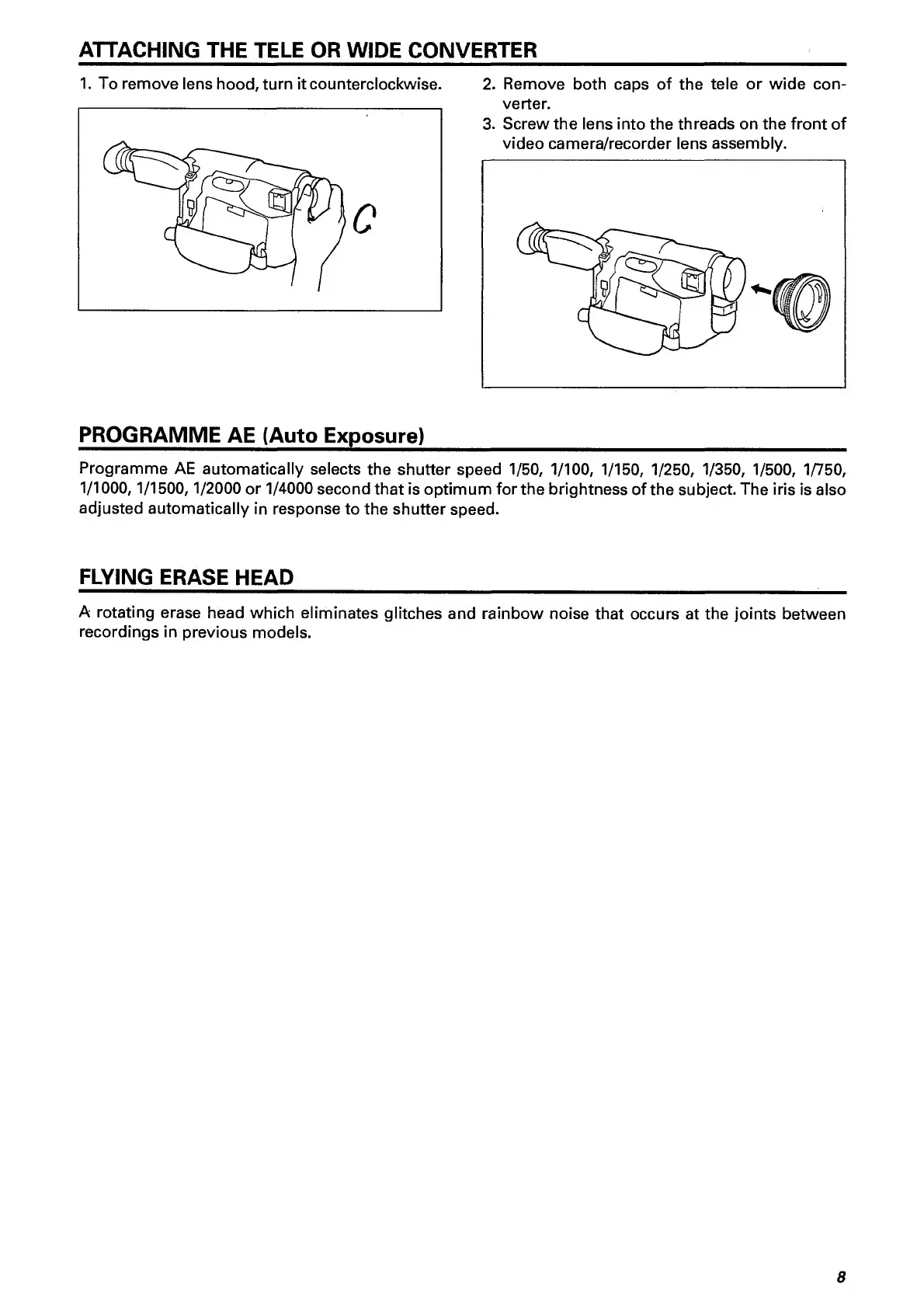
ATTACHING
THE
TELE
OR
WIDE
CONVERTER
__
1.
To
remove
lens
hood,
turn
it
counterclockwise.
2.
Remove
both
caps
of
the
tele
or
wide
con¬
verter.
3.
Screw
the
lens
into
the
threads
on
the
front
of
video
camera/recorder
lens
assembly.
PROGRAMME
AE
(Auto
Exposure)
_
Programme
AE
automatically
selects
the
shutter
speed
1/50,
1/100,
1/150,
1/250,
1/350,
1/500,
1/750,
1/1000,1/1500,1/2000
or
1/4000
second
that
is
optimum
for
the
brightness
of
the
subject.
The
iris
is
also
adjusted
automatically
in
response
to
the
shutter
speed.
FLYING
ERASE
HEAD
A
rotating
erase
head
which
eliminates
glitches
and
rainbow
noise
that
occurs
at
the
joints
between
recordings
in
previous
models.
8

Related product manuals