Chapter 9 Maintenance
9.1 Inspection and component replacement
The inspection of servo drive and component replacement will be described below.
9.1.1 Inspection
Servo drive does not need routine inspection, but the following items need to be inspected at least once a
year.
Handling in case of failure
No garbage, dust, oil stains, etc.
Please wipe with cloth or clean with air
gun.
Terminal blocks, connector mounting
screws, etc. shall not be loosened.
Please tighten it further.
9.1.2 Battery Replacement
When the battery voltage is below about 3V, "encoder battery alarm (A.830)" or "absolute encoder battery
abnormality alarm (A.930)" will be displayed.
When this alarm or warning is displayed, the battery needs to be replaced.
Battery Alarm/Warning Settings
Whether to display alarm or warning is set by alarm/warning of battery undervoltage (Pn 008 = n. X).
An alarm is displayed when the battery voltage drops (A.830).
An alarm is displayed when the battery voltage drops (A.930).
When Pn008=n.
0 is set
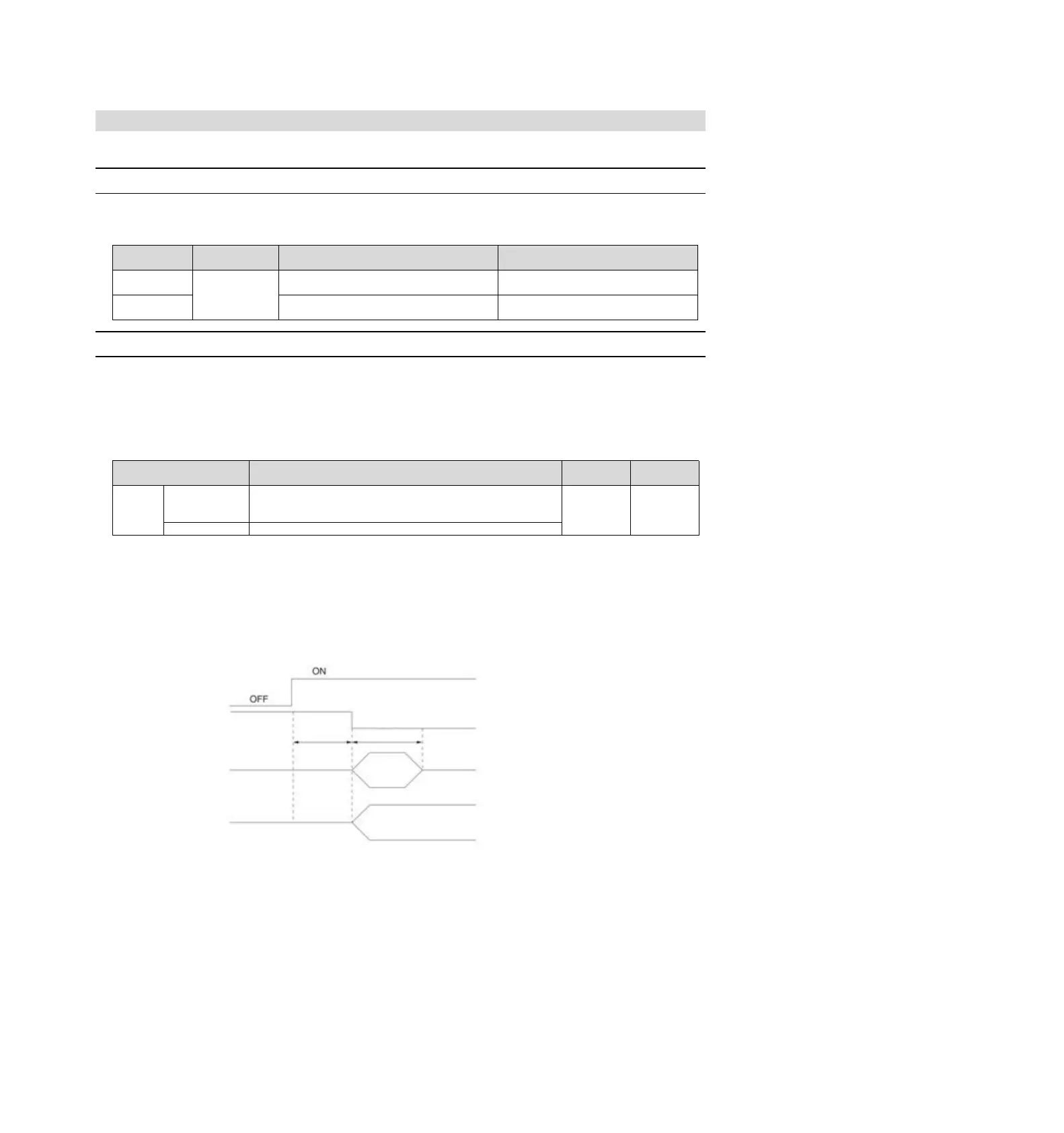
After switching on the power supply and outputting a servo alarm (ALM) signal for up to 5 seconds, monitor
the battery voltage for 4 seconds.
Even if the battery voltage drops below the specified value after 4 seconds, no alarm will be displayed.
When Pn008 = n.
1 is set
After the power supply is turned on and the servo alarm (ALM) signal is output for up to 5 seconds, the
battery voltage will always be monitored.
Battery Replacement Steps
◆ When installing the battery on the upper device
1. Only connect to the servo drive control power supply.
2. Remove the used battery and install the new battery.
3. Please turn off the servo drive control power supply to cancel the "A.830 (Encoder Battery Alarm)" display.
4. Connect to the servo drive control power supply again.
5. Confirm that the alarm display disappears and the servo drive can operate normally.
When the alarm
shows Pn008 = n.
0
When the alarm
shows Pn008 = n.
1
Battery voltage monitoring


 To Next Page