SecurView DX Workstation V12.0 Quality Control Manual
Chapter 4: Testing the Displays
MAN-09466 Revision 001 Page 15
When performing test procedures, note the following:
• Verify that the Barco USB Photometer is plugged into the same USB port in which it
was originally installed. If the sensor was removed for any reason, reconnect it as
explained in section Reconnecting the Photometer Sensor on page 16
before continuing.
• Verify that the felt pad is attached to the photometer sensor. If the felt pad is not
attached, reconnect it as explained in section
Attaching the Felt Pad to the Photometer
Sensor on page 16 before continuing.
• The new model of the sensor does not have a felt pad attachment. Verify that the
photometer sensor is open by swiveling the unit up away from its cover.
Note
The only functional difference between the previous model and the new model of the
Photometer Sensor is that the new model does not have the felt pad attachment. All
other functions are similar.
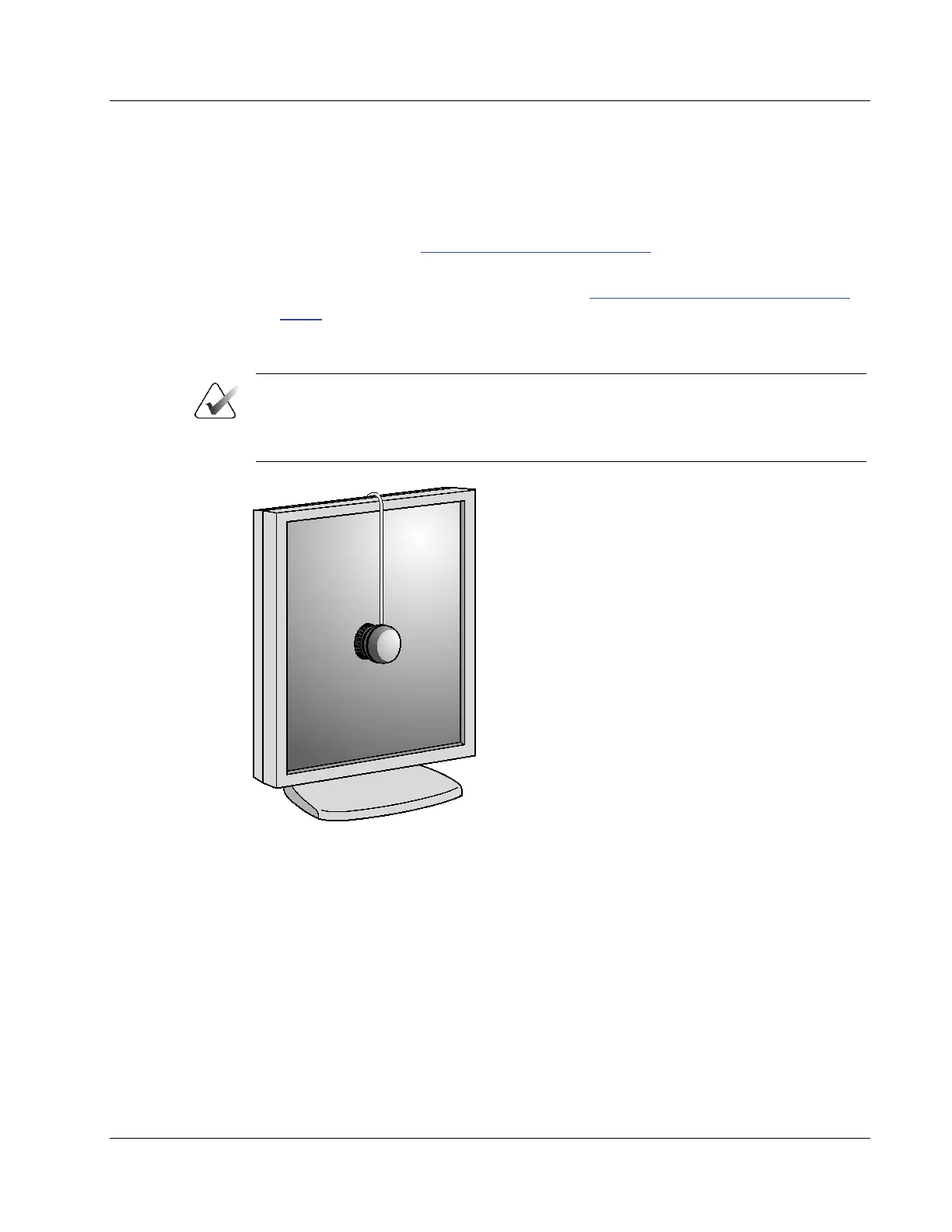
Figure 3: Using a Photometer to Calibrate the Display












 To Next Page